
3D Architectural Design Services
If you’ve ever tried to sell a building from elevations, sections, and a site plan, you already know the problem. Drawings are precise, technically correct, and almost entirely unreadable to anyone who isn’t trained to read them. 3D architectural design exists to close that gap — to turn the design intent locked inside a CAD file into something a client, an investor, a planning officer, or a buyer can actually look at and form an opinion about.
That’s the job we’ve been doing for over 2 decades across 1,500+ projects: taking what architects and developers know about a project and turning it into images, animations, and interactive walkthroughs that the rest of the team can use.
What 3D architectural design actually covers
“3D architectural design” is a phrase that gets stretched to mean a lot of different things. In our shop it covers the visual and presentation side of an architectural project — modeling, rendering, animation, and interactive output — not the engineering side. We don’t stamp drawings, we don’t do MEP, and we don’t sign off on structural calculations. What we do is take a design that already exists (or is being developed) and translate it into deliverables that other people can use to make decisions.
In practice that means a few distinct outputs, often combined on the same project:
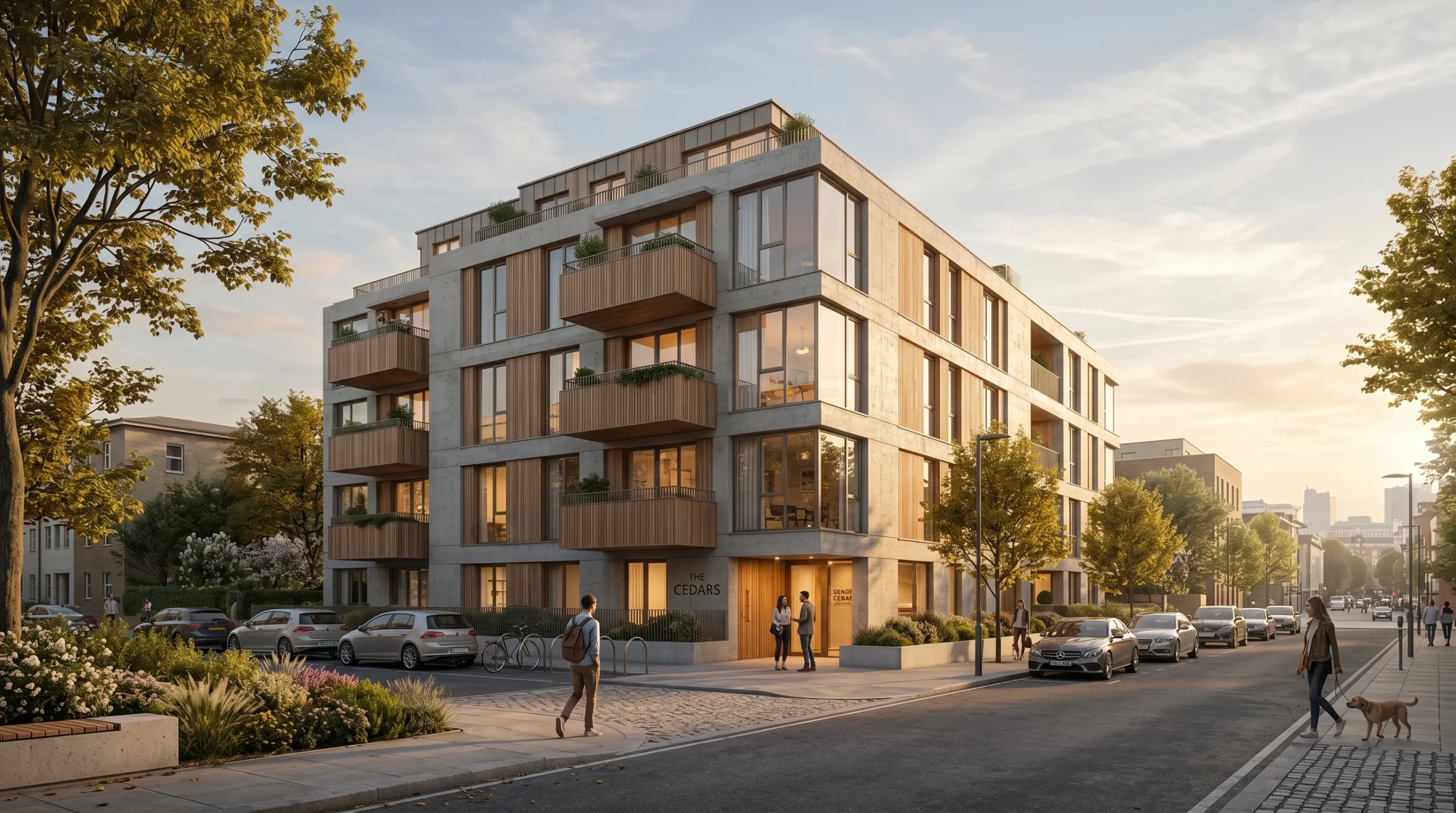
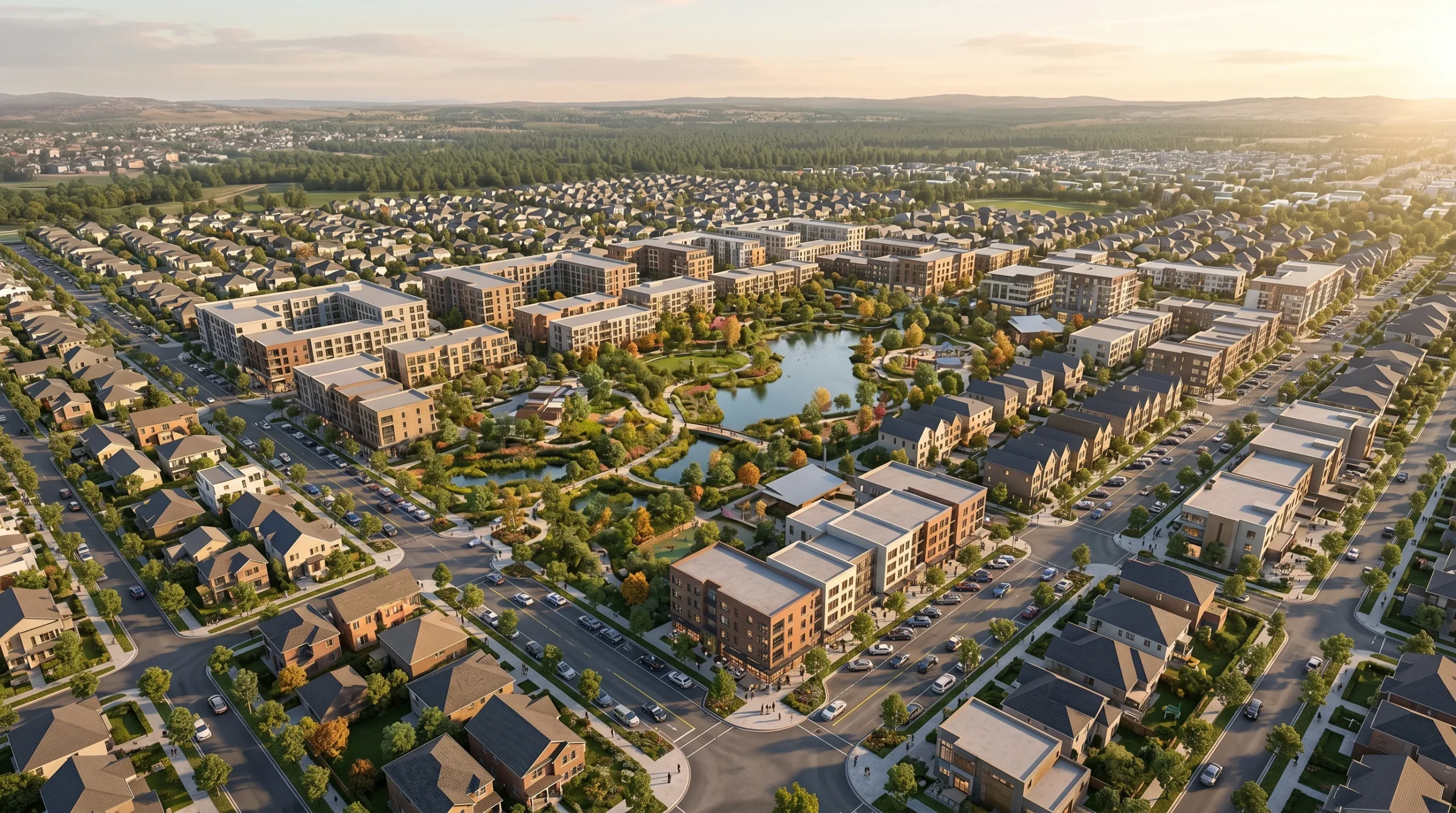
- Exterior renderings — facades, full massing shots, aerial views, dusk shots, contextual streetscapes for residential, commercial, mixed-use, and masterplan work.
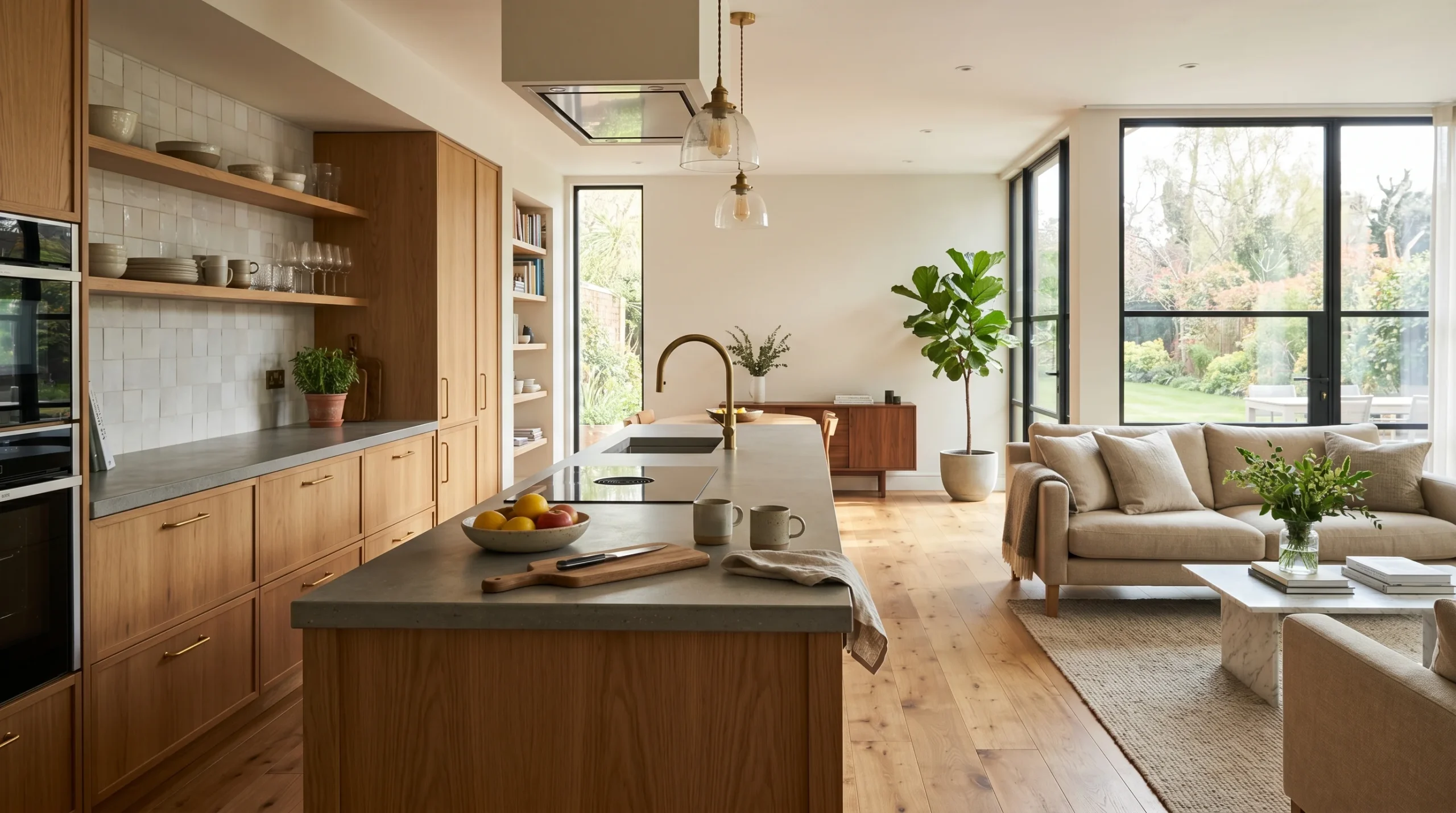
- Interior renderings — apartments, kitchens, bathrooms, lobbies, offices, hospitality interiors, retail.
- Architectural animation — flythroughs and walkthroughs built from the same 3D scene used for the still images.
- 360 panoramic tours — clickable nodes the buyer can drop into from a browser, no plugin required.
- Concept-stage visuals — fast, less polished images used internally during design iteration.
- Site and landscape concept renderings — to put a building in the context of where it actually sits.
What ties these together is the underlying 3D model. Build it once, properly, and the same scene drives stills, animation, 360 panoramas, and revisions. That’s the cost-efficient way to handle it. Building separate assets for each deliverable is how budgets get burned.
Exterior visualization: what the work looks like in practice
Exterior renderings are usually the first deliverable on an architectural project, and they carry the most weight in marketing. A facade shot in the right light, with the right plants and the right sky, is the image that ends up on the project website, the hoarding, the brochure, and the investor deck. It’s worth spending time on.
For a developer pitching off-plan apartments, the exterior render is often the single piece of media doing the heaviest selling. Most buyers won’t read the spec sheet carefully. They’ll look at the picture. So the camera angle, the time of day, the materials, and the surrounding context have to actually represent the building — not flatter it into something that won’t exist on completion.
We tend to push back when a brief asks for shots that don’t match what’s being built. Renders that overpromise come back as complaints later. Better to find the genuinely strong angles in the design and shoot those.
Interior visualization: convincing people what a room will feel like
Interior renderings answer a different question. Exteriors sell the project; interiors sell the experience of being inside it. The variables that matter most — light direction, ceiling height, material palette, sightlines — are exactly the things that are hardest to read from a plan.
Most of the time we work from drawings the client already has, plus a brief on the design intent. Sometimes that brief is a Pinterest board and three rooms the client likes from another project. Sometimes it’s a full furniture schedule and specified finishes. Both are workable. The first one takes more design conversation before the first render goes out; the second one moves faster.
For interiors specifically, the moment a clay render lands in the client’s inbox is the moment the project actually starts moving. Half the value is that everyone stops arguing about texture choices until the camera angle is locked.
From renders to animation
Animation is the next step up. Once the still images are signed off, the same 3D scene can drive a walkthrough or flythrough — a video that moves through the project the way a person would. For mid-rise residential, hospitality, masterplans, and anything where layout and circulation matter, the animation often does work that stills can’t.
For a developer pitching off-plan apartments, a walkthrough animation often answers questions that a drawing package cannot. How does the entry lobby feel when you arrive from the parking level? What’s the view from the corner unit on the seventh floor? Does the kitchen actually catch morning light? You can spend an hour explaining those things in a sales meeting, or you can show them in 60 seconds of video.
If animation is in scope from the start, we plan for it during modeling — cleaner geometry in the areas the camera will pass through, better material work on the surfaces that get screen time. Adding animation late, on a scene that was built only for stills, is doable but more expensive. Worth saying so up front. For more on this, our page on architectural animation goes into the production side in more detail.
360 panoramic tours and interactive presentations
Where stills and animation are linear — you decide what the viewer sees — 360 panoramic tours hand some of that control to the user. The buyer or investor clicks through nodes, looks around each space, and explores at their own pace. It works well for sales suites, off-plan releases, and any situation where you want the prospect to spend time exploring rather than being shown.
For studios with a design that benefits from being explored — open-plan apartments, hospitality spaces, retail interiors — 360 tours often outperform a video. Investors who spend ten minutes inside a virtual tour are noticeably warmer leads than ones who watched a 90-second flythrough. The exploration itself does some of the persuasion.
We deliver these as browser-based experiences — no app to install, no plugin required. The client gets a URL they can put behind a login or share publicly. For agencies and developers handling sales pipelines from multiple devices, that matters more than it sounds. If you’re already exploring how visualization fits into a property sales process, our page on how our services help real-estate sales teams covers that ground.
Who actually uses architectural visualization
The audience for this work is wider than people sometimes assume. The brief is rarely “make a pretty picture.” It’s almost always tied to a specific decision someone has to make.
- Property developers use renderings and animations to pre-sell off-plan units, secure financing, and align sales/marketing teams around a single visual language for the project.
- Builders and construction firms use visualization to communicate scope to clients and investors before — and during — construction. Our builders services page covers this audience specifically.
- Architects use it for client presentations, planning submissions, and competition work. The deliverable is usually a small batch of high-quality stills timed to a key meeting.
- Interior designers use it to lock material and lighting decisions with their own clients before installation starts.
- Real-estate professionals use it on listing sites, brochures, and marketing campaigns for projects that don’t physically exist yet.
- Investors use it during their own pitches — internal investment-committee presentations, fund prospectuses, partner meetings.
Most investors won’t spend an hour decoding elevations and sections. They’ll glance at the cover image and spend their real attention on the walkthrough. That ratio is worth keeping in mind when scoping the work.
Tools, software, and what we produce
The pipeline is built around 3ds Max and Corona Renderer for visualization, Revit and AutoCAD for any drafting that travels with the visualization, and After Effects and Premiere for post on animation deliverables. For 360 tours and interactive work we use Three.js where the experience needs to live in a browser.
Concretely, that means a typical project might deliver: high-resolution JPEG and PNG stills (print-ready and web-ready), MP4 video files in 1080p or 4K for animation, equirectangular panoramas plus a hosted tour link for 360 work, and source files where the client wants to keep editing in their own pipeline.
What we’ll need from you
To move fast on any architectural visualization brief, we need the building. That usually means floor plans, elevations, sections, and ideally a Revit or 3ds Max file. We can model from PDFs and reference photos if that’s all that’s available, but it adds time. The more accurate the source, the more accurate the render.
Then we need to know the intent. Camera angles, mood, time of day, material direction, level of context (does the building sit alone on white, or in a full street scene with cars and people?). For interiors: the design palette, the lighting design, and any specified furniture or finishes.
The process itself is short and predictable. We model and block out the scene, send a clay or grayscale pass for camera and composition approval, then add materials and lighting and deliver a draft render. Feedback rounds happen at the draft stage. Final delivery comes after sign-off. For projects with animation or 360 work, we lock cameras and tour nodes before final lighting — going back to relight scenes after sign-off is the most expensive kind of revision.
And the budget envelope and timeline. Serious projects always have some change orders; building in a few rounds of revision up front is more honest than pretending the first pass will land perfectly.
Where we sit honestly in the market
We’re not the best architectural visualization studio in the world at any single niche. There are boutique shops doing one thing better than we do — hero hospitality stills, museum-quality competition imagery, a few visualizers known for their personal style. If you need a specialist studio for one specific deliverable, there are studios more focused than us.
What we offer instead is breadth and volume. Over 2 decades of architectural visualization work across 1,500+ projects, and a team that can handle exteriors, interiors, animation, 360 tours, and the supporting drafting on the same brief without subcontracting any of it. That matters when a project has multiple deliverables on overlapping timelines — fewer handoffs, fewer coordination meetings, one consistent visual language across the whole package.