
A 3D architectural walkthrough is the part of a project that finally lets non-design people understand what they’re looking at. Drawings are precise. Renders are convincing. But a walkthrough — moving the camera through the building at human pace — is the format that closes the gap between a design team and everyone else who has to sign off on the work.
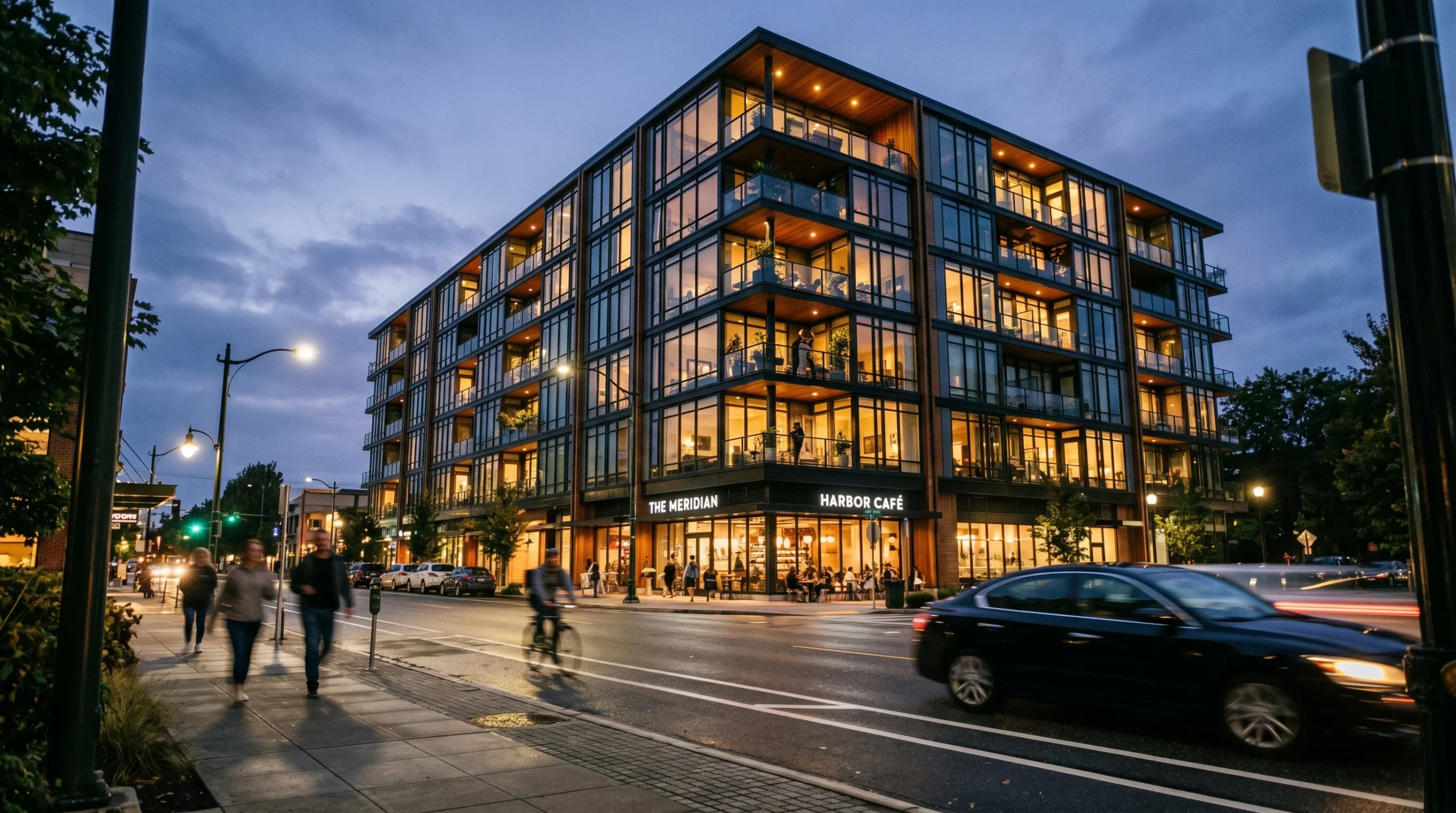
We make these for developers, architects, and marketing teams. Some are cinematic, rendered out frame by frame for a polished marketing video. Others are real-time, built in a game engine so the client can pick up a controller and steer the camera themselves. Same goal, different production path, very different cost and timeline.
What a 3D architectural walkthrough actually is
It’s an animated tour of a 3D model of a building — exterior, interior, or both — produced before the building exists, or sometimes alongside renovation work. The viewer travels through the space along a chosen route. Doors open. Light moves. The kitchen ties into the living room. The terrace connects to the garden. The lobby leads to the elevators.
Two production approaches dominate:
- Cinematic / pre-rendered walkthroughs. Built in 3ds Max, rendered through Corona, edited in After Effects and Premiere. Every frame is a finished render. The output is a video file — 30 seconds for a teaser, two or three minutes for a full marketing piece. Slow to produce, but visually the strongest format we deliver.
- Real-time / game-engine walkthroughs. The building lives inside a game engine. The viewer (or sales agent, or investor in a presentation) navigates freely. Faster iteration, less visual polish per frame than pre-rendered work, but you get interactivity in exchange.
Both are valid. The right answer depends on who watches it and where it gets played.
When a walkthrough earns its budget
Most investors won’t spend an hour decoding elevations and sections. They will watch a short video instead. That asymmetry is the entire commercial case for walkthrough animation. The drawing package is for the people who build the project. The walkthrough is for the people who fund, approve, or buy it.
Situations where the format pays for itself:
- Off-plan property marketing. Apartments and villas that aren’t built yet. A walkthrough makes the floor plan tangible and shortens the buyer’s decision cycle.
- Investor and stakeholder pitches. Mixed-use schemes, masterplans, hotel concepts. People who control money rarely have a planning background.
- Planning and community consultation. Showing local stakeholders what will sit on the corner lot, instead of asking them to imagine it from a site plan.
- Sales offices and showrooms. Real-time walkthroughs on a touchscreen let an agent walk a buyer through three layout variants in five minutes.
- Pre-construction client review. Catching “I didn’t realize that wall was there” before it costs anything to move.
Where a walkthrough is overkill: a single bathroom renovation, a small site with two stills that already tell the story, or a project where the audience is purely technical and will read the drawings anyway.
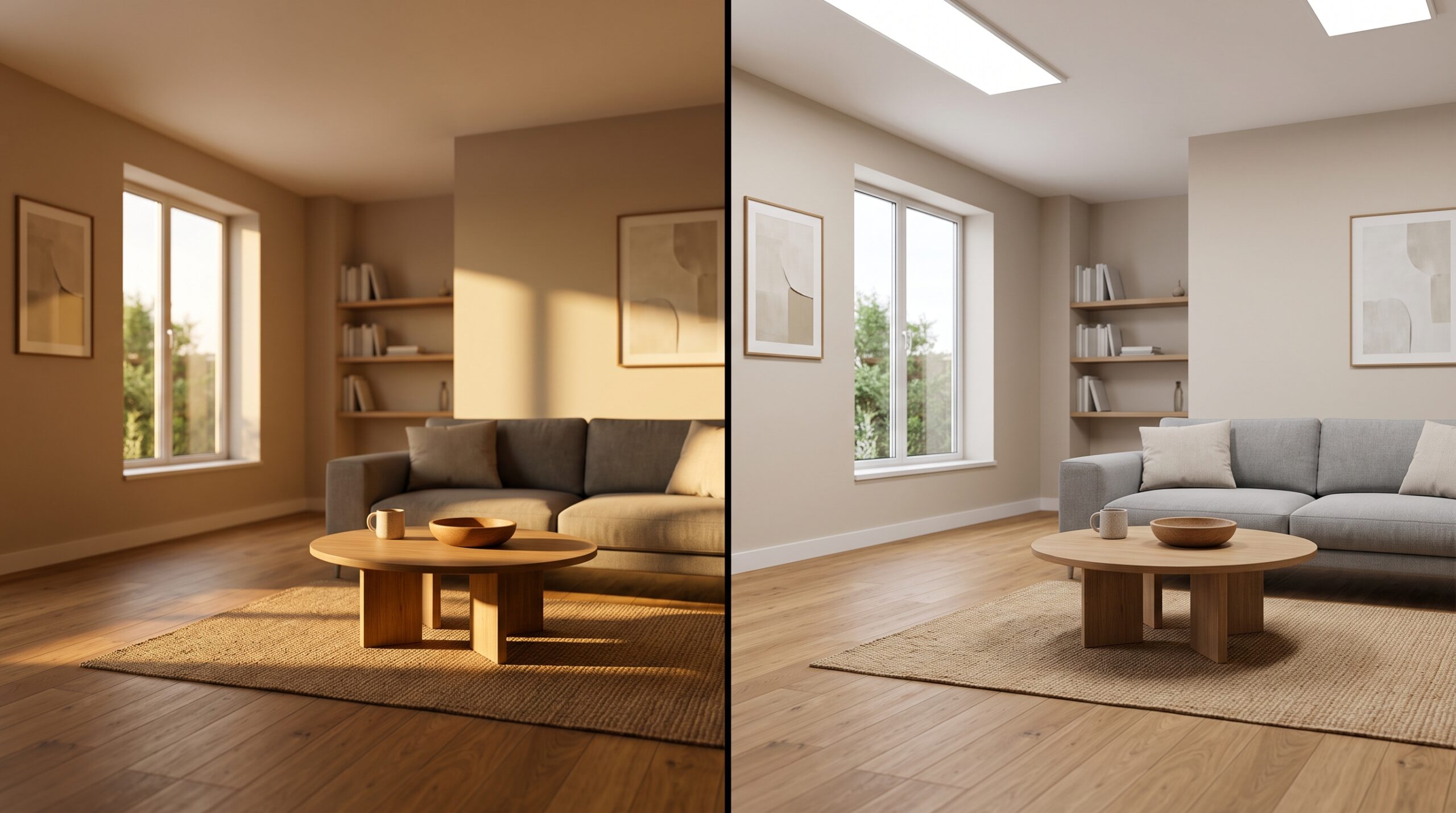
Cinematic walkthroughs vs. real-time walkthroughs
This is the decision that drives everything else — schedule, cost, asset detail, and what the final deliverable looks like.
Cinematic walkthroughs are the right choice when:
- The output needs to live on a website, social ads, or a sales-suite screen as a finished video.
- Visual quality is the whole point — high-end residential, hospitality, premium office space.
- The camera path can be locked early and doesn’t need to change once production starts.
- You want full control over lighting, materials, atmosphere, music, and the edit.
Real-time walkthroughs are the right choice when:
- Different viewers need different routes through the same space (sales agents, investors, internal review).
- The project will keep changing during the marketing window — layout options, material variants, day/night.
- You’re presenting on a kiosk, VR headset, or web browser and need interactivity, not just video playback.
- Speed of iteration matters more than the absolute photographic polish of any single frame.
Plenty of projects use both: a polished cinematic for the launch campaign, a real-time build for the sales office. They share a model and diverge at the rendering stage.
How a walkthrough actually gets made
The studio side of the work follows a fairly stable pattern. We’ve done enough of these that surprises are rare:
- Model and dress the scene. Architecture, interiors, landscape, furniture, props, exterior context. Whatever the camera will see has to exist in the 3D scene.
- Light and material the project. Sun position, sky, interior lighting fixtures, material setup for finishes. This is where the look gets locked.
- Plan the camera path. Storyboard or animatic. For a cinematic, this is binding. For a real-time build, it defines the demo route.
- Test renders, then full render or engine build. Pre-rendered work goes out to a render farm or local cluster — long render times, big files. Real-time work moves into the engine for optimization, lighting baking, and interaction setup.
- Edit, audio, and delivery. Cinematic gets edited in Premiere with music and sound design. Real-time builds get packaged for whatever device they need to run on.
Serious projects always have some change orders. A bathroom layout shifts, a facade material changes, a tree line moves. The cost of those changes is much lower if they hit in pre-production than in the rendering phase. That’s worth knowing before you sign off on a camera path.
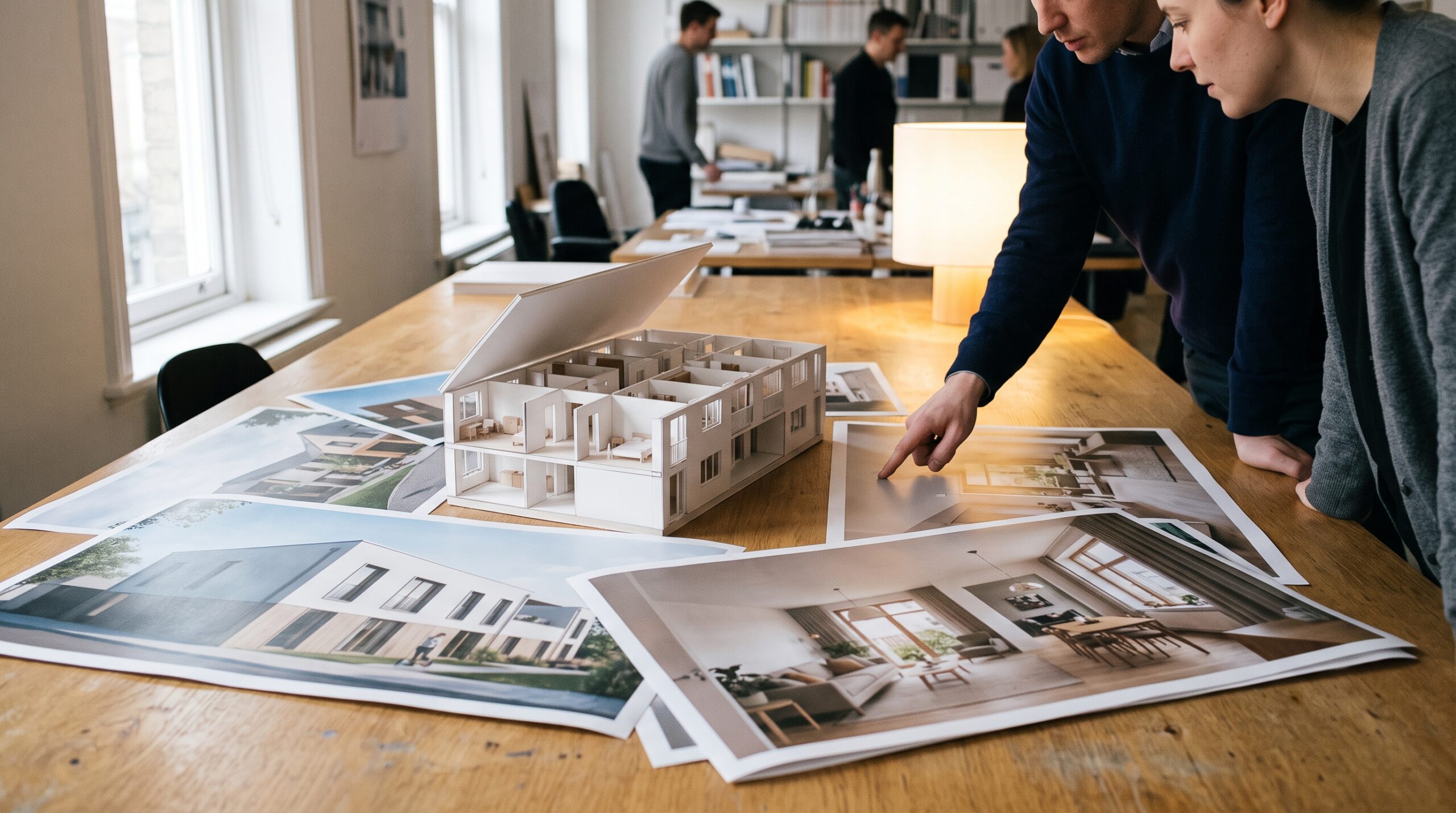
What to brief the studio on
Walkthroughs go wrong when the brief is vague. They go right when somebody on the client side has thought about the following:
- Audience and venue. Who watches it, on what screen, in what context. A sales-suite video and a planning-committee video are not the same edit.
- Length. 30 seconds, 60, 90, 120, 180. Cost scales with this almost linearly.
- Route and key moments. Front approach, lobby, into a unit, out to the terrace. Or whatever sequence sells the story.
- Reference material. CAD, Revit, BIM models if they exist. Style references — videos or stills you like the look of.
- Aspect ratio and resolution. Vertical for social, 16:9 for web, 4K for sales screens.
- Music and voiceover. Decide whether the studio sources these or the client supplies them.
The brief doesn’t have to be perfect. It does have to exist.
Common deliverables, in plain language
For a typical project we deliver some combination of the following:
- A finished walkthrough video in the requested aspect ratios and resolution.
- Project stills pulled from key frames — useful for press, listings, and brochures.
- A short teaser cut for social, in addition to the main video.
- For real-time work, an executable or web build the client can run on their target device.
- 360° panoramas from selected camera positions, where a hybrid format suits the audience.
Most walkthrough projects sit alongside still architectural renderings and, for interior-led projects, a 3D interior design presentation. A single 3D scene can feed all three formats, which is part of why walkthrough work tends to be the most cost-effective once the model already exists for renders.
What walkthroughs don’t replace
A walkthrough is a presentation tool. It is not a construction document, a structural analysis, or a permit submission. We don’t stamp drawings, run load calculations, or take engineer-of-record responsibility — and a video flythrough doesn’t change any of that. If a project needs both marketing visuals and technical drawings, those are two different streams of work, even when they share a base model.
That distinction matters because we occasionally get briefs that conflate them. A beautiful walkthrough animation tells you nothing useful about whether a beam can carry its load. Keep the formats in their lanes.
Picking between formats: a short test
If you can answer “yes” to most of these, you want a cinematic walkthrough:
- The output will live as a video on web, social, or a screen.
- One route through the space tells the story.
- The design is settled enough to lock a camera path.
- Final-frame visual quality matters more than interactivity.
If you answer “yes” to most of these, you want a real-time walkthrough:
- You need viewers to control the camera or pick options.
- Material or layout variants are part of the pitch.
- The project will be shown live, on kiosks, VR, or in browser.
- Iteration speed matters more than maximum photographic polish.
For most studio projects, that test makes the call. When it doesn’t, the answer is usually “both” — and we plan the model accordingly.
See the full range of services for how walkthrough work fits with renders, animation, and interactive presentation.