
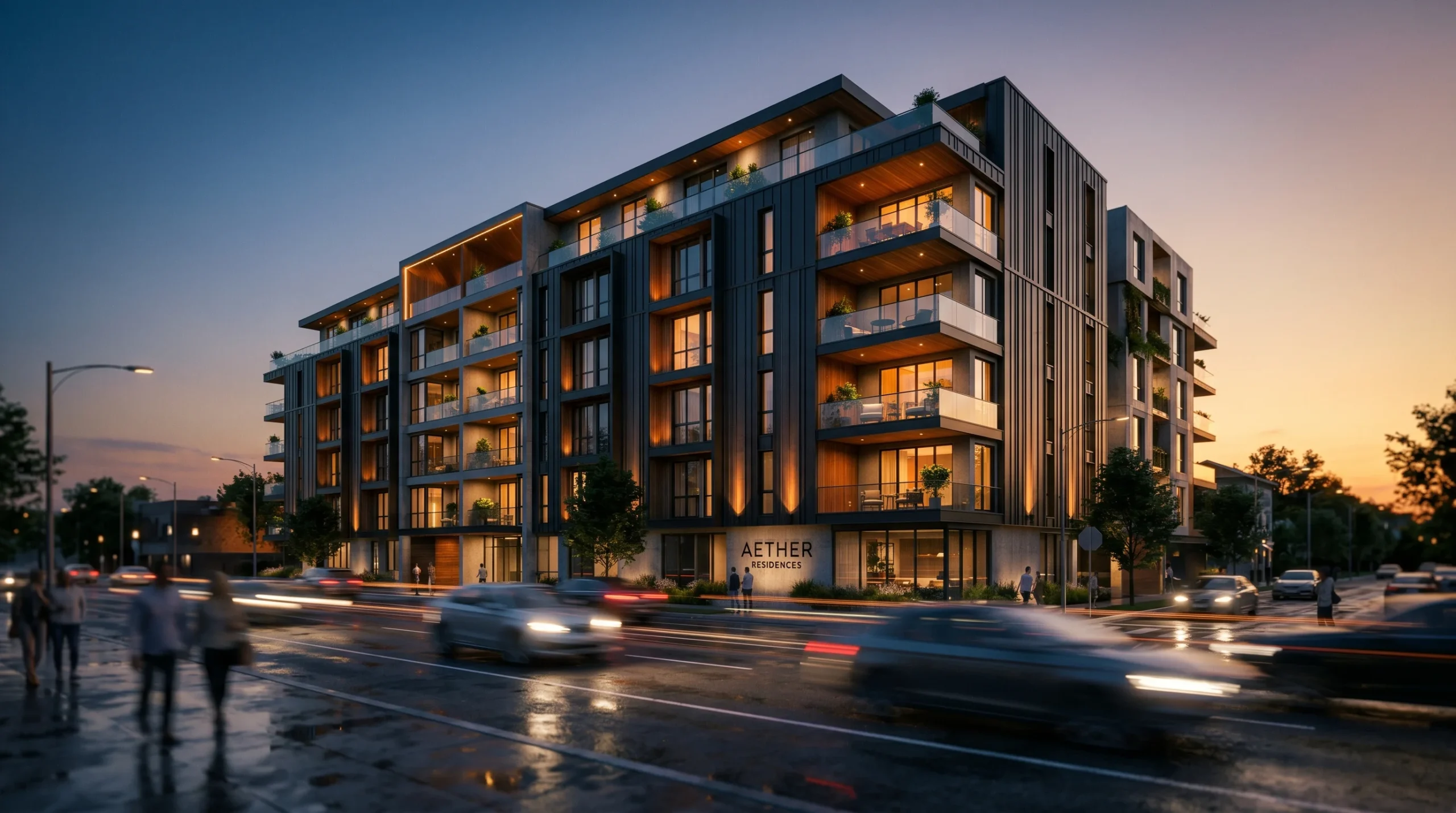
A still render sells the mood. An archviz animation sells the building. For some pitches a single hero image is enough — for off-plan apartments, masterplans, and mixed-use developments, a moving camera does the work that two dozen drawings can’t. We’ve been producing architectural animation for over 2 decades across both traditional 3ds Max plus After Effects pipelines and real-time game-engine builds. This piece is the studio’s own take on when animation actually moves a deal forward, what it takes to make, and where the budget really goes.
When Archviz Animation Is Worth the Money
Not every project needs one. We say that out loud because the reflex in this industry is to upsell. A single luxury villa for a private client? Usually a render package is plenty. A 22-unit boutique condo aimed at investors who will never visit the site? That’s where a 60-second flythrough earns its fee.
The cases where animation pulls its weight tend to share a pattern:
- Off-plan sales. Buyers commit before the building exists. A walkthrough answers spatial questions a floor plan never will.
- Investor pitches. Most investors won’t spend an hour decoding elevations and sections. Two minutes of camera movement does what a deck cannot.
- Masterplans and large sites. The relationship between buildings, public space, vehicle routes, and pedestrian flow only reads in motion.
- Approval and stakeholder meetings. Councils, boards, planning committees — moving imagery is harder to argue with than static elevations.
- Marketing campaigns. Social, web, and broker channels need video. A still render uploaded to Instagram does about a quarter of the work a clip does.
The honest counter-cases: tight budgets, single-asset residential briefs, and projects where the client just needs documentation. We’ll talk anyone out of an animation they don’t need. There are too many studios that won’t.
Cinematic Walkthroughs vs. Real-Time Tours
There are two production paths under the same banner, and they get confused all the time. They serve different goals and they cost very different amounts of time.
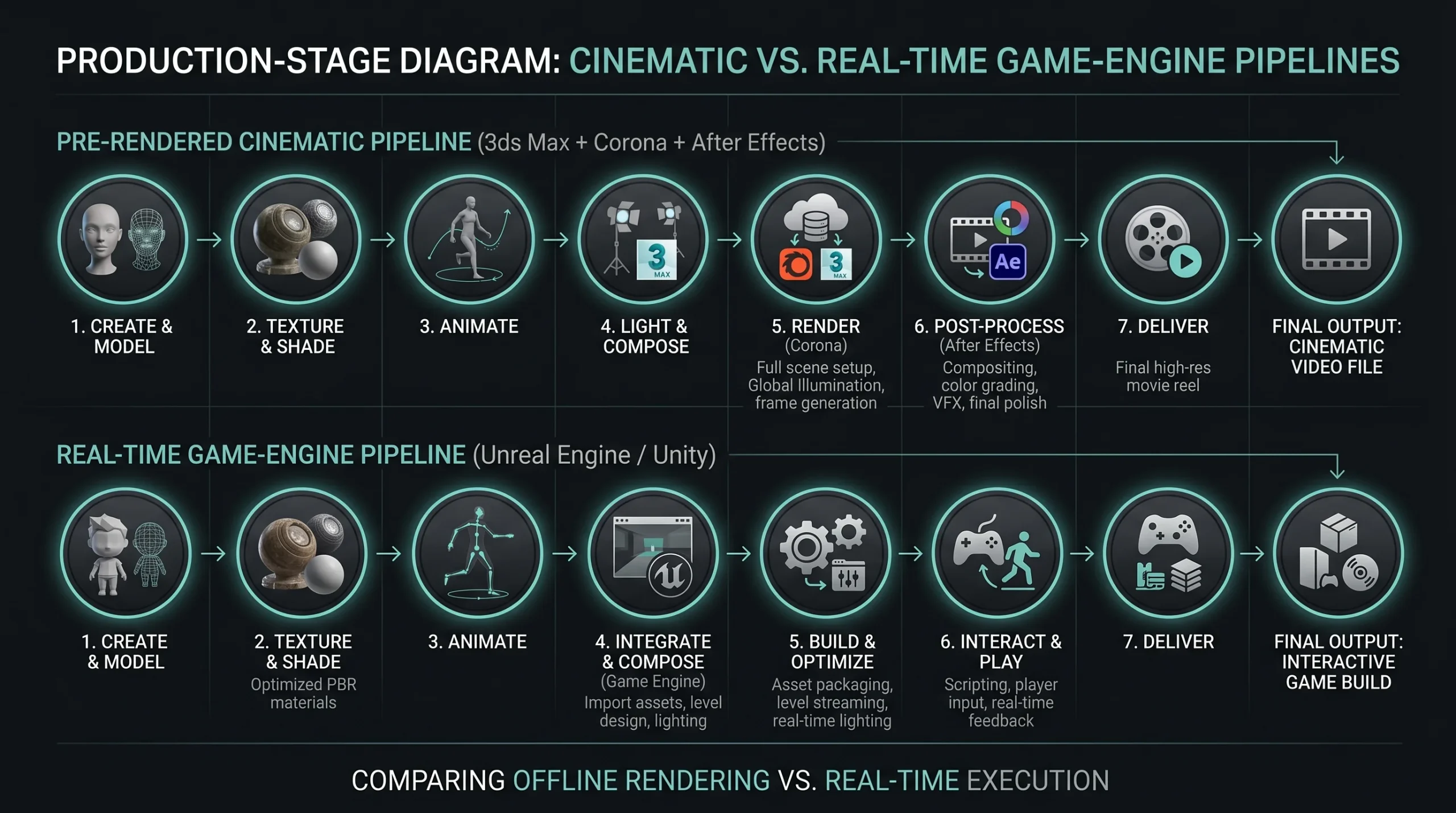
Cinematic (pre-rendered) walkthroughs are what most people picture: scripted camera paths, frame-by-frame rendering in Corona, edited in After Effects and Premiere with grade and sound. Render quality is film-grade because each frame can take minutes or hours. The viewer cannot deviate from the camera path — they watch what you choreographed.
Real-time walkthroughs are built in a game engine. Quality is excellent but not photoreal in the same way. The trade is interactivity: the client (or a buyer on a sales floor) can move the camera, open doors, swap finishes, toggle furniture. For sales centers and trade shows, this is often more valuable than a sealed cinematic. Our 3D walkthrough services page goes deeper on that side.
Most serious projects end up using both, repurposed across channels. The cinematic anchors the website hero and broker decks. The real-time tour lives in the sales office and at events.
What Actually Happens During Production
Clients who’ve never commissioned animation tend to underestimate three stages and overestimate two. Here’s how the time really splits.
Pre-production and Camera Choreography
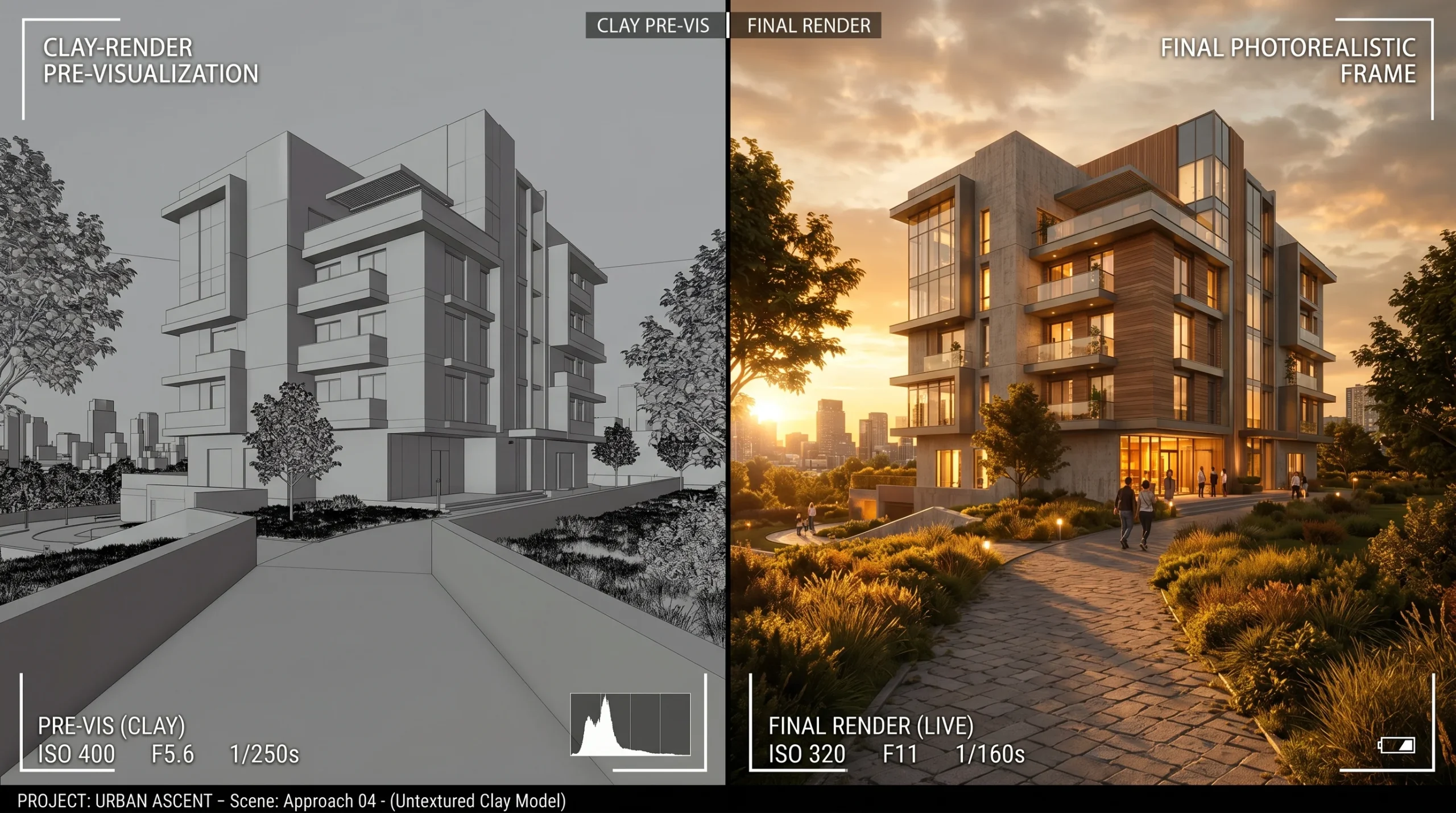
This is the stage everyone wants to skip. They shouldn’t. The camera path decides whether a building looks confident or like real-estate stock footage. We block out movement in low-quality clay renders first — half the value of clay is that everyone shuts up about texture choices until the camera is locked. A bad approach shot ruins the whole project; reshooting it after final render is a budget conversation no one enjoys.
Modeling and Scene Build
If you already have a verified 3D model of the building, this stage is fast. If you have only DWGs and reference photos, expect this to take the bulk of the schedule. Surroundings — context buildings, vegetation, streets, sky — eat more time than the hero asset on most jobs.
Lighting and Look Development
One pass at sunrise, one at midday, one at dusk. Choose. Trying to look good at all three usually means looking great at none. We lock the time of day early and build the entire lighting solution around it. Materials and finishes are signed off here, before any animation frames render.
Animation, Rendering, Compositing
The render farm runs. This is the longest stage in wall-clock terms and also the one where the studio can do least to compress it — frames take what they take. We render in passes (beauty, ambient occlusion, ID mattes, depth) so we can adjust color, contrast, and atmosphere in compositing without sending shots back to the farm.
Edit, Sound, Delivery
Cut in Premiere, polish in After Effects, music and ambience layered last. A two-minute architectural piece typically delivers in 4K, with shorter cutdowns for social and a silent web-loop version. Sound design is the cheapest way to make a project feel more expensive — most studios skip it.
Where Budgets Get Burned
A few patterns we see repeatedly, mostly avoidable:
- Late camera changes. Once frames are rendering, every reshoot reruns the farm. Lock the camera in pre-vis.
- Indecisive finishes. Swapping a stone facade for a metal panel after lighting is locked means redoing lighting. Decide before look-dev signoff.
- Mid-project scope creep. Adding a second building or an interior walkthrough halfway through is a new project, not a tweak. Serious projects always have some change orders. Plan for two rounds; treat anything beyond that as an addendum.
- Asking for “more cinematic.” That word means nothing without reference. We ask for three video references before we start. They settle more arguments than any briefing document.
The Tools We Actually Use
We’re a 3ds Max plus Corona Renderer studio for the photoreal side. After Effects and Premiere handle compositing and edit. For real-time work, we build in a game engine and deliver browser-ready or desktop-executable experiences. For interactive web-based tours and configurators, our walkthrough services overlap with our WebGL work.
Our animation work is architectural. If your brief is closer to a character-driven explainer with speaking roles, that’s a different type of engagement — we do undertake character animation projects when the scope is clear, so reach out and we’ll advise on the right approach.
What a Realistic Project Looks Like
For a typical mid-sized residential or commercial archviz animation, the deliverable bundle usually includes:
- A 60-120 second hero film at 4K, edited with music and sound design
- 15-30 second cutdowns formatted for vertical and square social
- A silent web-loop version with a clean tail for autoplay backgrounds
- 3-6 still hero renders pulled from the animation scene
- Raw assets (master cut, project files, renders) on request
That bundle covers most marketing, sales, and stakeholder needs from a single production cycle. Repurposing one well-built scene across channels is where the economics finally make sense.
If you’re weighing whether archviz animation fits your project, the test is simple: does the building need to be understood in motion, or can a static image carry the message? Honest answers save budget.