
Most clients call us when a still image is no longer doing the job. The renders look great on the brochure, the floor plans are clear to the architects — but the sales team needs something that moves, something an investor or a buyer can sit through for ninety seconds and actually feel the building. That is the job a 3D architectural animation studio exists to do, and after more than 2 decades and 1,500+ projects we have a fairly direct view of which animations earn their cost and which ones do not.
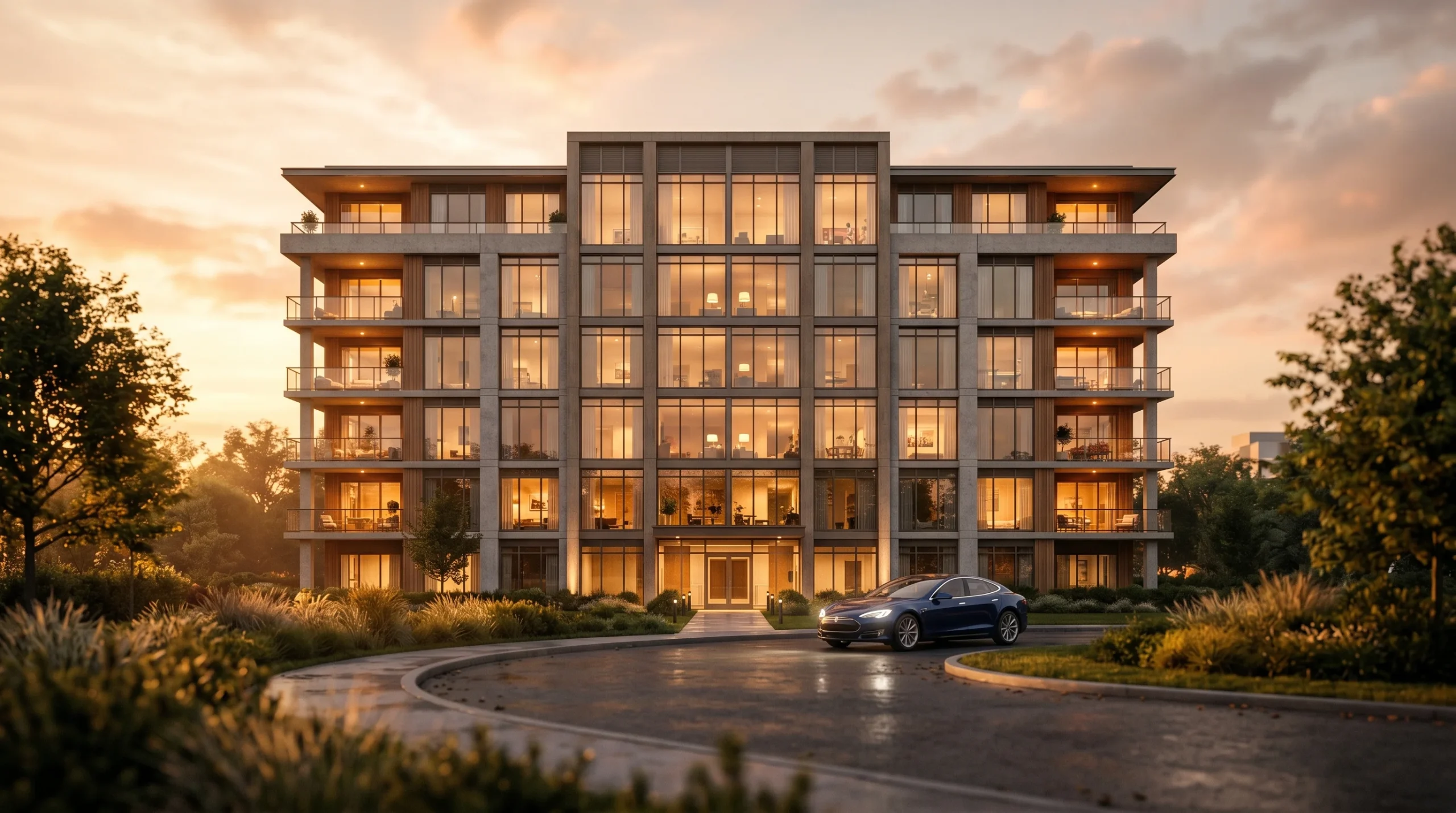
This page is the plain version. What an animation studio actually delivers, the formats that tend to matter, the tooling behind the work, and the honest tradeoffs we share with clients before quoting.
What a 3D Architectural Animation Studio Delivers
The word “animation” covers a lot of ground. In practical terms, the work we are usually asked for falls into a few clear buckets:
- Cinematic walkthroughs — a curated camera path through interiors and exteriors, edited like a short film, scored, color-graded. Built to live on a sales site or play in a sales centre.
- Aerial flythroughs — exterior and masterplan-scale shots, often the only practical way to communicate a multi-building site or a high-rise context.
- Marketing and pitch videos — short, punchy edits assembled from animation, still renders, motion graphics and text overlays. For investor decks and social.
- Construction-phase and concept videos — animations that show the sequencing of a build, the unfolding of a masterplan, or the design intent behind a facade.
- Real-time walkthroughs — game-engine builds where, instead of a pre-rendered video, the viewer (or salesperson) moves through the building live on a screen or tablet.
Most projects sit in the first three categories. Real-time work is growing — useful, expensive, and not always the right answer. More on that below.
Why Developers and Architects Commission Animation
The honest version: drawings do not sell buildings. Most investors will not spend an hour decoding elevations and sections. A render at the right angle gets you part of the way; an animation gets you the rest, because it answers questions the brain is already asking. What does the entrance feel like? How does the light move through the lobby? Where am I in relation to the park?
We have seen projects lose momentum simply because nobody outside the design team could understand the drawings. A two-minute animation is not a substitute for documentation — it is a translation layer between the design and everyone who has to react to it.
For an off-plan residential developer pitching apartments before the slab is poured, a walkthrough animation often closes the gap between brochure and decision. For an architect presenting at a planning committee, a contextual flythrough does more in ninety seconds than a deck of perspective renders.
How the Work Actually Gets Made
From inside the studio, the production of an architectural animation looks roughly like this. We are not going to pretend it is glamorous.
- Brief and references. Reference frames from films, mood photography, existing photography of the site, the architect’s drawings, materials palette. The clearer the brief, the cheaper the project.
- Modelling. Built in 3ds Max, often from Revit or CAD geometry the architect supplies. Where we are also handling the 3D architectural design end of the work, the model is already in our pipeline.
- Materials and lighting. Corona Renderer for the heavy lifting. Sun studies for the exterior shots. Realistic interior light wherever the camera is going to land.
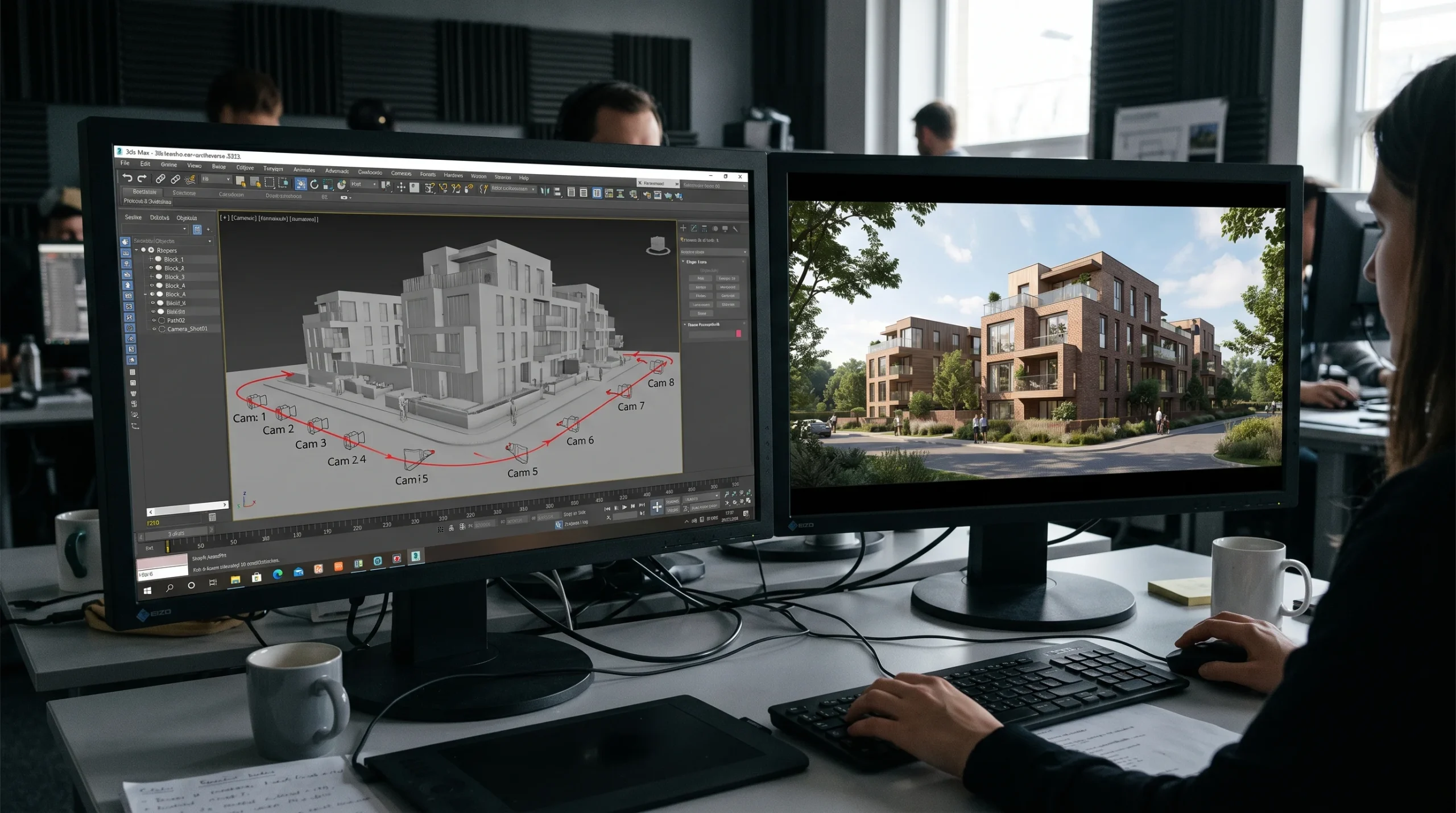
- Camera and blocking. A grey-shaded “clay” pass goes to the client first — camera paths, timing, framing — so we lock the shot list before anything renders to final quality. Half the value of a clay render is that everyone stops debating texture choices until the camera angle is fixed.
- Final rendering. Long. Render farms eat the night shift.
- Compositing, edit, sound. After Effects and Premiere. Color grading, atmospheric work, sound design — this is where a good render gets pushed further than people expect.
Serious projects always have some change orders. The clay-pass step is what keeps those manageable; the cost of moving a camera at storyboard stage is a fraction of the cost of re-rendering a final shot.
Traditional Animation vs Real-Time Walkthroughs
Clients increasingly ask whether they should go straight to a real-time, game-engine-driven walkthrough instead of commissioning a pre-rendered video. The honest answer is: it depends on who watches it.
- Pre-rendered cinematic animation — the visual quality ceiling is higher, the file is a video anyone can play, and the edit can be tuned to maximum impact. Best for marketing, social, sales sites, investor pitches.
- Real-time walkthrough — the viewer drives, which is powerful in a sales centre or for buyers configuring options. Visuals are improving fast but still trail a pre-rendered frame. Best for interactive demos and showroom hardware.
For most developer marketing, the pre-rendered video still wins on cost-per-impression. For a flagship sales centre with serious foot traffic, the real-time build can be worth every dollar.
Where Animation Sits Alongside Stills and Tours
An animation rarely travels alone. The package most of our developer and architect clients end up with looks something like: a hero 3D architectural animation for the launch, a set of hero still renders for print and digital, and a 360 panoramic tour for the website that lets prospects look around at their own pace. Each format does something the other two cannot.
That is also why working with one studio across the lot tends to be cheaper than fragmenting it. The model is already built, the materials are already authored, the lighting setups already work. Reusing them across stills, animation and panoramas is what makes the package economically sane.
What We Do Not Do
We are a visualization studio. We are not a stamped-engineering office. We do not produce engineering-certified construction documentation, structural calculations, or permit-stamped drawings. The animation work explains the design — the licensed architect or engineer of record stays in their lane, and we stay in ours.
We also do not name specific past clients in published content. A significant share of our 1,500+ projects came through intermediary agencies where the end client was much larger than the agency, and direct naming would be inappropriate. References can be discussed privately when a project is serious.