
If you came here looking for a fixed price tag on a 3D architectural animation, you already know the honest answer: nobody serious quotes you a number before they understand the brief. A thirty-second exterior flythrough of a single villa and a three-minute mixed-use masterplan walkthrough share a job title and almost nothing else. So instead of pretending otherwise, here is what actually moves the 3D architectural animation cost up or down — written from the studio side, not from a calculator app.
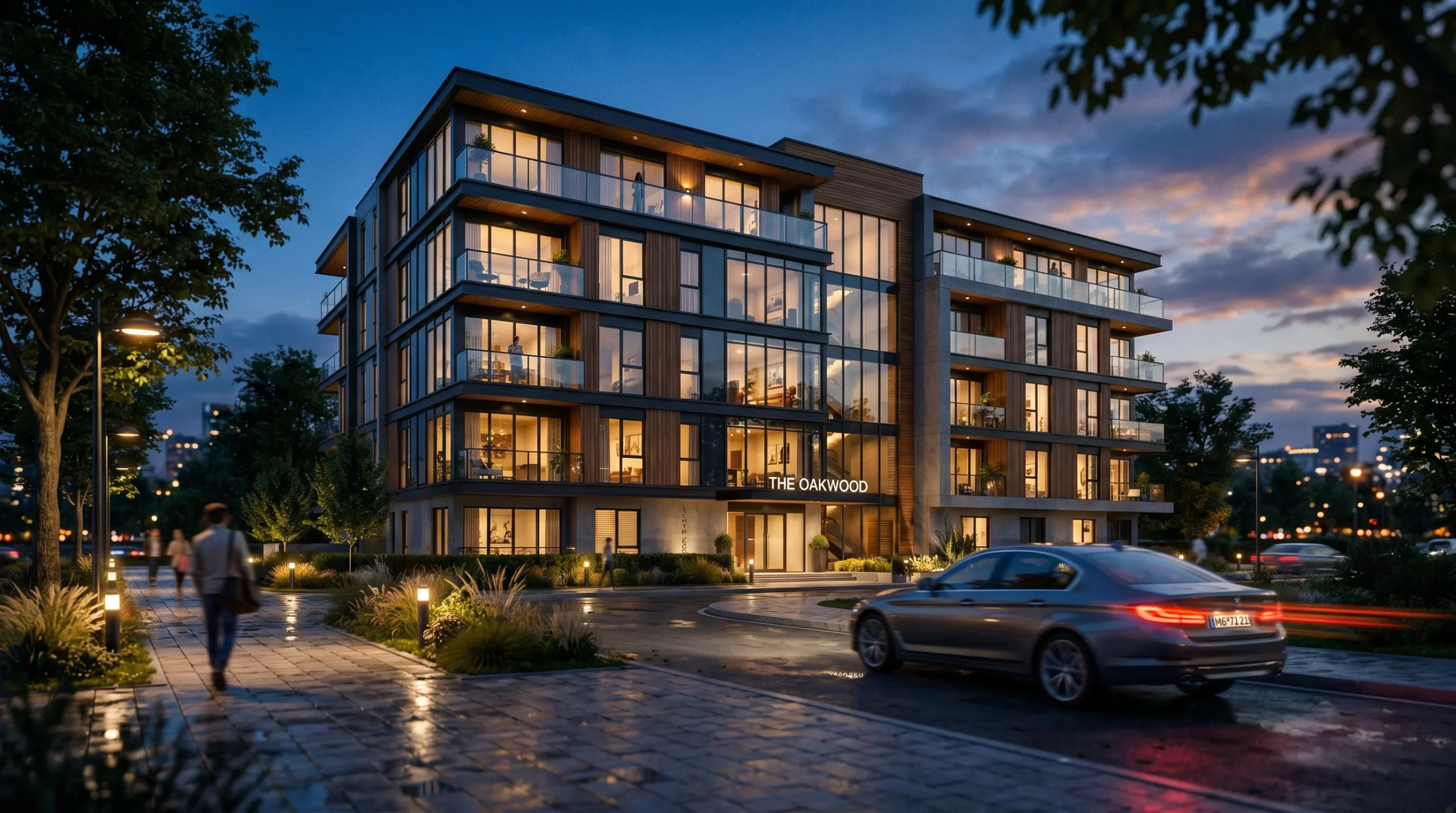
We’ve delivered over 2 decades of work across more than 1,500+ projects, and the conversations about budget almost always come back to the same handful of levers. Understanding them before you ask for a quote will save you a week of back-and-forth.
What you’re actually paying for
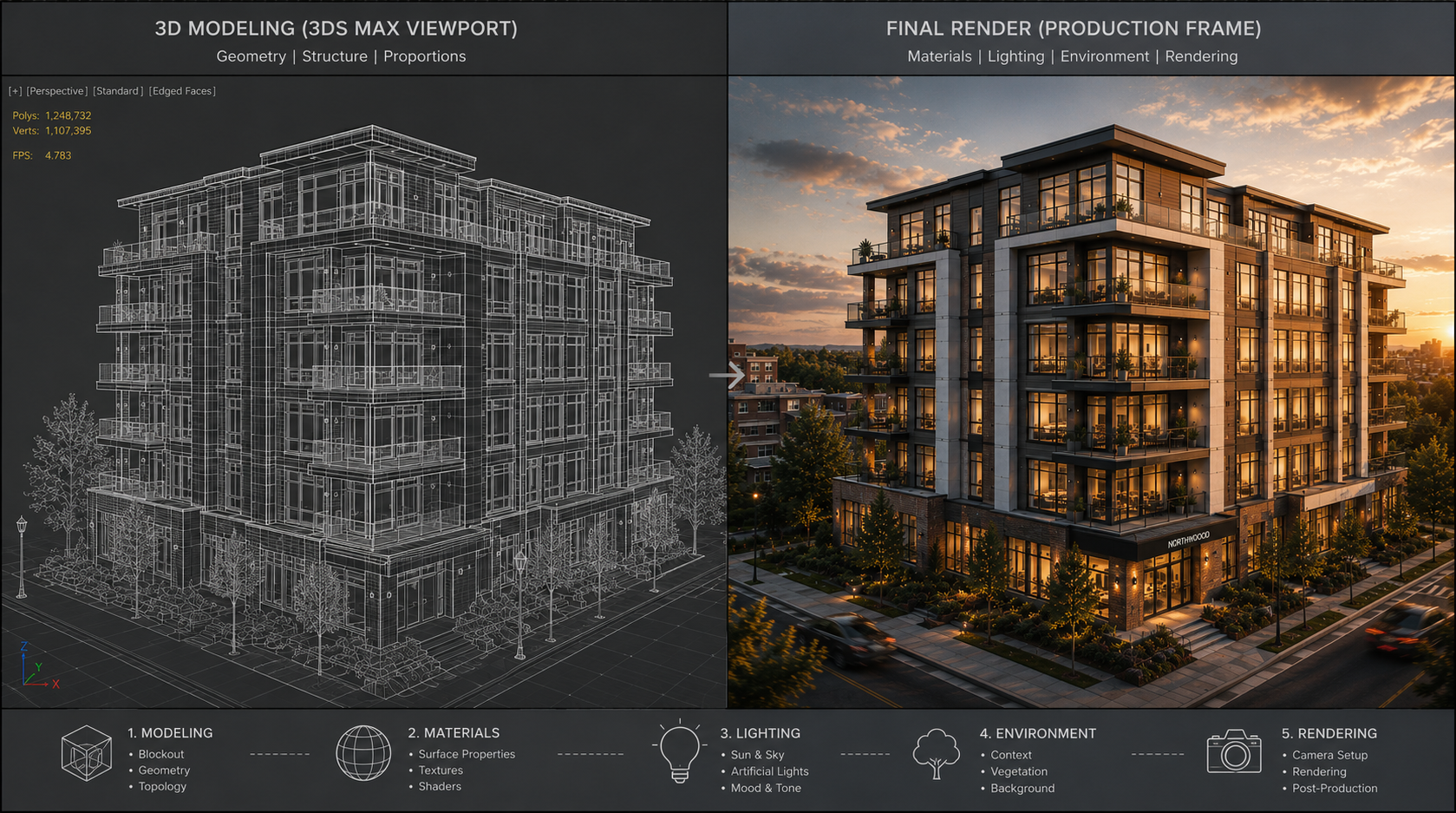
Most clients picture animation as “the render.” It’s not. The render is the last step. A clean 60-second walkthrough is the visible tip of a much larger pipeline. Roughly, the cost breaks down across these stages:
- Modeling — building the architecture, surrounding context, vegetation, interiors. If you supply Revit or clean CAD, this shrinks. If we’re modeling from PDFs and reference photos, it grows.
- Materials and lighting — getting surfaces to read correctly under your intended time of day. Glass, water, polished stone, and night scenes with artificial lighting all push effort up.
- Camera work and choreography — planning the shot list, blocking transitions, timing the camera to the narrative.
- Animation — moving cars, walking people, swaying trees, opening doors. Each entity adds time.
- Rendering — pure compute. A 4K, 60-second clip at 30fps is 1,800 frames. Every frame has a render cost.
- Post-production — color grading, sound design, music licensing, motion graphics, titles.
When a studio quotes a single all-in number, those stages are baked in. When a quote feels suspiciously cheap, one of them has usually been cut.
The factors that move the 3D architectural animation cost the most
Duration and resolution
Render time scales almost linearly with length and roughly with the square of resolution. A 90-second clip at 4K isn’t 1.5x the cost of a 60-second clip at HD — it can be three or four times. If your distribution channel is a sales-office screen and a website hero, HD is often fine. If it’s IMAX or trade-show projection, you’re in 4K territory and the bill reflects that.
Interior versus exterior
Exteriors usually render faster per frame but require more surrounding context — terrain, neighboring buildings, vegetation, sky systems. Interiors render slower because of global illumination bouncing around enclosed spaces, but the modeled footprint is smaller. Neither is reliably cheaper. It depends on the specific scene.
Level of detail in the scene
An empty white-box kitchen renders in a fraction of the time of the same kitchen dressed with groceries on the counter, art on the walls, plants on the windowsill, and a cat on the chair. Detail sells, but detail costs. Be deliberate about where the camera lingers — that’s where the budget should go. Everywhere else, less is fine.
Asset reuse
If you’re commissioning a series — Phase 1 exterior, Phase 1 interior, then Phase 2 amenities — the second and third projects are dramatically cheaper than the first, because the model, materials, and lighting setup carry forward. Many developers don’t realize this. Bundling commissions is almost always cheaper than spreading them across the year.
Source materials
Clean Revit models with proper material naming save days. PDF sets with handwritten markups don’t. We can work from either, but the prep work shows up in the quote. If you have an internal BIM team, getting us a current model is the single biggest cost reduction available.
Revisions and change cycles
Most studios bake one or two revision rounds into the quote. Beyond that, changes are billed separately — and rightly so. Serious projects always have some change orders. The trick is sequencing them. Approve the camera angles before we finalize materials. Approve materials before we light the scene. Approve lighting before final render. Backtracking after rendering is where budgets quietly double.
Small, medium, large — what shapes do projects take?
Without quoting numbers we’d then have to caveat, here are the rough shapes we see most often:
- Small (single property, short clip): a 30-45 second exterior or interior walkthrough of one residential property, modest detail, one camera path, single round of revisions. Weeks, not months.
- Medium (residential development or commercial building): 60-120 seconds covering exterior approach and a couple of interior sequences, animated people and cars, dusk lighting, sound design. Often the centerpiece of a launch campaign.
- Large (masterplan, mixed-use, or hospitality): 2-3 minutes plus, multiple buildings, drone-style aerial sequences, day-to-night transitions, custom music. Multi-month engagements with milestone billing.
The boundary between these is fuzzy. A small project with a famously demanding art director can outprice a medium project with a clear brief. The variable that quietly matters most is the clarity of the brief.
Where buyers waste money (and how to avoid it)
A few patterns we see repeatedly:
- Asking for “options” without committing. If you ask for three camera angles to choose from, you pay for three. Pick one based on still renders first, then animate.
- Skipping the storyboard. Most investors won’t spend an hour decoding a script. Twenty minutes on a storyboard saves a week of misaligned rendering.
- Late material swaps. Changing the facade cladding after final lighting is locked means re-lighting and re-rendering. Lock the big visual decisions early.
- Mixing animation with stills mid-project. If you also need still renders for the brochure, request them at the start. The camera setup is the cheapest moment to capture extra angles.
What we’d ask before quoting
If you want a meaningful estimate rather than a number-pulled-from-air, prepare answers to these:
- How long is the clip? In seconds, not “short.”
- What resolution? Where will it play?
- Interior, exterior, or both?
- What source materials do you have? Revit, CAD, PDF, sketches?
- How much animated activity — people, traffic, particle effects?
- Time of day? Day-to-night transitions count as multiple shots.
- Sound design and music — needed or handled separately?
- Deadline. Rushing always costs more than planning.
Get those down on a single page and any competent studio can give you a tight bracket within a day. Show up with “we want an animation, what does that cost?” and you’ll get a range so wide it tells you nothing.
How this fits with stills and panoramas
Animation is rarely the cheapest visualization deliverable per second of content. If your goal is investor confidence and pre-sales rather than a launch trailer, a set of strong stills plus a 360 walkthrough or virtual tour often delivers more decision-making information per dollar. We’d rather tell you that than upsell you into an animation you don’t need. For projects where motion really does carry the message — masterplans, complex spatial sequences, marketing campaigns — full architectural animation is worth every frame.
For property developers and builders specifically, our services for builders page lays out how animation slots in alongside renders, drawings, and panoramic tours across a typical project timeline.