
Industrial 3D modeling exists because of a problem every equipment manufacturer knows and few marketing budgets admit: your product photographs terribly, at enormous cost, in exactly one configuration. We build marketing-grade models of machinery and industrial products — usually straight from the CAD files you already own — and this page explains the economics, the pipeline, and the honest boundaries of when you need custom modeling versus a $50 stock mesh.
Why industrial 3D modeling beats the photoshoot
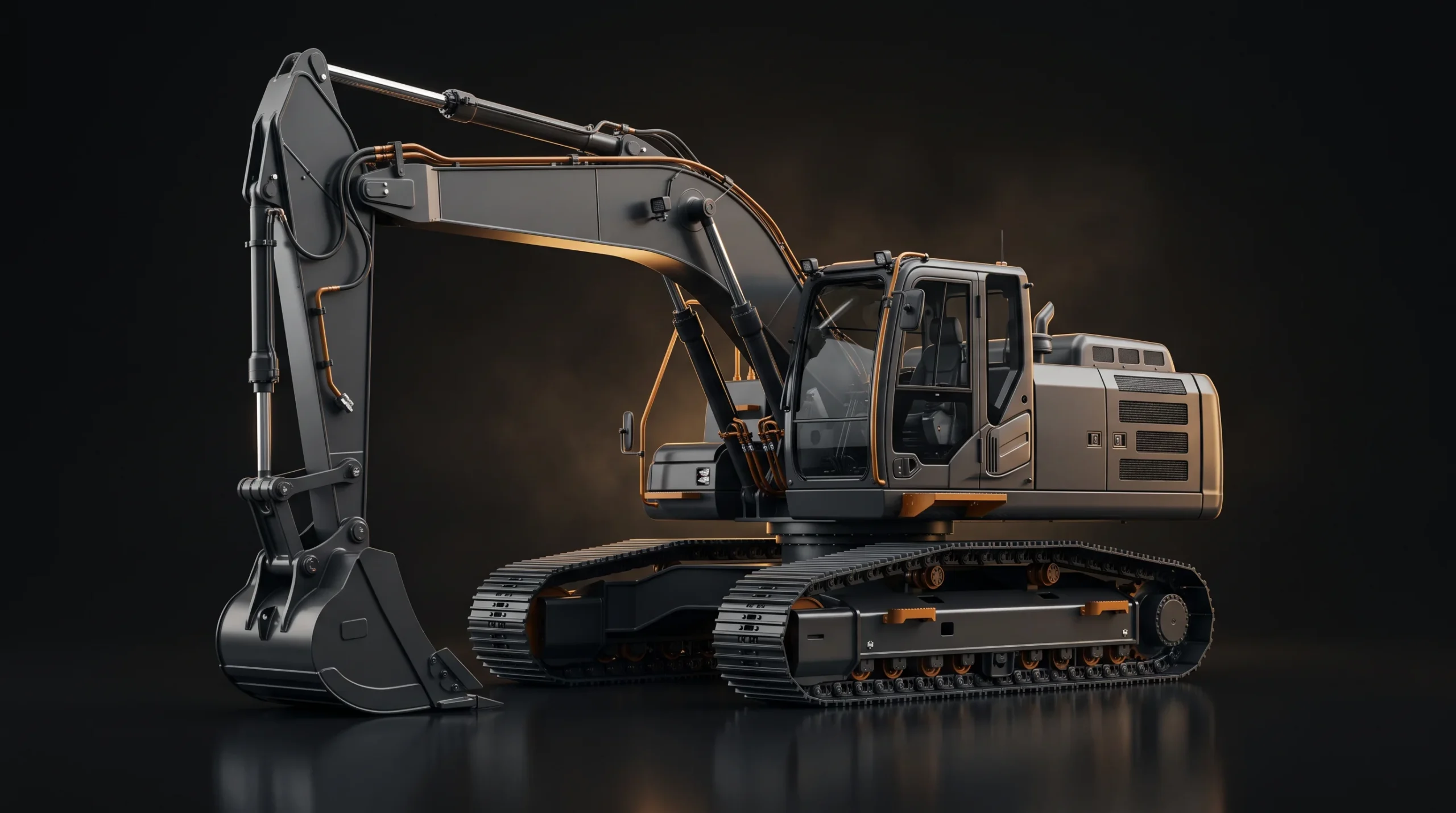
One published vendor comparison shows why manufacturers start looking at CGI at all. A 2026 heavy-equipment guide from 360Render — a rendering studio, so read it as vendor-published — puts a single on-site photoshoot for large machinery at $20,000–$100,000+ once you count logistics, crew, location fees and post-production — against initial 3D modeling that runs from a few thousand upward, after which additional angles, environments and configurations can often be produced in hours rather than requiring another physical shoot. And that’s before the practical miseries the same guide catalogs: machines that live on job sites and in storage yards, reflective metal that blows out under direct light, and product lines where one base machine ships in a dozen configurations that would each need their own day in front of a camera. A machine that spends its life in mud photographs like it lives in mud. A model of it doesn’t.
Your CAD files are the raw material
The first question manufacturers ask is whether we model from scratch. Almost never — your engineering department already built the geometry. STEP, IGES, SolidWorks, CATIA, Inventor: those files come in, and then the real work starts — not because the data is unusable, but because engineering CAD and a marketing asset solve different problems. The files import directly into a production package and can even be rendered without anyone rebuilding them by hand: in 3ds Max, STEP can be kept as Body Objects rather than converted to an editable mesh on import, and the software then builds a mesh at render time from its Rendering Approximation settings. What you have at that point is renderable engineering geometry, not a reusable marketing asset. Turning it into one means controlling that tessellation rather than accepting it, cutting density that’s wildly excessive for marketing, correcting the normals and shading problems the import throws up, rebuilding topology where it matters visually, laying out UVs, and replacing whatever materials came across with marketing-grade PBR shading and lighting built for the shot.
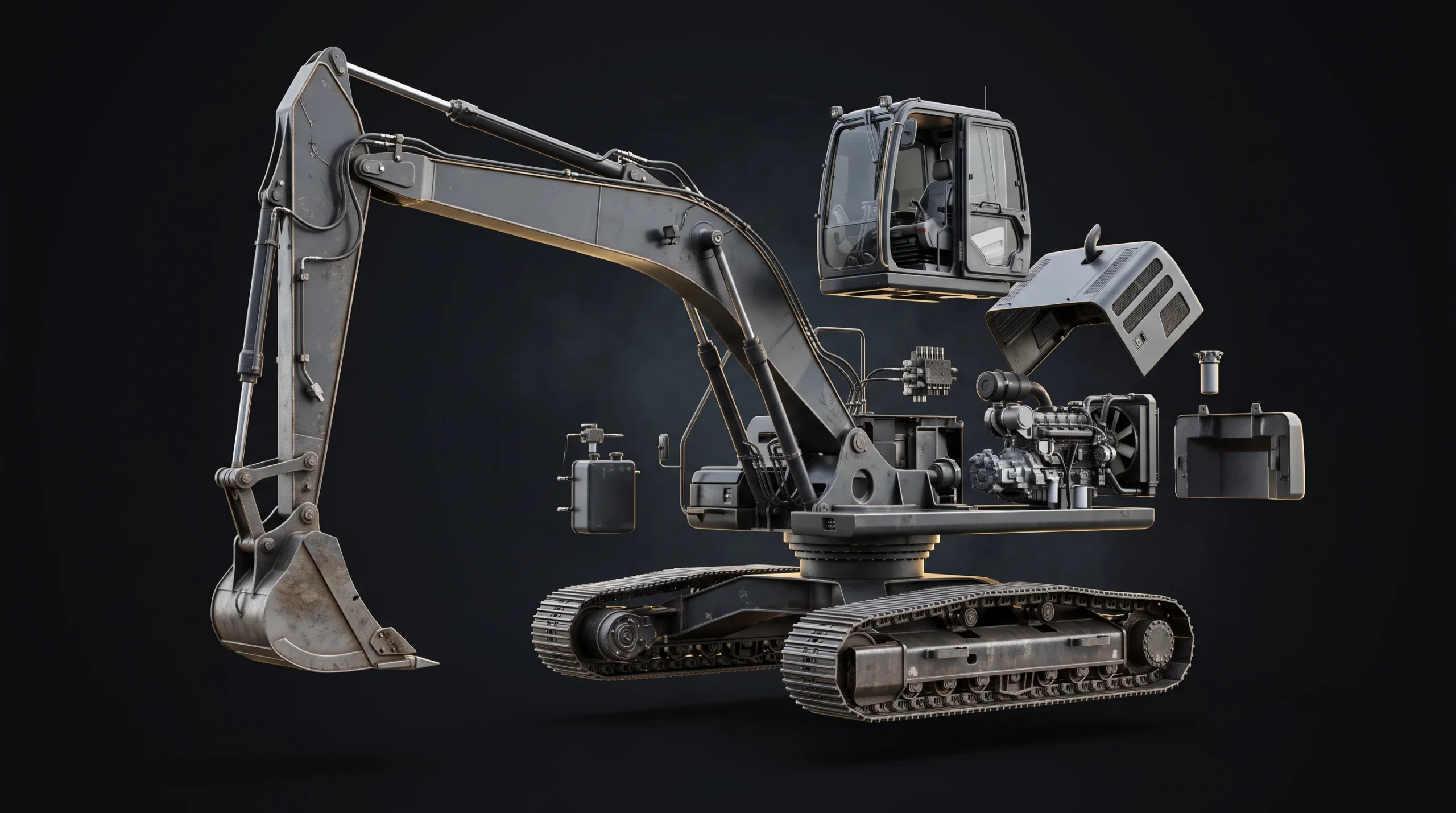
One step deserves special mention: stripping the internals. A marketing model keeps the housing, the silhouette, the brand-visible detail, and whatever internals the finished outputs actually need — and strips the rest. For a catalog still that can mean nearly all of the internal engineering; for a cutaway or an assembly animation it means keeping only the systems the viewer has to follow. That’s a rendering optimization and, quietly, an IP control: the most valuable thing about a well-made marketing model is sometimes what it leaves out. The derived asset can carry the visible product while excluding internal engineering that has no reason to travel on to your agency, your dealers, your web developers, or a configurator platform. And if the full CAD shouldn’t leave your organisation at all, your engineering team can export a reduced file carrying only the geometry visualization needs.
Published timelines for this class of work run one to three weeks for still-render packages and four to six weeks for a 60–90 second equipment animation (ArchiCGI’s industrial pages; 360Render quotes two to eight weeks for a first machine, faster after — both studios describing their own work).
One model, five outputs
The budget logic of industrial CGI is amortization. The same converted, textured model feeds:
- Catalog and tender stills — every configuration, every colorway, consistent lighting across the whole set and every update after it; this is product rendering pointed at heavy metal.
- Exploded-view and cutaway animation — hydraulic routing, engine placement, assemblies opening in air; the format 360Render calls impossible with photography and straightforward with CGI. It’s the industrial half of what product animation actually gets made.
- Trade-show loops — motion built to keep the booth screen working all day instead of holding a static title card.
- Dealer and training visuals — the same accurate model, reused for enablement material instead of re-shot.
- Web viewers and configurator assets — optimized variants that power interactive 3D presentations — and we build both halves of that, the optimized assets and the configurator they run in, in Three.js on WebGL.
Split those five across separate vendors with no agreed source-file handoff and you risk paying for the same cleanup, conversion, materials and optimization several times over. Agree the reuse plan up front and the second through fifth outputs are extensions of one asset, not projects.
When a stock model is fine — and when it isn’t
Search for “industrial 3d models” and you’ll land on marketplaces with a hundred thousand generic machines, some excellent, from $20. Honest guidance: for background props, environment dressing, and “a forklift in the corner of the scene,” stock is exactly right and we use it too. It is not a substitute for an accurate model of the machine you actually manufacture — a near-miss is worse than nothing, because every dealer and engineer who knows the product sees the wrong grille, the wrong boom geometry, the wrong proportions. Stock dresses scenes. Your machines get modeled.
What it costs in the market
Published reference points, none of them ours — and all of them published by studios selling this work, so read them as market signals rather than neutral benchmarks. Dizz Agency’s 2025 pricing guide puts 3D modeling at $50–$200 an hour and an industrial mechanical project at $2,000–$5,000. ArchiCGI’s industrial pages describe still packages in the low four figures and equipment animations in the low five figures. Where your line lands depends on geometry complexity, how clean the CAD arrives, configuration count, and which of the five outputs you actually need — which is exactly what a scoping conversation settles.