
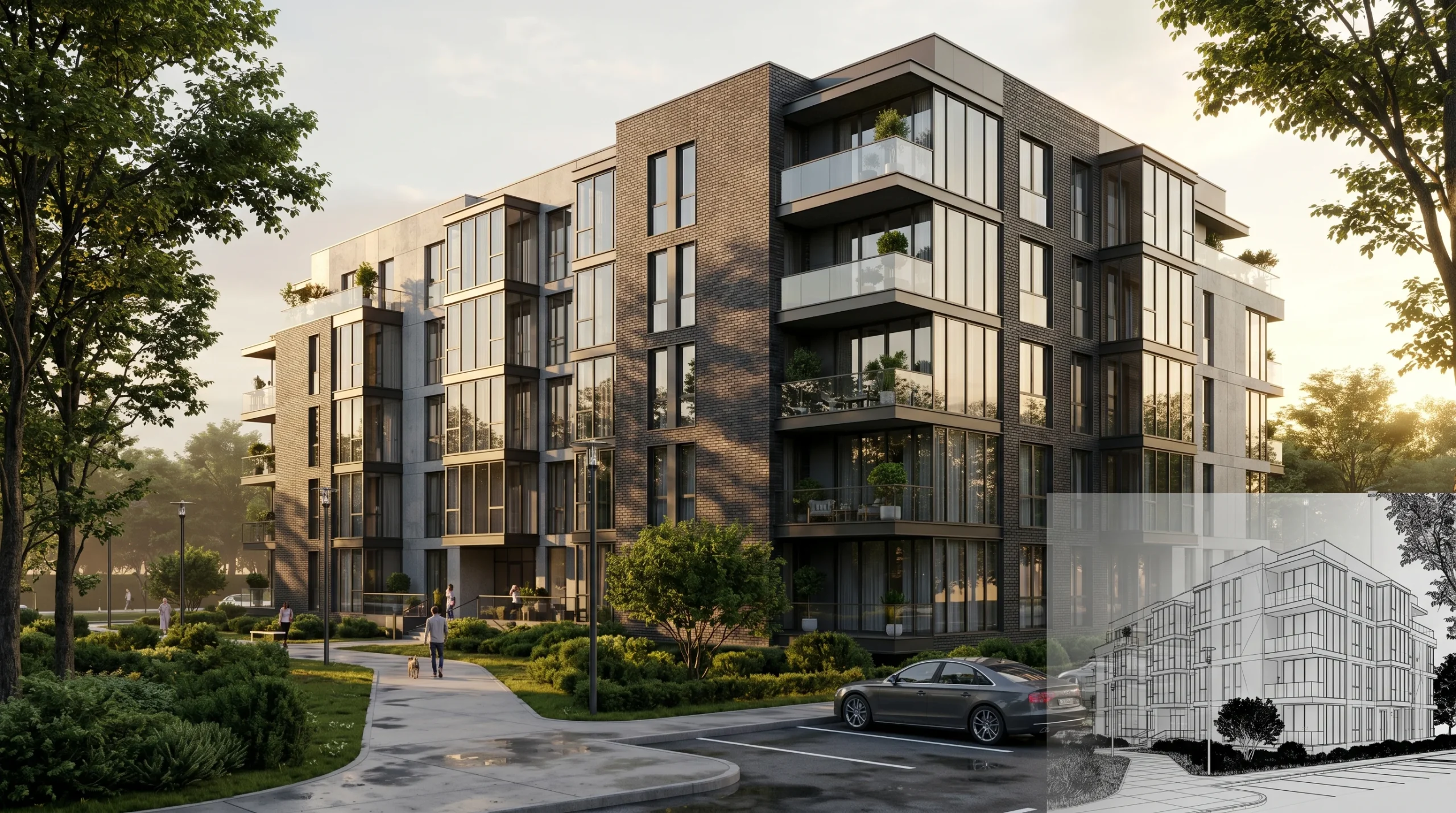
Almost every photoreal building image you see in a brochure, on a developer’s hoarding, or on a Zillow new-build listing started life inside a piece of software called 3ds Max. It has been the default modeling and lighting tool for archviz since the mid-1990s, and for our studio it is still the program where the actual work happens. This piece is about how we use 3ds Max for architectural visualization day to day — what it is good at, where it struggles, and why we keep coming back to it after 2 decades and over 1,500 delivered projects.
What 3ds Max for architectural visualization actually means in our workflow
Strip the marketing language away and 3ds Max does three things for an archviz studio. It models geometry. It handles lighting and cameras. It sits next to a renderer (we run Corona) that turns the scene into a final image.
That sounds simple. It is not.
A typical residential exterior we ship has somewhere between fifteen and forty million polygons by the time landscaping, cars, and trees are placed. A mid-rise commercial project pushes that higher. Without a tool that can hold all of it in one viewport and let an artist move through it at interactive speeds, the studio model breaks down. Most other 3D packages either choke on that data or force you to break the scene into so many references that small lighting changes become a half-day chore.
That viewport responsiveness is the boring reason 3ds Max wins. The exciting features get the press. The reason senior artists stay loyal is they can keep working when the scene gets heavy.
Why 3ds Max for archviz is still the industry default
Three reasons, in honest order:
- It talks to AutoCAD and Revit cleanly. Both come from Autodesk. DWG and FBX imports keep block names, layer structure, and units intact. A clean architect’s CAD file becomes a working 3ds Max scene in an afternoon — not a week of rebuilding walls.
- Corona and V-Ray both live here first. The two renderers that dominate photoreal archviz were built around 3ds Max. Other DCC tools get plugin versions later, usually with fewer features. If a client asks for the look they saw in a competitor’s portfolio, that look almost certainly came out of this pairing.
- The asset library question is solved. Twenty-five years of furniture, vegetation, and material libraries shipped as 3ds Max files. Buying a single tree pack for Blender is harder than it should be. For 3ds Max, the vegetation, fabrics, and IES light data are already where the artist expects them.
None of that makes 3ds Max objectively the best 3D software. Blender is catching up fast on modeling. Unreal does real-time better. But for the specific job of taking an architect’s CAD file and producing a printable photoreal still or a flythrough video, the surrounding tooling around 3ds Max is more mature than anywhere else.
Using 3ds Max for architectural visualization on a real project
Here is what an exterior render job looks like from inside the software, condensed:
- Day one: we import the architect’s Revit or AutoCAD package. We strip detail the camera will never see — every plumbing fixture in a wall section, every furniture block in an unrelated room. Heavy scenes are slow scenes.
- Day two to three: facade materials. Brick, render, glass, metal flashing. Each material has a Corona shader, a texture set, and tweaked roughness values. Glass is where most amateur work falls down — real glass has subtle dirt, color shift, and reflection variation that takes time to dial in.
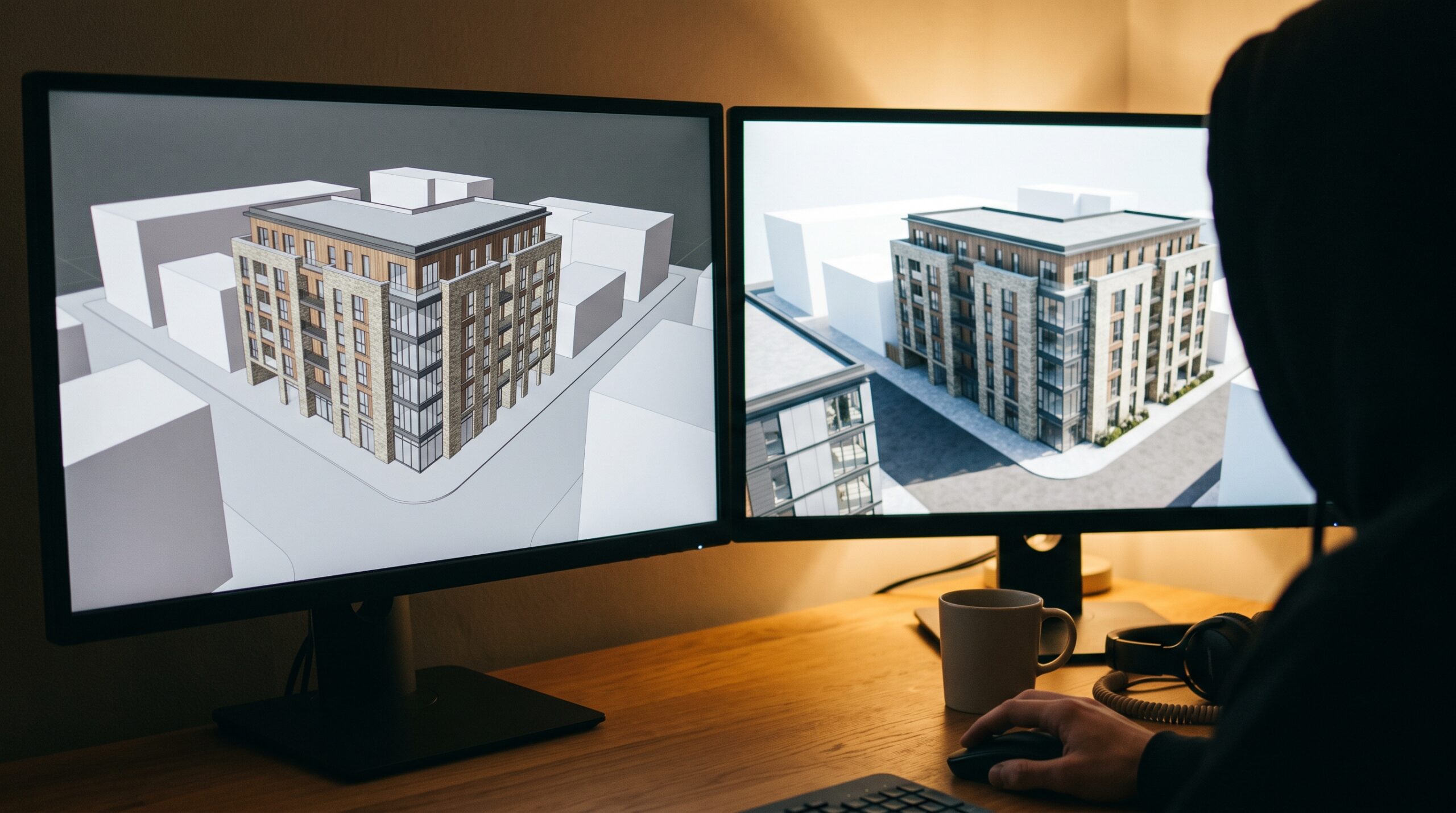
- Day four: cameras and composition. We block out three or four angles, share them with the client as quick clay test renders, and lock the angle before any final lighting work begins.
- Day five to six: lighting pass. Sun position, sky model, artificial fill where required. Corona’s interactive renderer means we can see the change as we move the sun rather than waiting on a queue.
- Day seven to eight: populate the scene. Vegetation, vehicles, people. This is the cosmetic layer and the one clients comment on most.
- Day nine to ten: final renders, post-production in Photoshop, delivery.
That cadence shifts with project size, but the structure stays the same on almost every job. The point of describing it is not to advertise speed — it is to show that a render is an industrial process, not a magic button.
Where 3ds Max for archviz struggles
We owe readers a balanced view. The software has real problems.
- The interface is old. The modifier stack and parameter rollouts have not been seriously redesigned in fifteen years. New hires take two to three months to become productive. Blender users coming over find the muscle memory painful.
- Subscription cost is high. Autodesk pricing has climbed steadily. A single 3ds Max seat plus Corona plus a couple of asset library subscriptions is a real line item for a small studio.
- Animation is workable, not great. For pure cinematic walkthroughs we still use 3ds Max. For more ambitious motion work the studio sometimes brings in Blender or a game engine. The 3ds Max animation tools were not built for the modern long-take camera moves clients now ask for.
- Crash recovery is inconsistent. Anyone who has worked in 3ds Max for a decade has lost a scene to an autosave corruption at least once. We commit work to versioned files hourly out of habit.
None of these are dealbreakers. They are reasons honest archviz teams stop treating any single tool as religion.
The kinds of jobs we ship out of 3ds Max
To give a flavour without naming clients — the studio has shipped, out of this same software, residential exteriors for builders pitching off-plan apartments, interior stills for kitchen and bathroom remodels, factory walkthroughs for industrial equipment manufacturers, and supporting visuals for masterplan approvals. The breadth is the point. Same software, very different deliverables.
One thread runs through all of it: clients almost never care which program produced the image. They care that the building looks like it will look once built, that the materials read correctly, and that the file is delivered when promised. The software is a means to that end.
If you are evaluating whether a 3ds Max-based studio is right for your project, that’s the right framing — not “do they use the newest tool” but “do they consistently deliver work that holds up under client scrutiny.” Our services for builders and developers page sketches what working with us looks like on the project-management side, and the product visualization service covers the same 3ds Max-and-Corona toolchain applied to product imagery rather than buildings. For motion-heavy briefs the architectural animation work shows what the same pipeline produces in video form.
When 3ds Max for archviz is the right call for your project
Use a 3ds Max studio when:
- You need photoreal stills good enough for printed marketing or planning submission.
- The architect will be sending Revit or AutoCAD files and you want the geometry handled cleanly.
- The deliverable list mixes stills, animation, and potentially 360 panoramas — one pipeline can do all three.
- You expect at least one round of material or lighting revisions and want a renderer that handles iteration without restarting from scratch.
It is less obviously the right tool when the brief is real-time interactive (an Unreal-based experience makes more sense), or when the project is a one-off social-media render where simpler tools might be enough. Most serious archviz briefs sit in the first bucket.
The honest summary: 3ds Max is not new, it is not flashy, and the interface looks like it was designed in 2006 because parts of it were. It is the highest-value marketing asset most small developers will ever commission, and the reason is the boring one — the surrounding tooling, the renderer choices, and the asset libraries do not exist anywhere else at the same depth. That is why our studio still opens it every morning.
[…] The image of rooms and buildings is created on the basis of a three-dimensional model in the 3D MAX […]