
An architectural visualizer turns drawings, models, and design intent into images that non-designers can actually read. That sounds simple. It isn’t. Most investors won’t spend an hour decoding elevations and sections — they want to see the building.
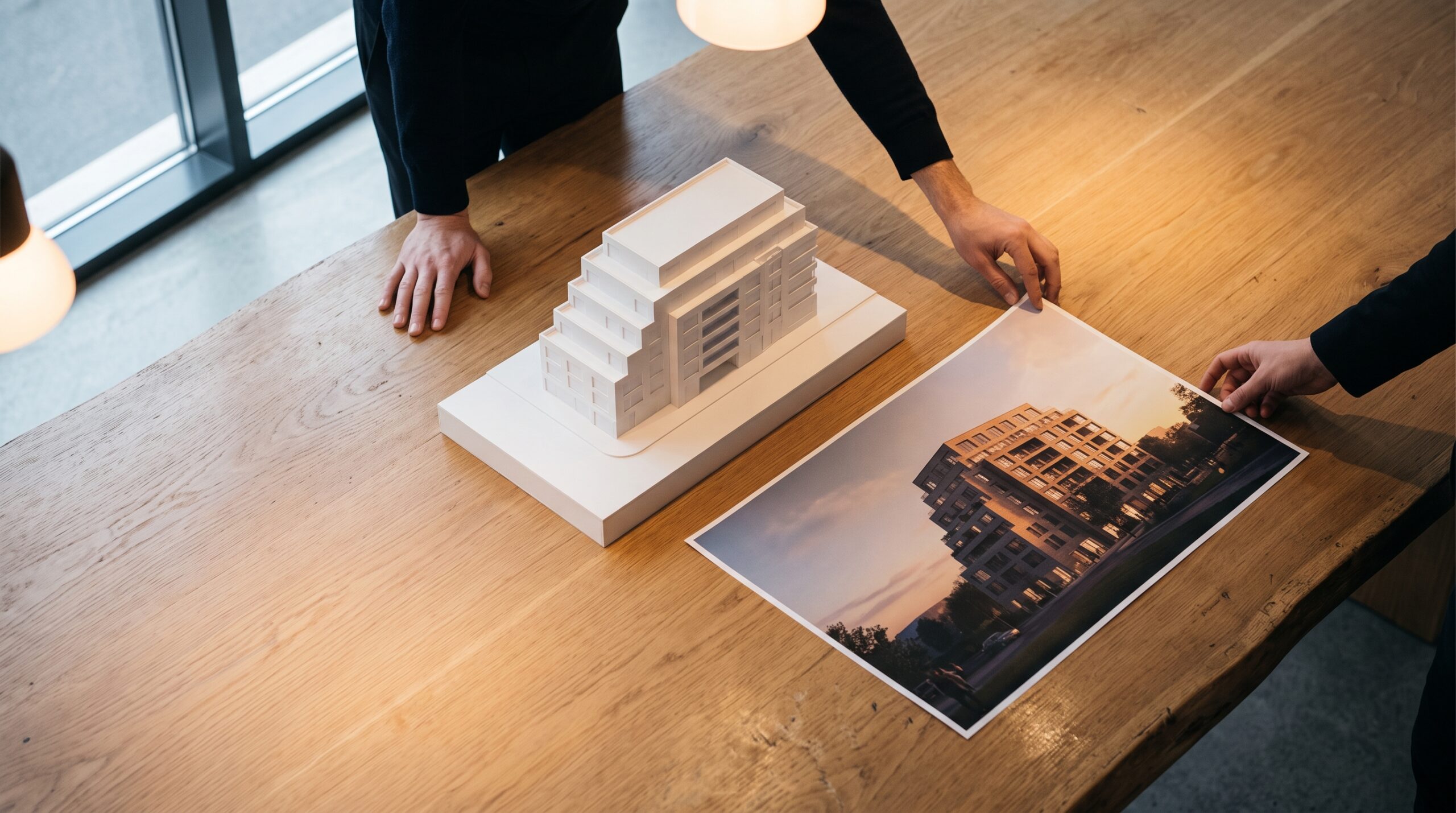
At Art Land Design we’ve been on the production side of this for over 2 decades and 1,500+ projects, working with developers, architects, builders, and real-estate teams across the US and EU. This article is the version of “what does a visualizer do” we wish more clients read before commissioning the work.
What an architectural visualizer is, in plain terms
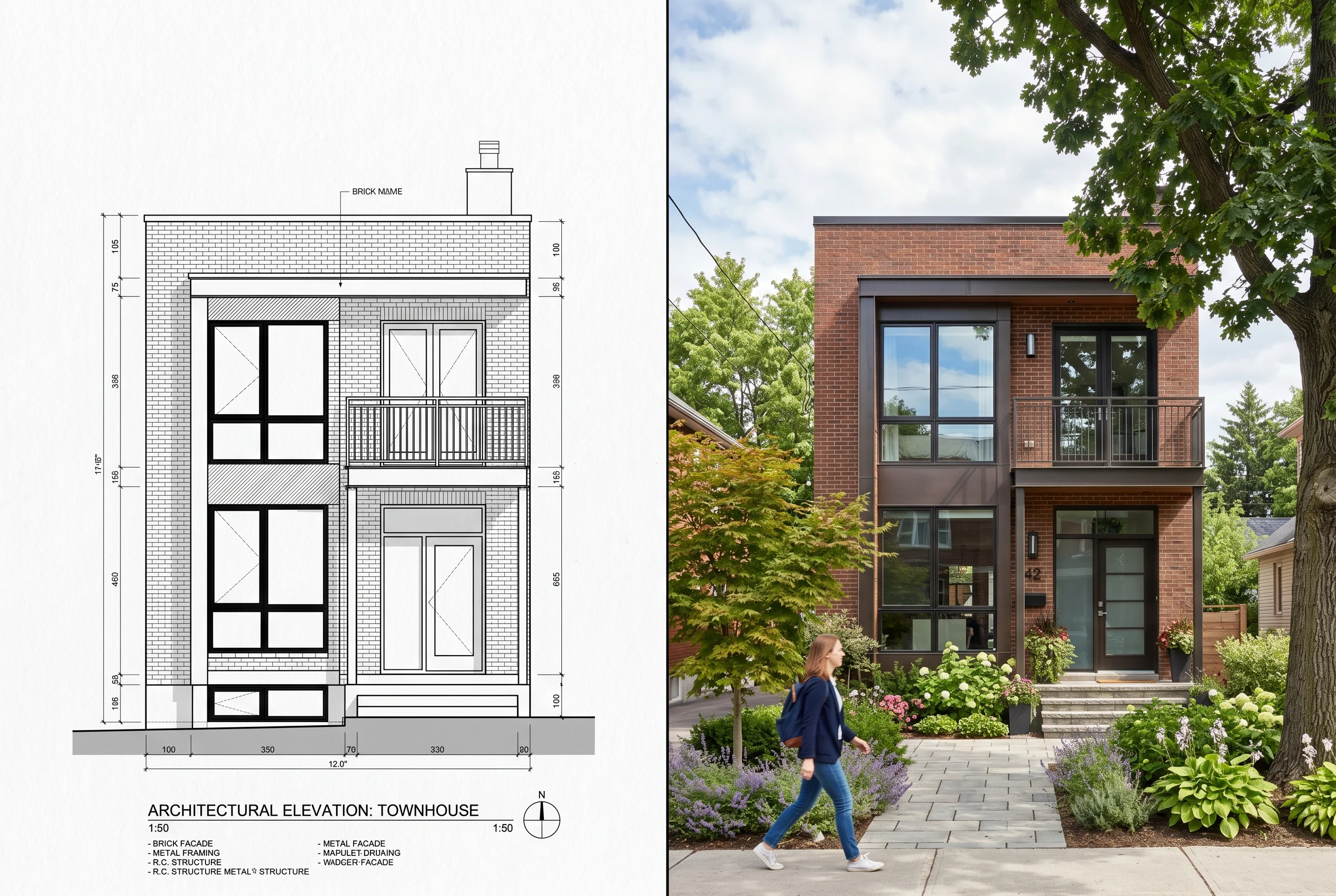
A visualizer takes the design package — floor plans, elevations, sections, references, material call-outs — and rebuilds the project as a 3D scene. From that scene we produce still images, animations, panoramas, or interactive experiences. We are not the architect. We don’t decide where the staircase goes or what the load path is. Our job is to make the designed building visible.
The deliverables are usually:
- Exterior renderings — single-family homes, villas, multi-family, mixed-use, commercial.
- Interior renderings — apartments, kitchens, hospitality spaces, offices.
- Marketing visuals for brochures, websites, hoardings, and investor decks.
- Concept and planning visuals used during the design phase.
- Animations and 360° panoramas when stills aren’t enough.
Why developers and architects hire a visualizer
The honest answer: drawings sell to other designers, renders sell to everyone else. We’ve seen projects lose momentum simply because nobody outside the design team could read the drawing package. A finished image short-circuits that. A developer marketing off-plan apartments can put a render in front of a buyer and have them nodding within ten seconds — try that with a section drawing.
There’s also a practical side. Clients change their minds. Materials get swapped. Window proportions get nudged. Catching that in CGI is significantly cheaper than catching it on site. Serious projects always have some change orders; visualization just moves more of them earlier in the timeline.
The tools an architectural visualizer actually uses
This is where a lot of online “what is a visualizer” articles drift into name-checking every piece of 3D software ever released. Most studios specialize. Ours runs on a tight primary stack:
- 3ds Max — modeling, scene assembly, animation.
- Corona Renderer — photoreal rendering. Stable, predictable, great with interior light.
- Revit — when the work touches drafting, BIM, or coordinated documentation.
- AutoCAD — DWG handoff, drawing-package output.
- After Effects and Premiere — compositing and editing for video deliverables.
- Three.js / WebGL — when the brief calls for an interactive experience instead of a flat image.
You’ll notice no V-Ray and no ArchiCAD in that list. Different studios pick different stacks for different reasons; the original version of this article listed software we don’t run, so consider this the corrected version.
What good archviz briefings look like
The single biggest predictor of how a project will go is what the client hands over on day one. The strongest briefs include:
- Drawing set — plans, elevations, sections, ideally in DWG or PDF.
- Material and finish references — actual product links, mood boards, or physical samples photographed clearly.
- Site context — surrounding buildings, vegetation, paving, sky orientation.
- Camera intent — what the image is for (sales? planning? a hoarding?) and roughly where the viewer should stand.
- Audience — who’s looking at this and what decision are we helping them make?
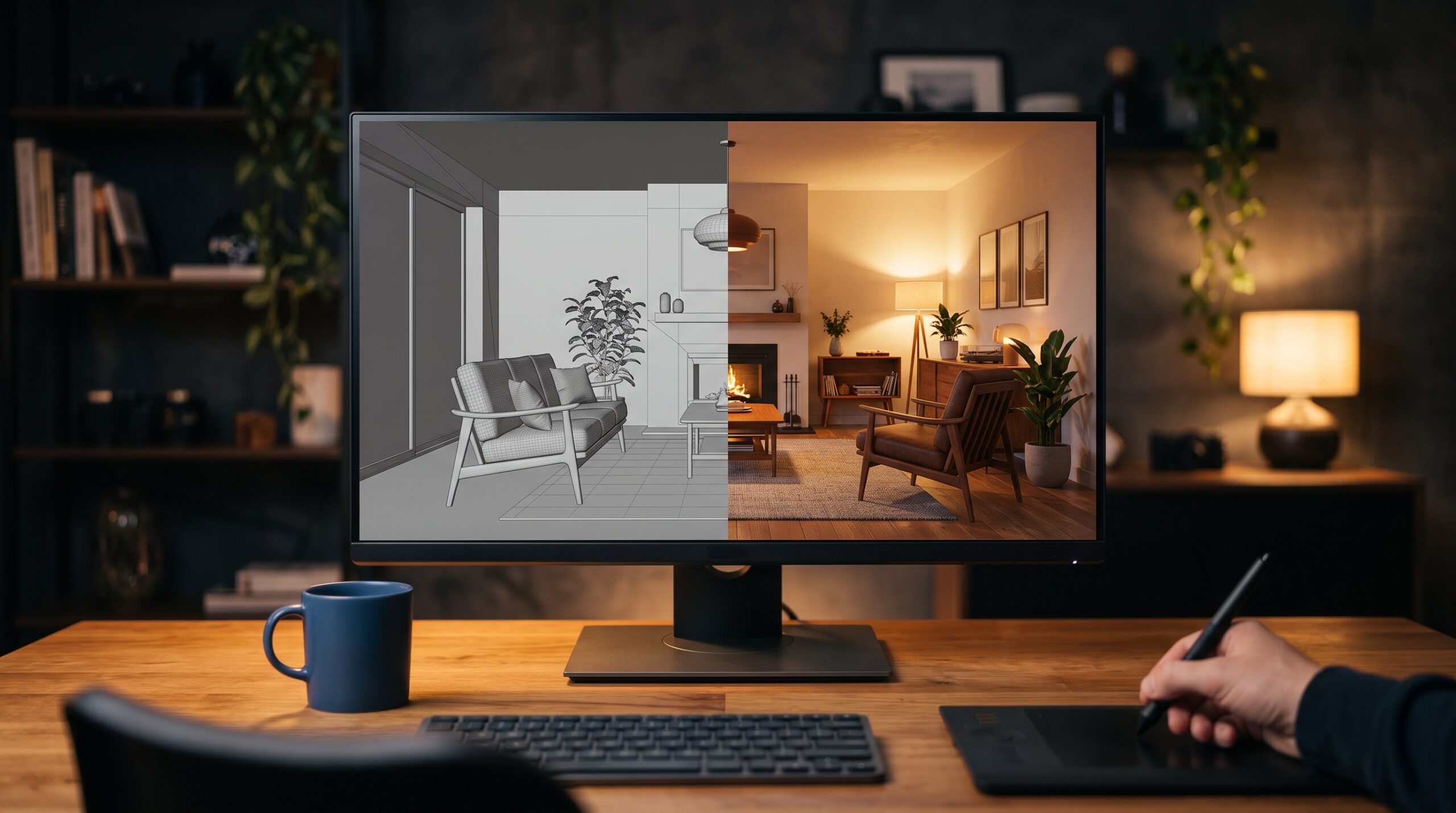
That last point is the one most briefs skip. A render aimed at a planning officer should not look like one aimed at a buyer. The lighting changes. The framing changes. The level of dressing changes. Half the value of a clay render pass is that everyone shuts up about texture choices until the camera angle is locked.
Stills, animations, or interactive — which do you actually need?
Different deliverables solve different problems. The short version:
- Stills — best for marketing collateral, planning submissions, and pitch decks. Cheapest per finished asset.
- Animation — best when the project is hard to grasp from a fixed viewpoint, or when the route through the building is part of the experience. For a developer pitching off-plan apartments, an animated walkthrough or flythrough often answers questions a still cannot.
- 360° panoramas and virtual tours — best for sales offices and online property listings where the buyer wants to look around at their own pace.
- Interactive WebGL — for projects that benefit from a configurable view, e.g. picking finishes or units.
If you’re weighing the broader case for visualization on a real-estate project, this piece on how archviz changes real-estate decisions is a longer take. For a wider menu of motion deliverables we touch on in this article, see our overview of architectural animation.
What an architectural visualizer is NOT
Worth saying clearly, because the line gets blurred in client conversations:
- Not an architect. Doesn’t design buildings, doesn’t decide structure, doesn’t stamp drawings.
- Not a structural or MEP engineer. We will not calculate loads or specify HVAC.
- Not a permit-drawings provider. Our drafting work supports the licensed professionals who do that — it doesn’t replace them.
- Not a landscape architect. We model and render landscape concepts; we don’t sign stamped landscape engineering documents.
If a brief asks for any of the above, the right move is to bring in the licensed party first and have the visualizer come in once the design is set.
How we work at Art Land Design
The studio runs an in-house pipeline — modelers, lighters, animators, drafters, WebGL developers — without subcontracting out. That matters mostly when a brief crosses disciplines. A project that starts as five exterior stills and grows into a walkthrough animation plus a web-based unit selector doesn’t need to change vendors mid-stream. We’ve covered that pattern enough times that the handoffs are quiet.
We’re not the world’s best at any single niche. The honest pitch is breadth and execution at volume — and the project history to back it up.