
Most interior decisions go sideways at the same point: the moment a client tries to picture a finish, a layout, or a lighting scheme from a 2D plan. They can’t. Not really. They nod, then ask three weeks later why the kitchen island ended up where it is. 3D interior design visualization closes that gap before anyone signs off on tile, joinery, or a furniture order.
This page is about how we approach interior renders at Art Land Design — what we deliver, what the file actually looks like when it lands in your inbox, and where 3D viz earns its money versus where a quick sketch would do.
What 3D interior design visualization actually is
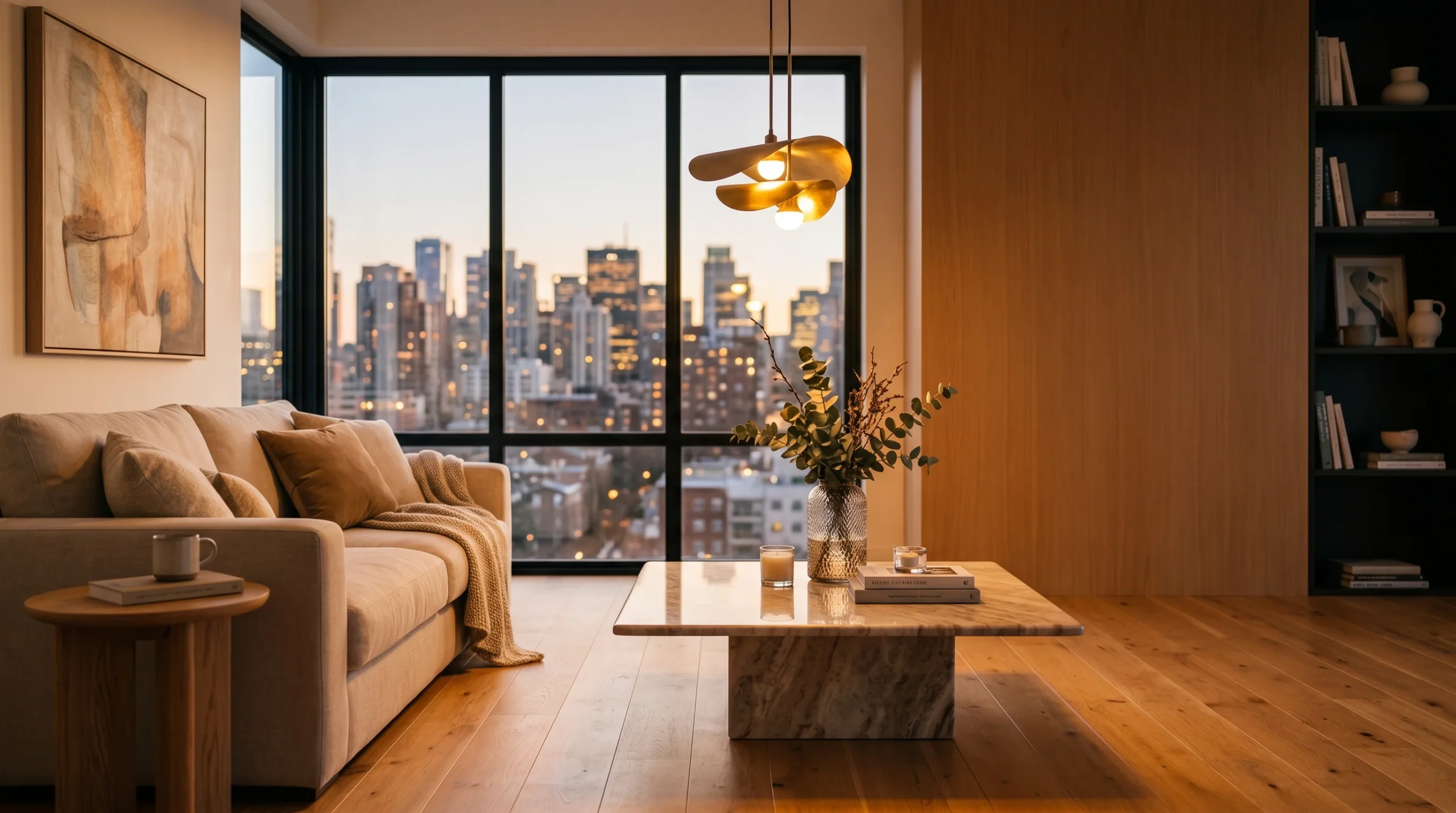
It is a photoreal still image (or set of images) of a room that does not exist yet. Built in 3ds Max, lit and rendered in Corona, dressed with materials and furniture that match the spec you intend to build. You can spin the camera, swap a finish, dim the lighting, move the sofa. The output looks like an interior photograph because the math underneath simulates the same physics — bounced light, reflections, depth of field.
That’s the technical answer. The practical one: it is a decision tool. Clients who can’t read elevations can read a render. Investors who don’t care about your dimension strings care about whether the lobby looks like a hotel they’d stay in. Most arguments about “will the warm oak fight the brass?” disappear once both finishes show up in the same frame.
Where 3D interior renders are worth the spend
Not every project needs them. A simple repaint? Skip it. A kitchen remodel for a client who trusts you? Maybe one camera. But there is a tier of work where renders pay for themselves several times over:
- Pre-sales for developers — off-plan apartments, show-suite alternatives, marketing visuals for residential and mixed-use launches.
- Hospitality and commercial interiors — hotels, restaurants, offices, and retail where the operator is buying a feeling, not a floor plan.
- Whole-home remodels — kitchen, bath, basement, open-concept reconfigurations where the homeowner is choosing between two layouts.
- Pitches to investors or boards — one strong hero image often does more than a deck full of plans.
- Material and finish review — resolving the “is this stone going to read warm or cold under the pendant we picked?” question.
Serious projects always have some change orders. The cheaper place to absorb them is during the render stage — before the cabinets are cut and the tile is on a truck.
What we deliver and in what format
For an interior package we typically ship:
- Photoreal still renders — 4K or larger, JPG and PNG, with PSD if you want to do your own grading.
- Camera-matched alternates — same angle, different material option, lit at day and evening if the project calls for it.
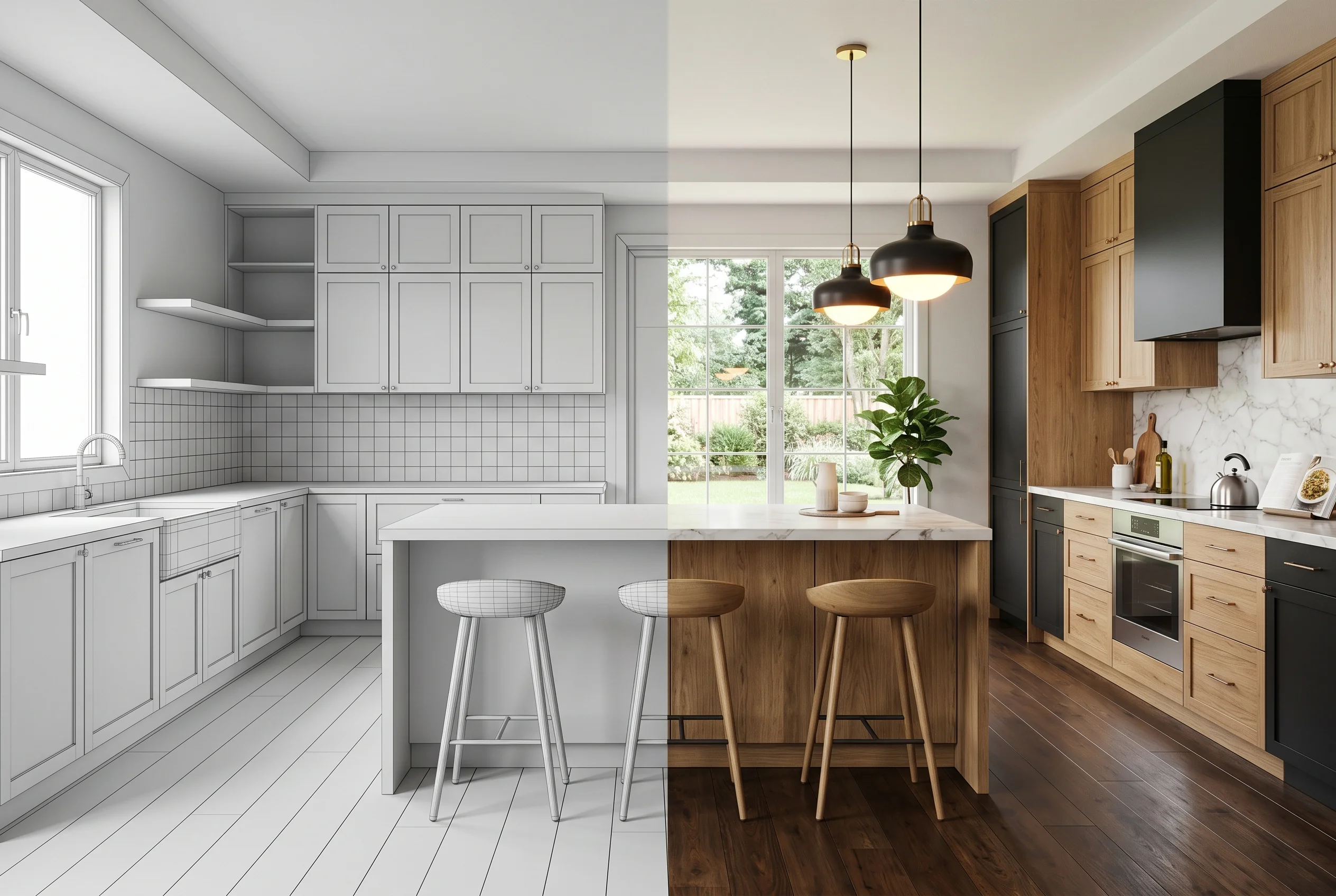
- Clay or white-model passes — geometry-only renders early in the project, so the conversation stays on layout and proportion instead of finish.
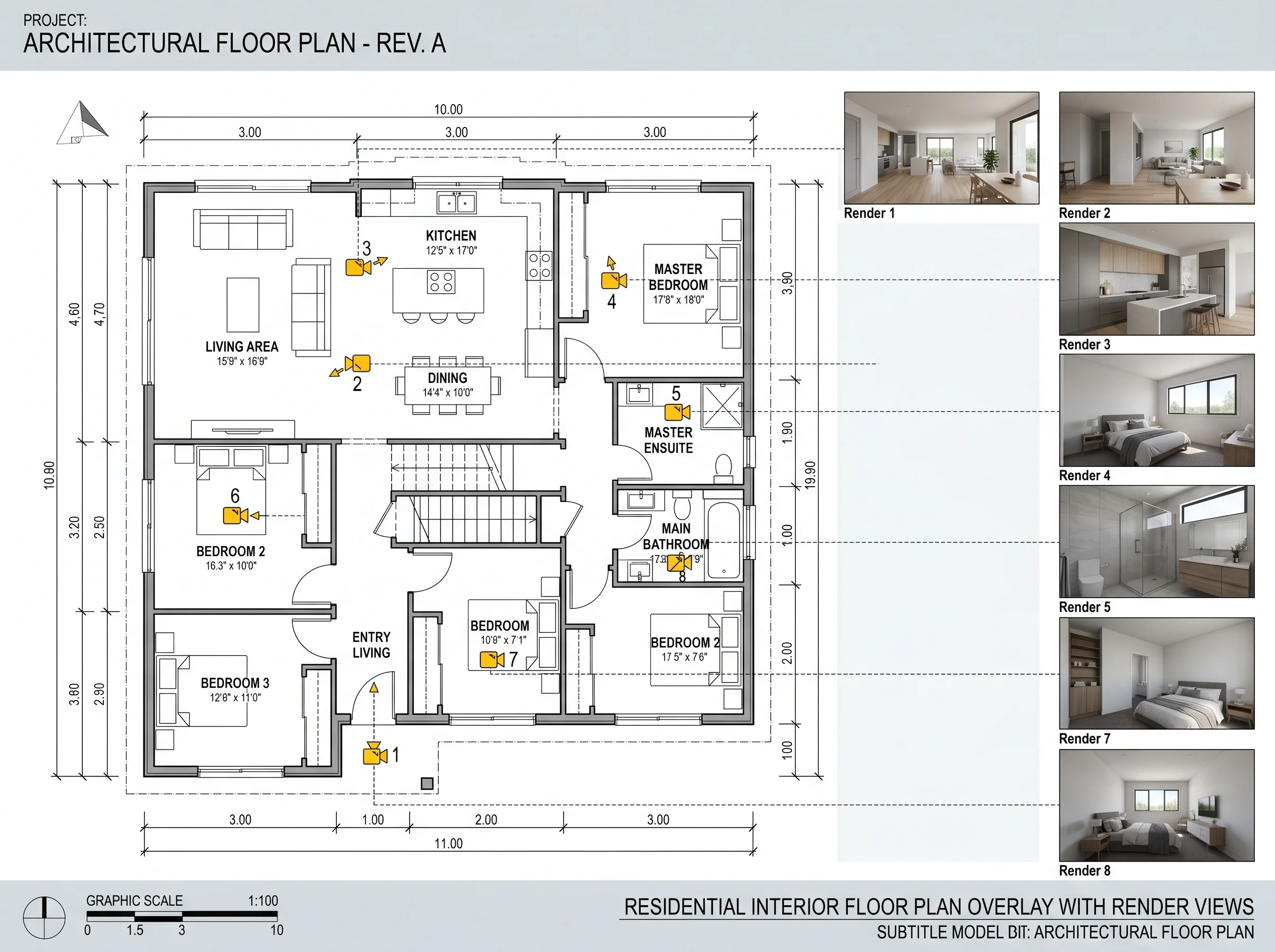
- Floor-plan key images — a top-down annotated view that ties each camera back to the plan.
- Optional walkthrough animation or a 360° panoramic tour if the room only makes sense in motion.
Half the value of a clay render is that everyone shuts up about texture choices until the camera angle is locked. We use that intentionally on bigger jobs.
How a typical interior project runs
A clean brief gets to first renders faster than a vague one. The shape is fairly standard:
- Brief and reference. Plans (DWG or PDF), reference images for finishes, any product cuts the client has already committed to, the camera angles you want covered.
- Modeling and blockout. We build the room from the drawings — walls, ceilings, openings — and place placeholder furniture so we can lock cameras early.
- First-round renders. Usually a low-resolution pass to confirm composition, lighting time of day, and the broad material direction.
- Material and lighting refinement. This is where most of the conversation happens. Swatches, samples, real product references.
- Final delivery. Full-resolution renders, alternates, and source files if that is in scope.
Interior viz for designers versus developers versus homeowners
The three audiences want slightly different things, and pretending otherwise wastes everyone’s time.
Interior designers tend to use renders as a sales tool with their own clients — the goal is to lock in the design direction so the procurement and site phases run smoothly. Camera angles are usually hero shots that match how the room will be photographed when it’s done. If you want a deeper read on how visualization fits into a design practice, see how our services can help designers.
Developers want marketing-quality stills for brochures, websites, and broker decks. Often these are paired with a walkthrough or 360 tour for off-plan sales. Lighting tends to be aspirational — warm evening interiors, perfectly staged.
Architects use interior renders mostly to confirm material and proportion with the client during DD or early CD. The angles are practical, not always heroic. See how our services can help architects for how this fits into the typical design phase.
Homeowners remodeling a kitchen, basement, or primary bath usually want one or two well-lit hero shots and a material board they can take to a contractor. Smaller scope, faster turnaround, same toolchain.
What we don’t do on interior projects
Worth being honest about this. We are a visualization and design-support studio, not an engineering firm. We do not produce stamped permit drawings, MEP design, structural calculations, or licensed landscape engineering. We can produce coordination layouts, detailed kitchen cabinet drawings, furniture plans, reflected ceiling plans, and material palettes — the design-side documentation. Engineering still goes through your licensed consultants.
Tools and why they matter
Primary stack: 3ds Max for modeling, Corona for rendering, Revit for any drafting that crosses over into BIM, and a Three.js/WebGL path if the project ends up needing an interactive viewer. Nothing exotic. The tools matter less than the discipline of using them — consistent material libraries, properly built scenes that can be revised without breaking, sensible scene scale so cameras don’t lie about a room’s proportions.
Over 2 decades and 1,500+ projects, most of the surprises in interior work are not technical. They’re scope. A client decides mid-project that the master bath also needs renders. The developer wants three lighting variations instead of one. Building the file properly the first time is what makes those changes cheap.
When a still image isn’t enough
For larger residential or commercial interiors, a single still sometimes can’t carry the story. The room only makes sense once you walk through it. That is where an architectural animation or a 360 panoramic tour earns its place — especially for sales environments where buyers spend two minutes on a brochure and another six staring at an iPad. We’ll flag it during the brief if that is where your project is heading.