
Knowing how to brief a 3D rendering studio is worth real money. Nobody publishes a clean number for it, ours included — the studios that give briefing advice all describe the same mechanism without quantifying it: a detailed assignment means fewer assumptions, fewer billable hours spent interpreting, and smaller revision fees. ArchiCGI’s guidance is typical: “the single most effective step is providing a detailed brief”, and “approving direction at the draft stage keeps revision fees minimal”. They all agree on the same short checklist, then stop before the part that actually burns budgets: what happens after the first draft render arrives. This guide covers both — the seven items your brief needs, and the two clauses almost nobody writes into it. (If you haven’t picked your vendor yet, start with choosing an architectural CGI company — this article assumes that decision is made.)
Why the brief decides the budget
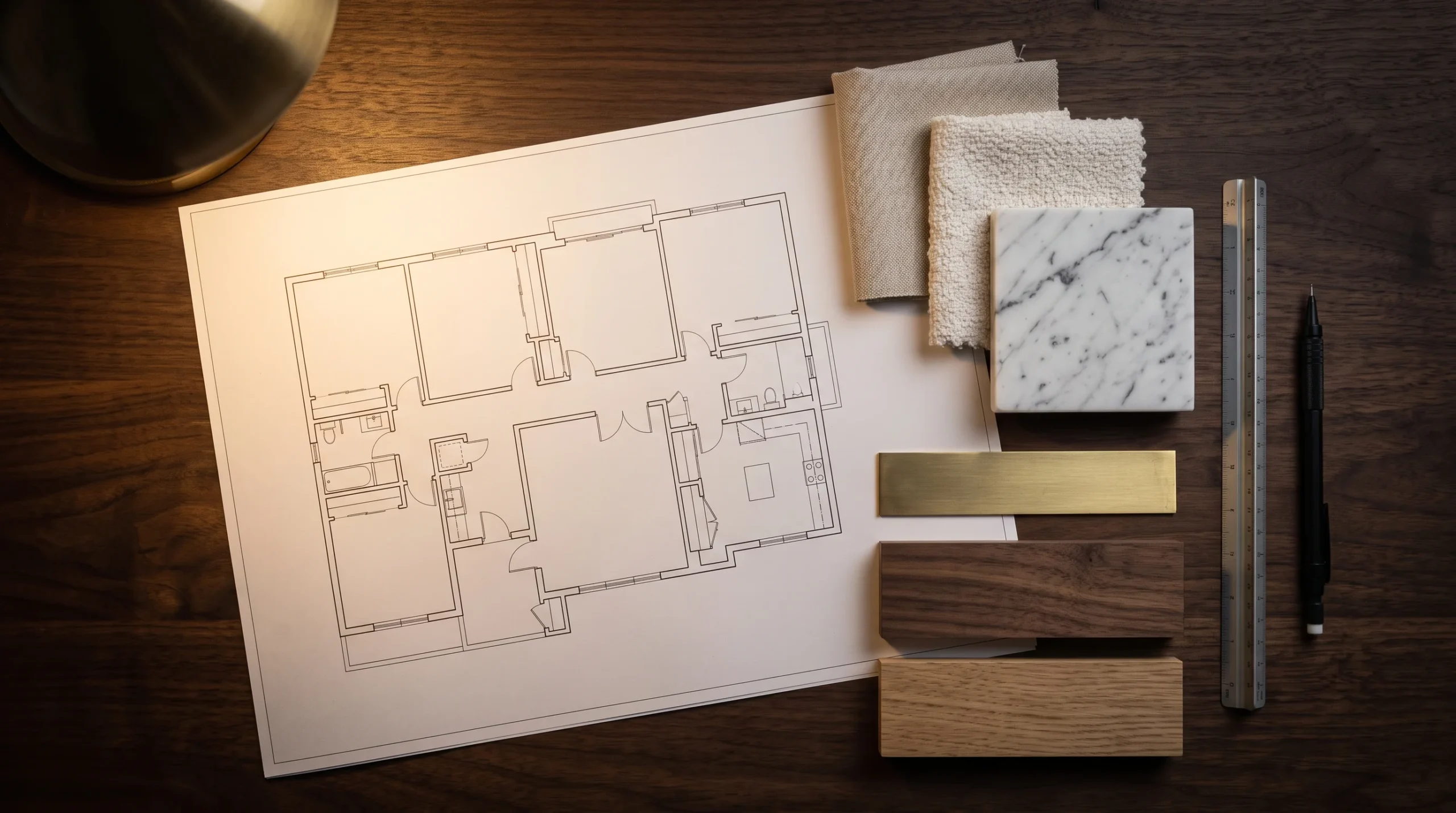
A rendering quote is a bet on how many decisions you’ve already made. Complete files and clear intent mean the studio prices the work; gaps mean it prices the archaeology — or worse, prices optimistically and recovers the difference through change fees. A vague brief isn’t a smaller job; it’s a bigger invoice on a delay. Maverick Frame puts a figure on the worst version: design changes arriving after the model is built “can trigger cost increases of 80-120%, since artists must rebuild the geometry”. The good news is that the fix costs an afternoon.
How to brief a 3D rendering studio: the seven items
- 1. Native files where they exist. CAD or BIM in its original format (DWG, RVT, SKP, 3DM) travels furthest, with PDFs alongside as the readable reference set. But do not stall the conversation if that is all you have: RealSpace says the file format “for quoting purposes is not crucial”, that it prefers CAD once production starts, and that it can work “with various file types, including even a napkin sketch”. Send what exists and say what it is.
- 2. Five to ten annotated references — our rule of thumb, not a market standard. Not a Pinterest board — a handful of images with one sentence each on what specifically you like: the light, the mood, the material, the crop. Ten unlabeled images say less than three labeled ones.
- 3. The purpose of every view. An investor deck hero, a planning consultation image, and an Instagram crop are three different renders of the same building. Say which job each image has.
- 4. Cameras and time of day, marked on a plan. Even rough arrows. “You choose” is a legitimate answer — but write it down, so choosing isn’t a revision later.
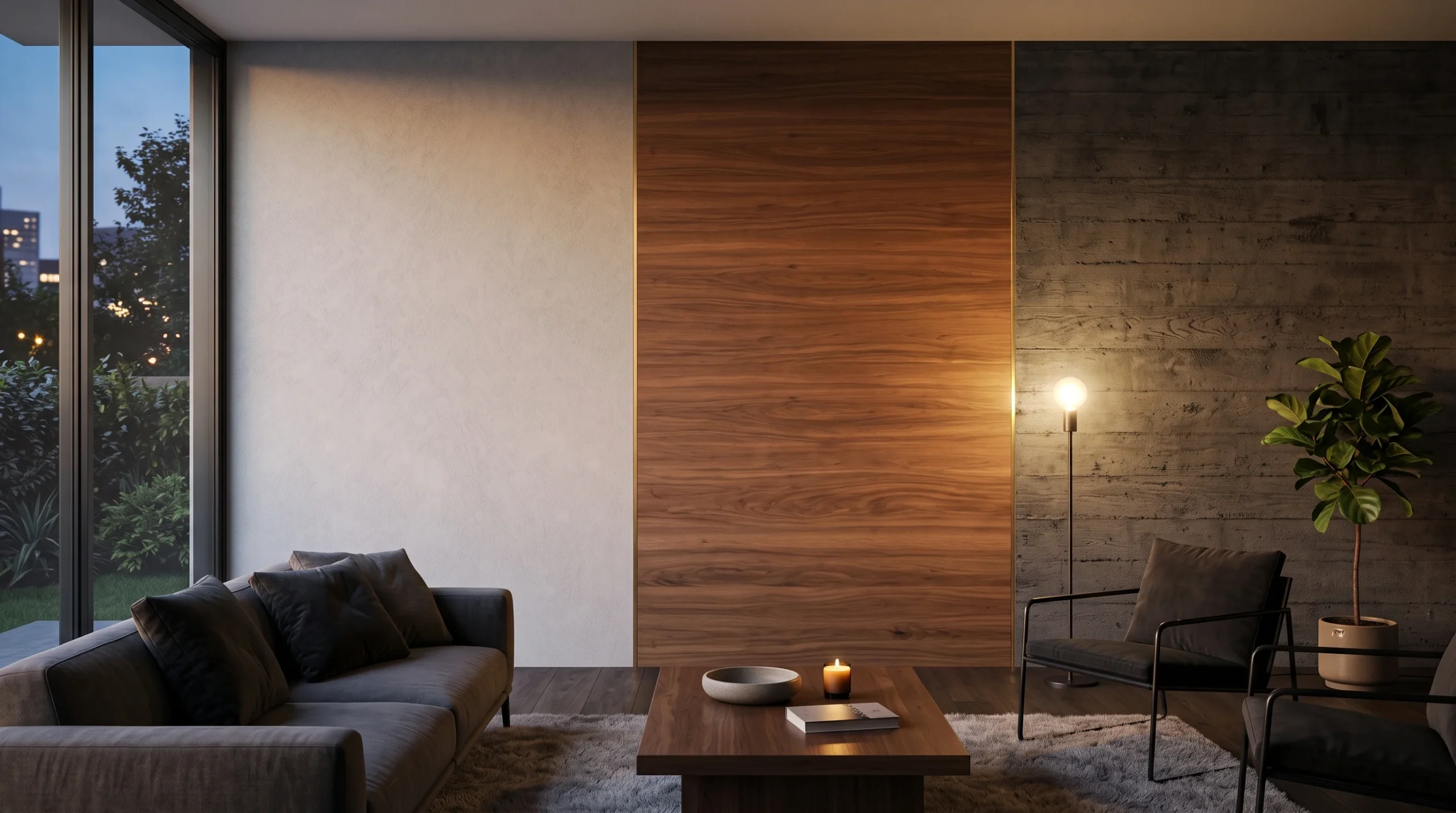
- 5. Materials and FF&E, as specific as you can be. Product links and finish schedules where they exist; an honest “designer’s choice within this palette” where they don’t. The strongest example briefs we’ve seen go down to product codes — that’s why they work.
- 6. Deliverable specs. Resolution, format, and usage: web listing, print brochure, billboard. Whether print resolution can be retro-fitted depends on what was actually rendered: if the studio produced a large master and delivered a downsized web file, print is an export — if the render itself was web-scoped, it is a re-render or an upscale. Say the use up front and you never find out which.
- 7. The real deadline and the single approver. Standard turnaround varies by studio and deliverable, but the rush premium is well documented and consistent: NoTriangle publishes 20–50%, RealSpace3D 25–50%, Maverick Frame 30–50%. Naming your real deadline up front is cheaper than discovering that band later. And name one person who signs off. One.
Write the revision rules into the brief
Here’s the section most briefing checklists underplay, and where the actual money hides. Studios define revisions in their terms — usually two to three rounds included (RealSpace3D says most quotes carry 2–3, at $100–$400 for each one after), with published policies distinguishing studio errors, fixed free, from client design changes, billed, and piecemeal feedback sometimes counted as extra rounds. Visense’s published terms are typical: “3 rounds of corrections free of charge before delivering the Final Image”, anything changed after that “charged additionally”, feedback due “within 3 working days” or the delivery schedule is revised — and, in the other direction, re-modelling needed because something was not modelled “100% correctly or accurately” carried out “at no extra cost”. None of that is unfair. What’s unwise is discovering it in a dispute. So pre-agree it in your brief, in plain words: what counts as one round (a consolidated list, not every email), what’s a correction versus a change request (moving furniture versus moving the sun — and per RealSpace3D, “major scope changes (new camera angle, new material palette) may trigger a partial re-quote”), and what the feedback clock is on your side. The most expensive sentence in visualization is “we’ll know it when we see it.” Replace it with rules you wrote yourself.
The feedback protocol
Three habits that save whole rounds: consolidate comments from all stakeholders into one list before sending anything; keep the single approver singular (three stakeholders reviewing at different times can turn three included rounds into nine de-facto ones); and respect the milestone gates most studios run — clay model, draft render, revision rounds, final — by giving the right feedback at the right gate. Layout notes belong at clay stage; asking to move a wall at final render is a new project wearing a revision’s name tag. If video is part of your package, the same discipline applies double — see the animation cost breakdown for why animation revisions multiply.
Send it and see
A brief with those seven items and two clauses takes an afternoon to assemble and pays for itself on the first project. It’s also, frankly, a test of the studio: a good one will read it and come back with sharper questions, not a template reply. That’s how it works here — how projects actually run through our studio shows where your brief lands and what happens at each gate.