
Low-poly modeling in Maya is one of those skills the internet teaches badly: most of what ranks for it was written when Maya 2019 was new, budgets were “keep it under a thousand polys,” and nobody had heard of Nanite or shipped a product configurator to a phone. This is the current version — the pipeline we actually run for game props, characters, and web-ready product assets, updated for Maya 2027. Throughout, “game-ready” means one specific thing: an asset inside an agreed triangle budget, with clean UVs, a baked map set, and a test pass in the engine or viewer it will actually run in. That definition is what the rest of this article is about, with the polycount budgets the platforms themselves publish and, at the end, what this work costs when you’d rather commission it than build it.
Start with the budget, not the model
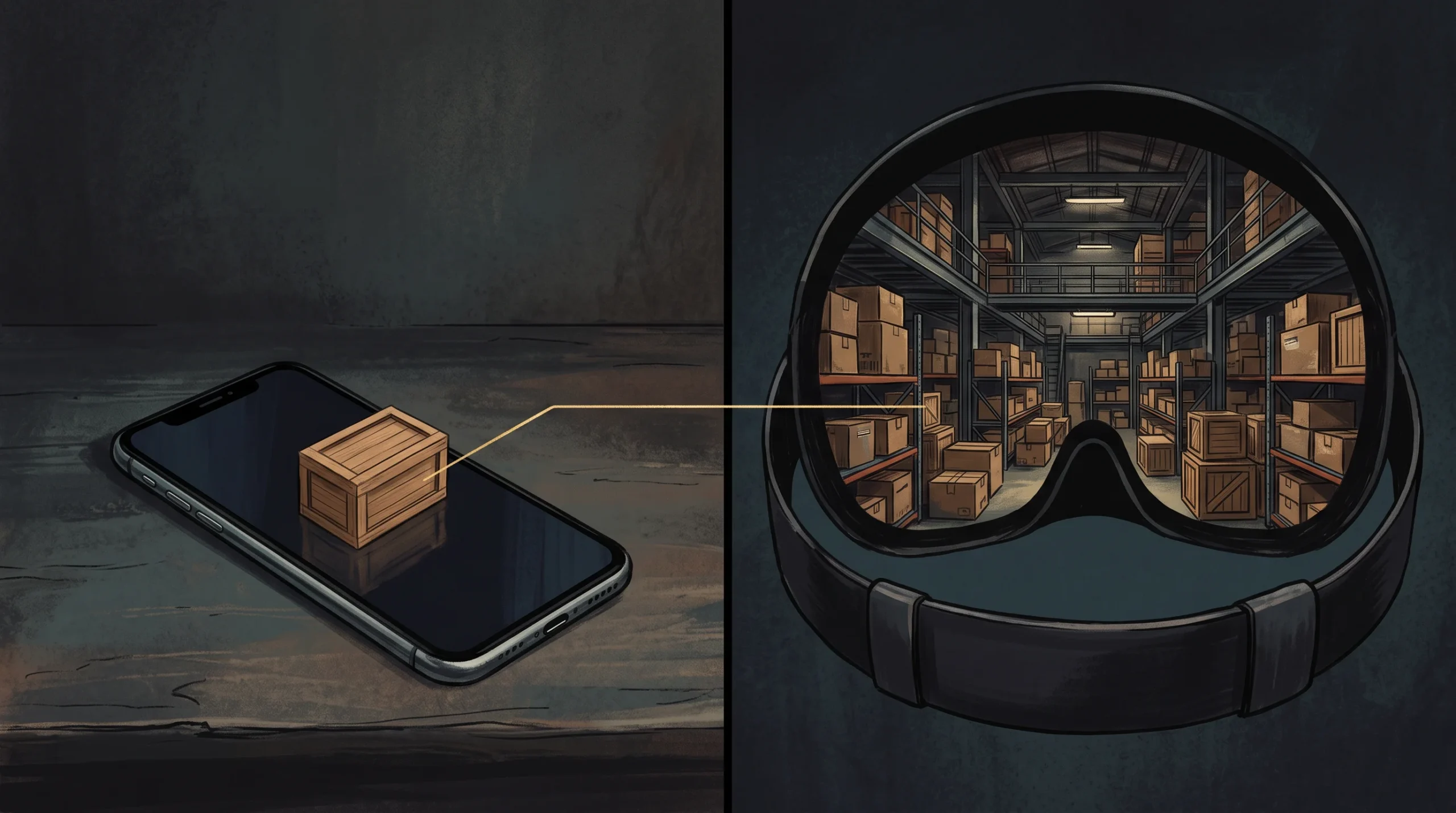
“Low-poly” has no fixed number — it’s a contract with the platform you’re shipping to. Here are the platform-published targets where they exist, alongside clearly labelled working ranges where no platform publishes a number:
| Target | Working budget | Source |
|---|---|---|
| Mobile game prop | Often under 500–2,000 triangles | Common industry guidance, not a platform spec |
| Mobile hero character | ~5,000 triangles for smooth mid-range performance | Common industry guidance, not a platform spec |
| Web product viewer / 3D commerce | No published triangle budget — the guidance is qualitative: only as much geometry as needed to keep a high level of realism, with normal maps carrying the fine detail. Commerce platforms gate on file size instead | Khronos Asset Creation Guidelines 2.0 for commerce-ready glTF (Aug 2025) |
| AR Quick Look (iOS) | Around 100k polygons is the figure that circulates as a conservative starting point — treat it as a rule of thumb, then test the USDZ on the oldest device you support | Widely attributed to a 2018 Apple developer session; that session URL now redirects to the WWDC18 archive index, so we could not confirm it at source |
| Standalone Quest VR | Per whole frame, by device: 350–500k triangles (Quest 1), 750k–1M (Quest 2 / Pro), 1.3–1.8M (Quest 3 / 3S), against a 72 FPS floor | Meta developer documentation |
Note how differently those rows are sourced. Meta’s are current, per-device and published as guidelines to profile against. The Apple figure is the weakest of the three: it traces to a 2018 developer session whose page now redirects to the archive index, so we could not confirm it at source and you should not treat it as a spec. The commerce row is the honest surprise: the Khronos guidelines set no triangle number at all, and several of their geometry sections are still marked work-in-progress, so anyone quoting you a “Khronos triangle limit” is quoting something else. And the mobile rows are field convention rather than anything a platform publishes. Treat the first kind as a contract, the rest as starting points — and when a number matters commercially, ask which document it came from.
Read that VR line again: the budget is per frame and per device, not per asset. A 100k-triangle prop that passes without comment in a web viewer is a rounding error on Quest 3 and roughly a quarter of the entire scene budget on Quest 1 — same file, opposite verdict. Worth knowing too: the “1–2 million triangles per frame” figure repeated all over the internet as a Quest budget is Meta’s PC-VR guideline for Rift and Link, not a standalone one, and using it to scope a standalone title will cost you a re-optimization pass. The budget decides the topology strategy before you touch a vertex — which is why “how many polys should my model be” is the wrong question, and “where will this run” is the right one.
Low-poly modeling in Maya: the pipeline that ships
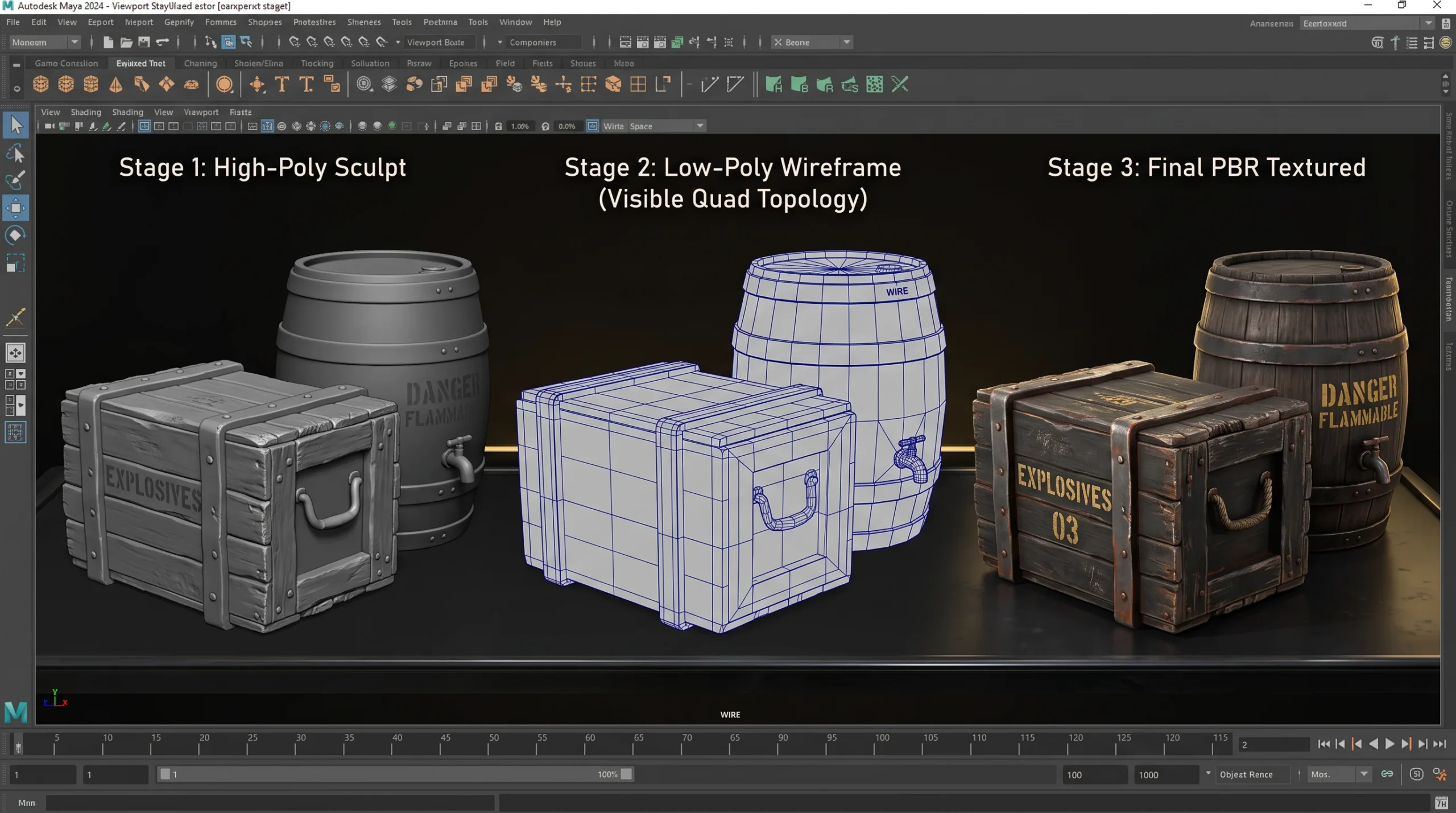
The pipeline hasn’t changed in shape for a decade — blockout, high-poly, retopology, UVs, bake, export. What’s changed is how much of it Maya now automates, and where automation stops being good enough.
- Blockout. Primitive massing at final proportions. The boolean Volume mode added in Maya 2026 (it converts sources to volumes before the operation, then meshes the result back to quads) makes organic blockouts dramatically less fragile than the boolean workflow old tutorials warn you about. Maya 2027 closes the other half of that problem with Smart Bevel, built specifically for beveling after booleans — Autodesk’s own documentation lists the failures it prevents: edge intersections, collapsed corners, uneven widths, broken topology on tight angles. On a polygon budget, keep it to one segment for hard bevels and two or three for most hard-surface work; the classic Bevel is still there when you want it.
- High-poly detail. Sculpt where sculpting wins — we push hero characters through ZBrush and bring them back (how we use ZBrush for character work covers that side). Hard-surface props often stay in Maya entirely.
- Retopology. Since Maya 2020, Remesh and Retopologize live right in the Mesh menu; Flow Retopology offloads the job to the cloud and is bundled with Maya 2027 — fifty jobs per calendar month for subscribers, per Autodesk’s own documentation. Auto-retopo establishes much of the broad topology. What it does not settle — edge loops where deformation happens, silhouette edges spent where the eye actually looks — is why hand topology still exists, and it’s most of the difference between an asset that ships and one that gets sent back.
- UVs and baking. A low-poly model without bakes is a draft. The high-poly’s surface detail transfers to the low-poly through tangent-space normal maps (the bake typically happens in Substance 3D Painter or Marmoset; the FBX round-trip from Maya is the same either way). One honest rule from years of QA: most “my low-poly looks cheap” complaints are bake problems, not polygon problems.
- Export. Maya’s Game Exporter still handles FBX presets and animation clips, and USD ships in-box (Maya 2027 adds Component Creator and a Variant Manager for building self-contained USD assets). For web and AR, though, the deliverable is glTF/GLB or USDZ — and here is the part that catches people: Maya ships no glTF exporter. That conversion is a deliberate step in your pipeline, not a menu item, and it dictates texture packing and material setup, so decide it at the start rather than the end.
If your reference tutorial is from 2020, here’s what it gets wrong
Worth being specific, because the top results for this topic are still running on old information:
- Shaders: Lambert and Blinn references date a tutorial instantly — OpenPBR is Maya’s default surface shader now, and it matches the PBR maps you’re baking anyway.
- Retopology: anything that starts with “patiently draw quads with Quad Draw” as the only path predates Remesh/Retopologize (2020), cloud Flow Retopology (2026), and Smart Bevel (2027).
- Polycount folklore: flat rules like “under 1k or it’s not low-poly” ignore that today’s budgets are platform contracts — see the table above.
- Export: FBX-only thinking misses that the growth use cases — product viewers, AR, configurators — speak glTF and USDZ.
Doesn’t Nanite make all this obsolete?
Short answer: no — though not for the reason most articles give. Epic’s own position is more permissive than the “Nanite killed low-poly” crowd realizes and than the sceptics admit: Nanite “should generally be enabled wherever possible on platforms that support it,” and where Virtual Shadow Maps are in play Epic recommends enabling it “on all supported geometry, including low-poly meshes.” On a desktop or console title, take that advice.
The catch is the qualifier — on platforms that support it. Nanite supports current console and desktop platforms with DirectX 12 and Shader Model 6, lists forward rendering among the features it does not support, and on headsets Epic is blunt: Nanite and Lumen for XR are “considered experimental and are not officially supported”, “Only supported on PC with the Deferred Renderer and DX12”, and “Not supported on Mobile XR hardware.” Phones, browsers, standalone headsets, every non-Unreal engine, and every e-commerce viewer therefore live entirely inside the conventional budgets in the table above — which is most of where this work actually ships. And even where Nanite does run, Epic is explicit that it is not a licence to stop counting: “practical limits still remain. For example, instance counts, triangles per mesh, material complexity, output resolution, and performance should be carefully measured for any combination of content and hardware.” Budgets moved; they didn’t disappear.
Commissioning low-poly work instead of building it
The other half of the people searching this topic aren’t modelers — they’re producers and founders pricing asset packs. Market data for outsourced low-poly work: RocketBrush’s breakdown (prices updated May 2025) puts basic 3D props at $100–$800, low-poly characters at $1,000–$2,500 and basic environments at $1,500–$5,500, with studio hourly rates running $15–$35 in Southeast Asia against $40–$60 in the US — and note that its mid- and high-poly tiers climb steeply above those floors. Juego Studios’ July 2026 guide puts engine-ready characters at $800–$3,500, and its separate 2026 cost article lists stylized 3D props at $300–$2,000+. Both are published by studios selling these services, so read them as directional rather than as a market survey; even within one vendor’s own site, published character ranges vary by page. The honest read is a wide market, and where you land depends on complexity and on how much of the pipeline above is actually included in the quote.
That last part is the trap. “Game-ready” should mean: inside an agreed triangle budget, clean UVs, baked map set, tested in the target engine or viewer — not “a mesh that opens.” If a quote is dramatically cheaper than the ranges above, check what is actually included — bakes, LODs, source files, revision rounds, and testing in the target engine or viewer are the line items that tend to be absent, and you’ll buy them again later. Our low-poly modeling service page spells out what we deliver against that list, and for character-shaped work, character design services is the right door.