
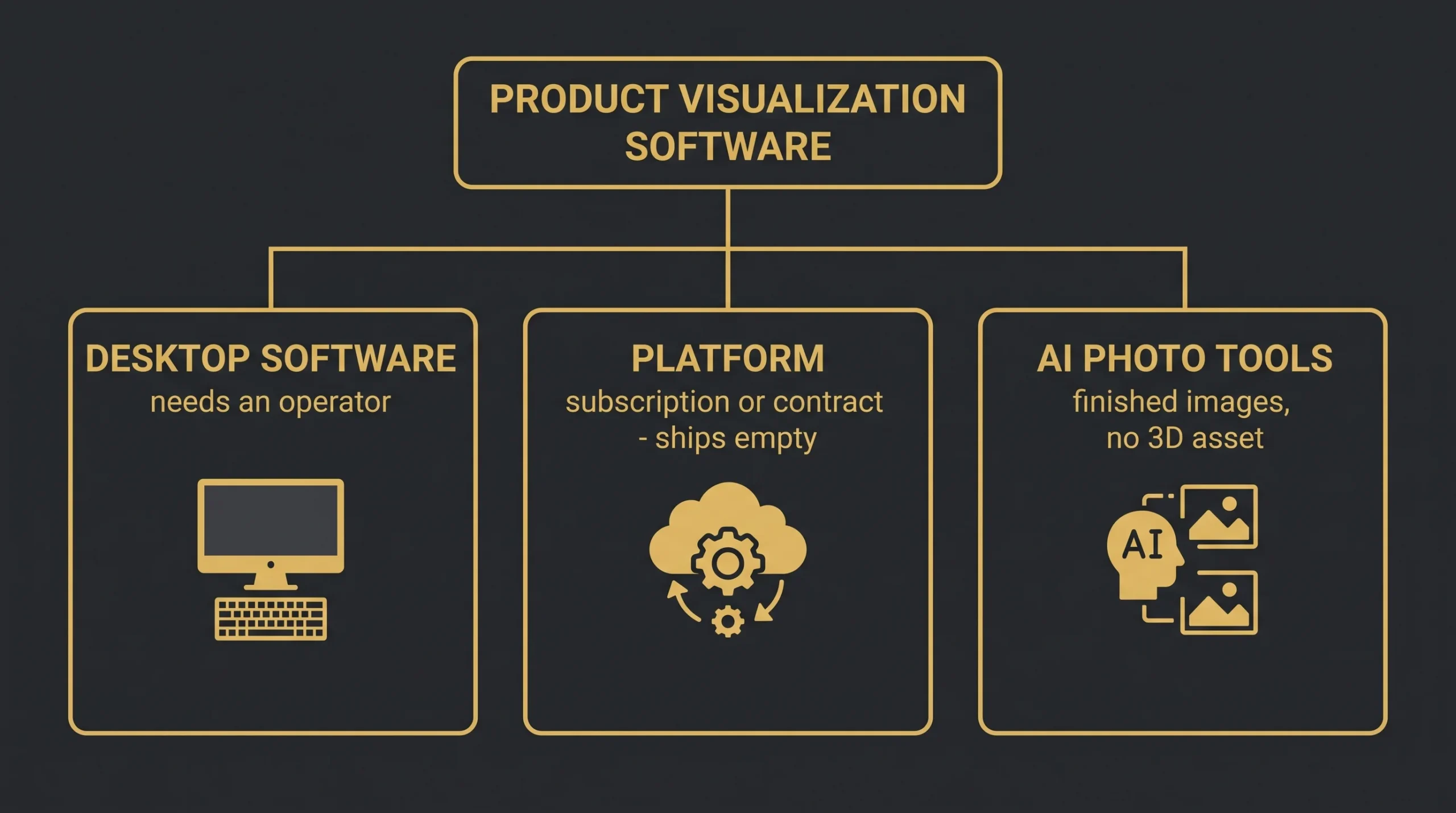
Product visualization software is a search that returns three different purchases wearing one name, and the listicles never tell you which one you’re reading about. One kind is desktop software a trained operator drives. One kind is a commerce platform, sold either as a self-service subscription or as a custom contract. One kind is an AI application that generates or edits finished 2D imagery and produces no 3D at all. They solve different problems at prices running from single-digit monthly subscriptions to five-figure annual contracts — so before any tool comparison makes sense, you need the taxonomy the SERP refuses to draw. That’s this article, with 2026 prices and the honest boundaries of each.
Three broad purchases wearing one name
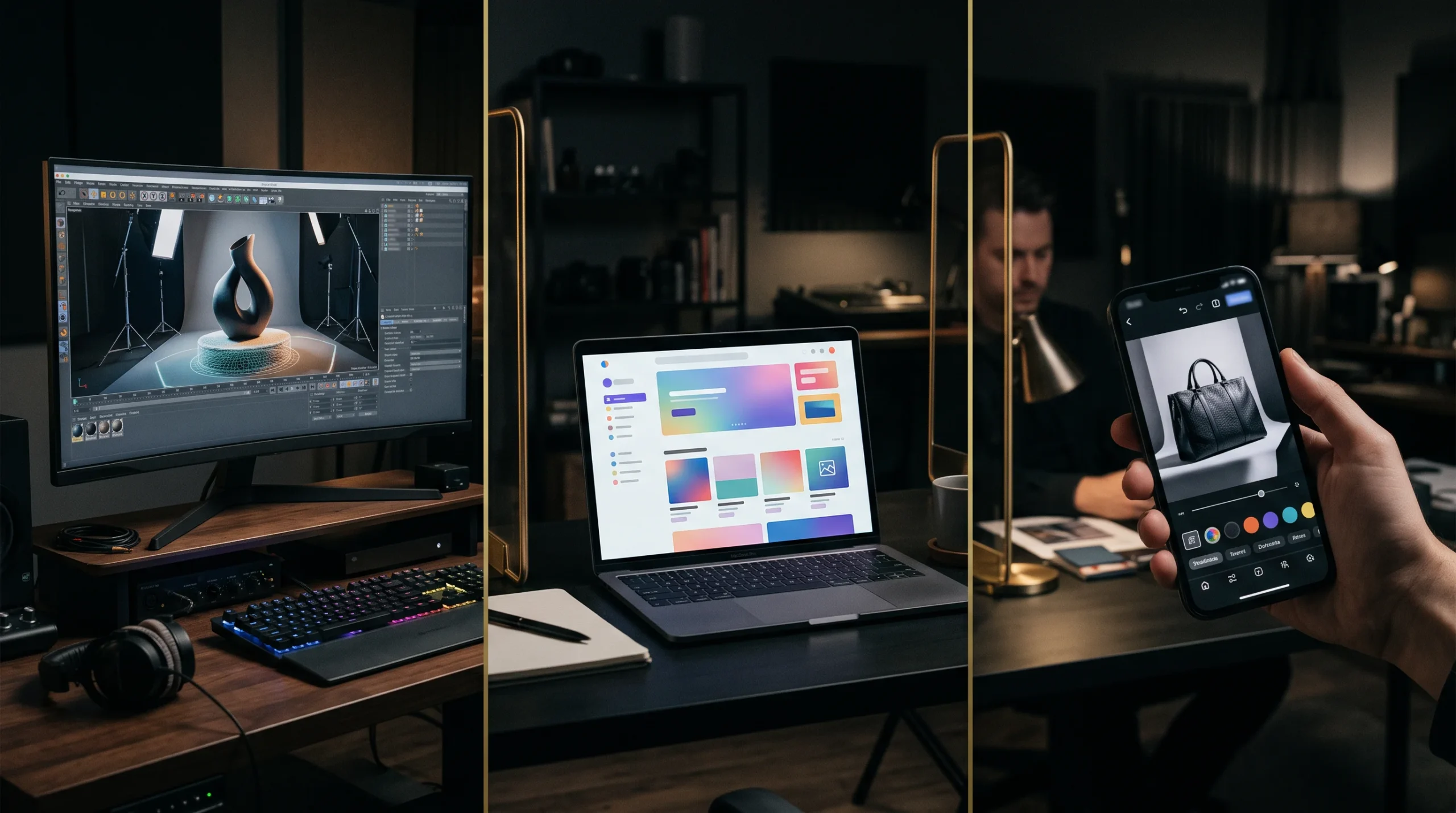
- Desktop production tools — KeyShot and Blender for building and rendering scenes, with Adobe’s Substance 3D handling the materials and texturing underneath them. You (or your artist) make actual 3D scenes. Cost: licence plus, crucially, an operator.
- 3D commerce platforms — Threekit, Zakeke, 3D Cloud: viewers, configurators, and AR delivery for your store. Cost: subscription-to-contract — and they all ship empty, because someone still has to build the 3D assets they display.
- AI product-image tools — Flair, Pebblely, Photoroom: finished 2D imagery, generated or restyled. Whatever the input, what comes out is a finished picture — no model, no geometry, and no reusable 3D asset you can rotate, reconfigure or re-render from another angle. A fact their marketing does not lead with.
Half the confusion in this market is that roundups of 3d product visualization tools rank these three categories against each other as if they were rivals. They aren’t; they’re different aisles — and the rest of this guide walks them one at a time. Vendors do cross between them, and increasingly do: KeyShot has been adding AI-assisted features, and platforms will happily sell you asset production. The distinction still holds because what you are actually buying differs — the primary purchase, the skills it demands, and what you end up owning.
Desktop product visualization software, priced
This aisle is what most searches for product rendering software actually mean. KeyShot is the one you meet most often in industrial-design and manufacturing visualization: current release 2026.2, subscription-only with no perpetual licence on offer, at $1,299 a year for KeyShot Professional and $1,599 for Business (the tier where seats become transferable), with network rendering sold separately from $32 a month billed annually ($384 a year) for the sixteen-core base, scaling to 256 cores, and available on Business and above — the line item people forget until the first deadline where one machine is not enough. Blender is the free counterweight — the perennial answer to every “KeyShot alternative” search — and 2026 Blender is not a compromise: 5.0 shipped in November 2025 and the 5.2 LTS followed in July 2026, with material and color-management upgrades that put its product work at professional grade — the cost just moves from license to learning curve. In practice the desktop choice turns less on the tools than on the operator you can actually hire: KeyShot artists come from industrial design, Blender artists from everywhere, and either can outrender the other’s software on a given product. Around both sits Adobe’s Substance 3D Texturing plan at $24.99 a month, or $249.88 prepaid annually, following the March 2025 increase — the material-authoring layer serious product work leans on. Note the plan, not the family: the broader Substance 3D Collection is $59.99 a month, and the two get quoted interchangeably by people who have not checked. If motion is the goal, that’s its own tool conversation — our product animation software guide covers that stack separately.
The platforms, from subscription to contract
The second aisle sells outcomes — 3D viewers on product pages, configurators, AR — and prices anywhere from a self-service subscription to a bespoke enterprise contract, when it prices publicly at all. Threekit’s pricing page carries no figures at all, saying only that pricing is custom — though one legacy vertical page, for its engagement-ring configurator, still advertises “pricing starting at $15,000 per year plus implementation” — a vertical package rather than general platform pricing. Read that as evidence of how bespoke the upper end gets, not as a price for the category. Zakeke has consolidated into Starter, Grow and Scale plans, with the entry tier starting around $70 a month and the top self-serve tier in the low hundreds, plus a transaction fee of roughly 1.5–1.9% on products sold through it. Treat those figures as indicative: Zakeke’s own pricing page now loads its numbers dynamically, so nothing is quotable from the page itself, and third-party trackers disagree. Whatever the platform, the constant is the part every pricing page hides: the software ships empty. Your products still have to become optimized, platform-spec 3D assets, per SKU and per variant, and depending on catalogue size and variant complexity, that asset line can rival or exceed the first-year platform fee. Budget the aisle, not the software.
The AI wave, and its hard boundary
The third aisle is 2026’s disruptor: AI product images from tools that start cheap — Flair opens at $8 a month and Pebblely at $9 in the browser, with Photoroom built mobile-first around phone workflows — that restage an existing product photo into new backgrounds and lifestyle scenes for a fraction of a shoot. Pin those numbers down at checkout rather than from a guide like this one: Photoroom’s pricing page renders its plan names without figures, and the nearest citable numbers sit in Photoroom’s own editorial rather than on the pricing page. For background swaps on products you can already photograph, they’re genuinely good and genuinely cheap. The boundary is the starting asset. In the workflows these tools actually document, preserving a specific real product means giving them a reference: Pebblely starts from an uploaded product image and generates scenes around it, and Flair’s product workflows begin from product imagery or a custom product model you supply or train. Generate from a prompt alone and you get a plausible object, not your product. The one thing this aisle genuinely conjures from a description rather than a file is a person: Flair’s human-model builder starts from specified attributes, not an upload. So a synthetic model can be summoned; the product it holds still has to be photographed. Put plainly: for your actual product, these tools replace the studio — backdrop, styling, lighting, the endless repeat setups — but not the shoot. An unreleased product may have no production sample to photograph. An exact finish revision can’t be entrusted to an image model’s imagination. And a configurable product with hundreds of SKU combinations has to stay geometrically consistent across every one of them. Every one of those cases is native 3D territory — which is why, so far, these tools have displaced far more routine product photography and background work than controlled 3D asset production.
The software is the cheap part
Add the aisles up honestly and a pattern emerges: the sticker price rarely tells you the whole cost. A desktop licence still needs someone who can produce the work with it. A platform still needs optimized assets and an implementation, and on a large or variant-heavy catalogue that line can outweigh the first-year fee. A cheap AI subscription produces usable imagery fast, then narrows the moment exact product identity, controlled revisions, or a reusable asset start to matter. How lopsided that is depends on your scale — a single simple SKU is a very different sum from three hundred configurable ones. So run the fork by shape, not by size alone: continuous, predictable volume justifies building capability in-house. Launches, catalogs and uneven campaign work usually price better per project. And plenty of companies land in between, keeping creative direction and asset management internal while specialists handle modeling, rendering, or overflow. If that middle is your shape, how to choose a product visualization company is the guide to read next, whoever you end up choosing.
Versions and prices above were checked against vendor documentation and official marketplace listings, most recently in September 2026. This category moves: Blender lists 5.3 as expected on November 2026 and the next KeyShot release is already in development, so verify anything you are about to budget against.