
Most articles about 3D prototype design read like a textbook chapter — four types of prototype, six steps to model one, a tidy list of qualities a “good” prototype should have. Useful if you’ve never seen one before. Less useful if you actually need to ship a part to a printer next week.
This is the version written by the studio that does the modeling. Not by someone describing it from across the room.
What 3D prototype design actually means in our pipeline
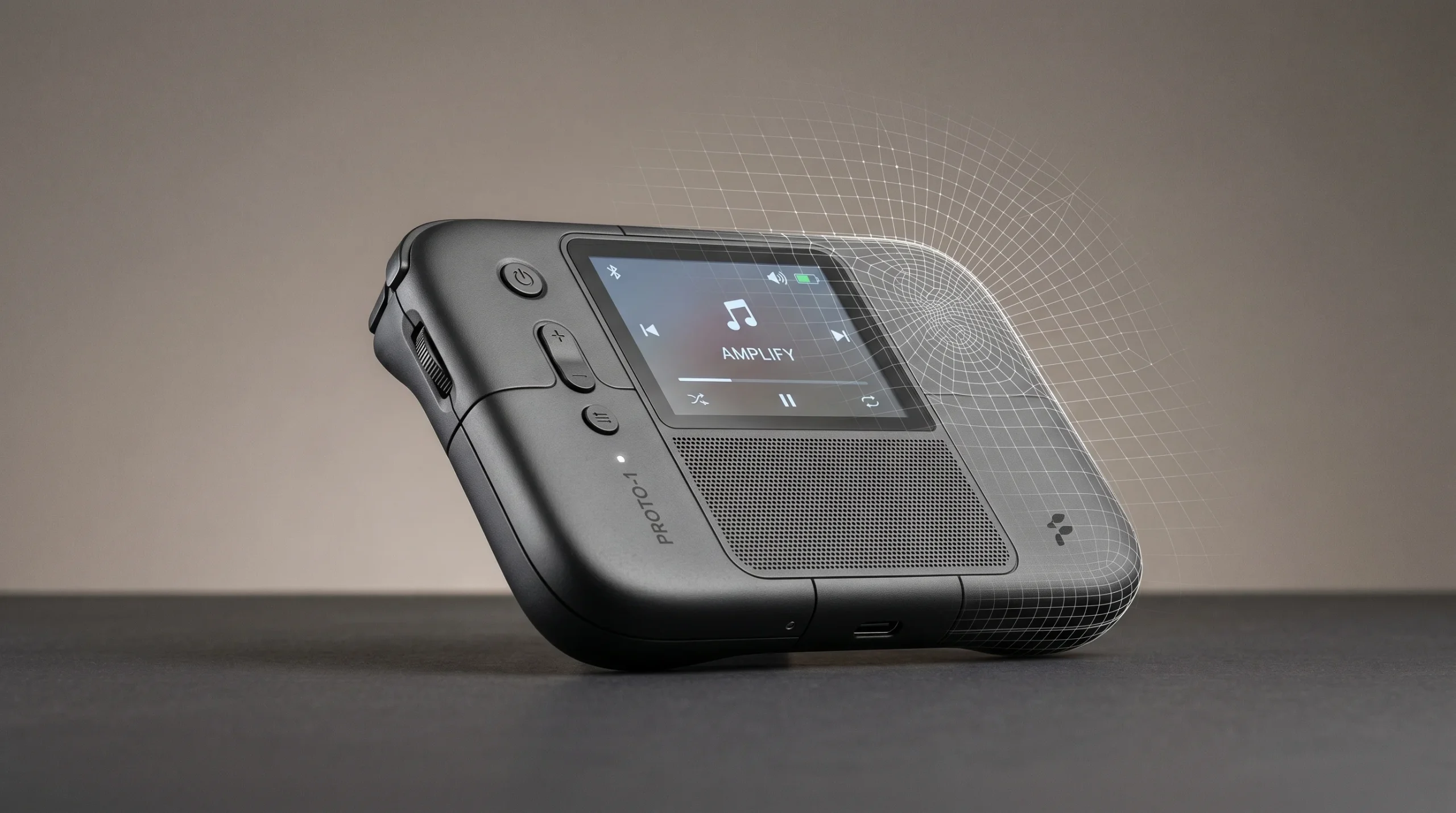
A prototype is a three-dimensional model that lets you hold, photograph, or stress-test a product before tooling exists. In our shop, “3D prototype design” specifically means the design-side modeling — the geometry, surfacing, and clean file you can hand to a printer, a CNC house, or a casting shop.
We don’t run the printer. We don’t sign off on engineering. We make the model.
That distinction matters more than people expect. A printable model and an engineering drawing are not the same artifact, and confusing the two costs money. We’ve seen clients arrive with a beautiful concept render and assume it’s ready to print. It almost never is. Wall thicknesses are wrong, the model is non-manifold, the orientation guarantees stringing. Different file, different headspace.
What we actually deliver
- Watertight printable meshes — STL, OBJ, or 3MF with manifold geometry, sensible wall thicknesses, and minor support-friendly tweaks where you ask for them.
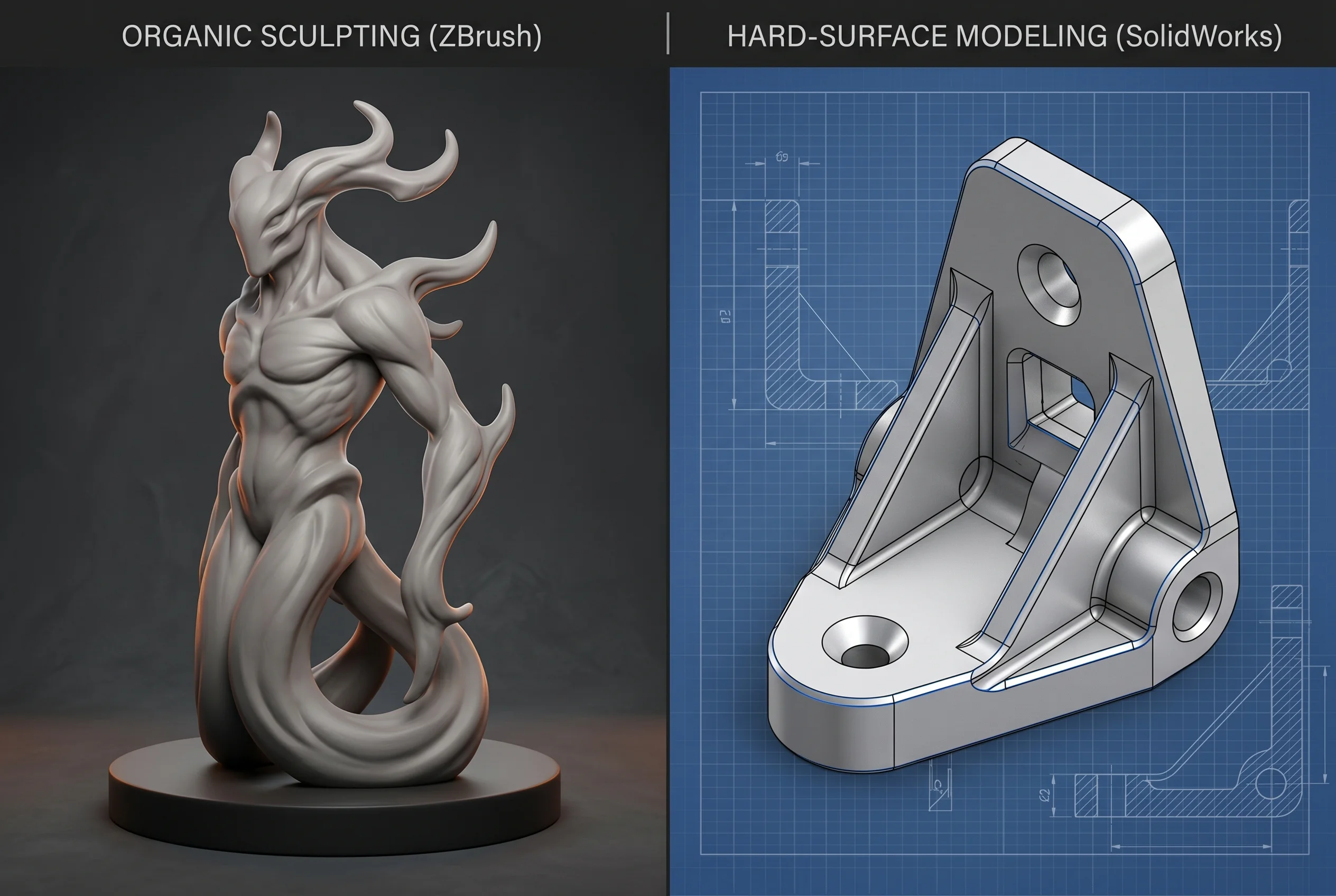
- Editable source files — ZBrush, Blender, 3ds Max, or SolidWorks scenes, depending on whether the part is organic, hard-surface, or technical.
- Hard-surface CAD translation — when you give us a sketch, a reference photo, or a rough STEP, we’ll rebuild it as a clean, parametric-feeling solid your CNC operator won’t curse at.
- Marketing-ready renders of the prototype — the same model, lit and shot for an investor deck or a product page. This is where the work overlaps with our usual 3D product visualization service.
- Short turntable or exploded-view animations — when a still image won’t explain how the part fits together. Adjacent to our 3D product animation work.
Notice what’s not on that list. No load calculations. No FEA. No injection-mold engineering. We’ll talk about why in a minute.
Where 3D prototype design fits in a real project
The clients who ask us for prototype-grade modeling fall into a few familiar shapes:
- Product manufacturers finalizing form before tooling — packaging, casings, consumer goods, accessories.
- Industrial designers handing off a clean digital master to a print bureau.
- Marketing teams who need a physical mockup at a trade show, plus renders for the booth graphics.
- Toy, figure, and collectible producers commissioning master models for casting. We’ve covered the figure side specifically in our action figure 3D model piece.
- Inventors and small startups turning a CAD-ish sketch into a presentable, testable object.
Most of these projects don’t need a four-week pre-production phase. They need someone who can take a reference and produce a printable file that looks the way it’s supposed to look.
Our tool stack for prototype work
Different geometry, different software. We don’t pretend one tool covers everything.
- ZBrush — organic forms, figures, characters, decorative sculpting, anything where the silhouette matters more than the dimensions.
- Blender — mixed hard-surface and organic, fast iteration, lighter-weight projects where a full CAD package is overkill.
- 3ds Max — hard-surface modeling, scene assembly, render-ready output for the marketing imagery side.
- SolidWorks — when the part is genuinely technical and dimensions need to be parametric and editable.
If a client sends us a STEP file from their engineer, we work in SolidWorks or import cleanly into 3ds Max. If they send us a moodboard and a Pinterest reference, we open ZBrush or Blender. The choice is almost always obvious by the second sentence of the brief.
The honest scope boundary
This is the part most agencies skip. We won’t.
Art Land Design is a 3D visualization and design-modeling studio. We are not a mechanical engineering firm. That has practical consequences for prototype work:
- We don’t do production-ready tooling design (injection molds, die-cast tooling, precision industrial mechanisms).
- We don’t do load calculations, FEA, MEP, or any analysis that ends in an engineer’s stamp.
- We don’t certify a model as production-ready. That’s the print bureau’s or manufacturer’s call, not ours.
- When a project is more engineering than design — moving mechanisms with tight tolerances, parts subject to regulatory compliance — we’ll either decline or limit our scope to translating the engineer’s references into a clean model.
Saying this out loud usually filters the brief in about ten minutes. Clients with the right scope stay. Clients who actually needed an engineer realize that early, which saves everyone the awkward conversation three weeks in.
How we run a 3D prototype design project
The pipeline isn’t exotic. It’s the order and the discipline that matter.
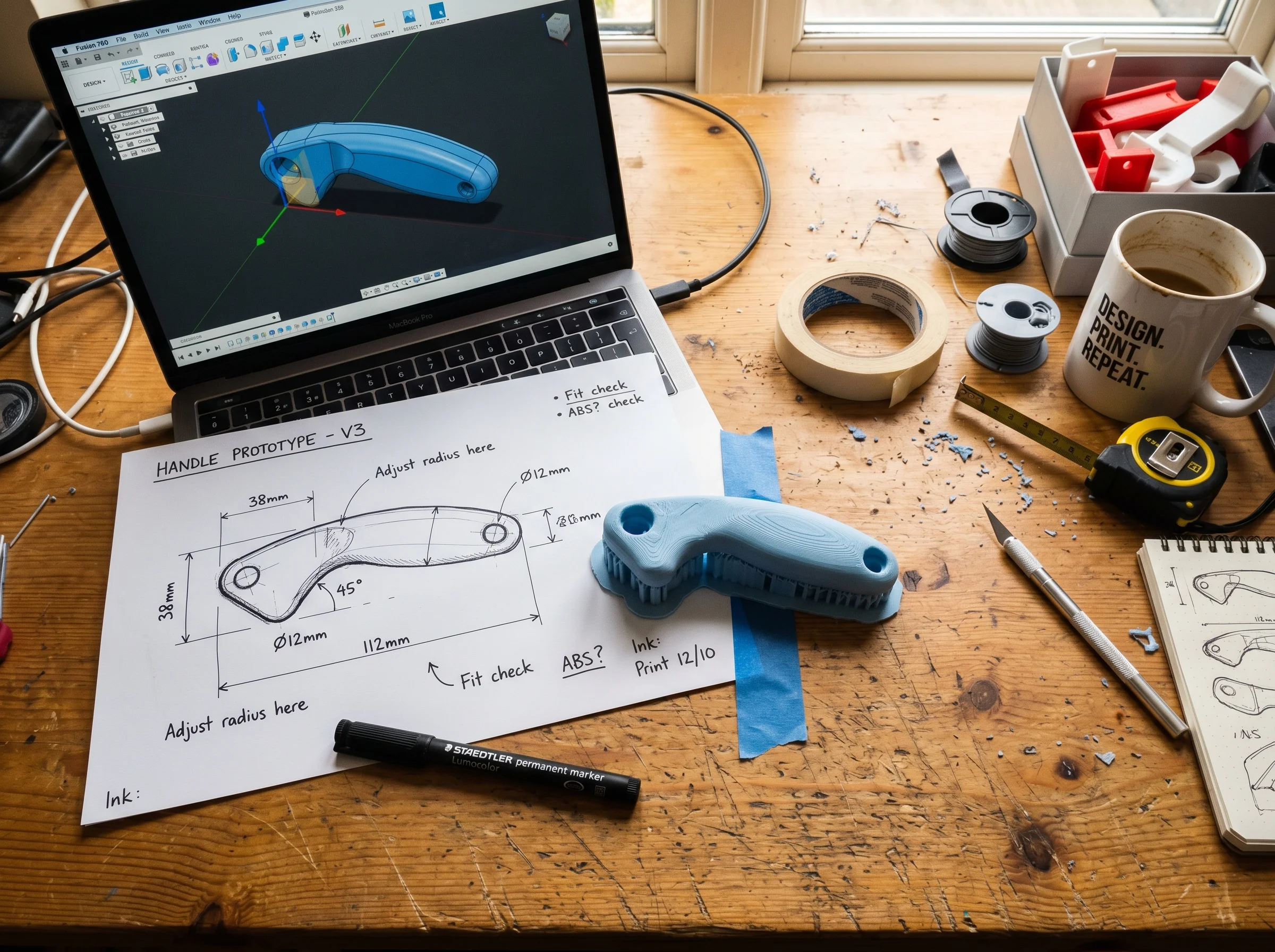
- Brief and references. Sketches, photos, competitor products, dimensions if you have them, target print method if it’s known. The more constraints we have on day one, the fewer change orders later.
- Blockout. Rough geometry to confirm proportions and silhouette before we sink hours into details. We send a low-res screenshot, you say “shorter, wider, less dramatic curve,” we move on.
- Detail pass. Final modeling, surfacing, fillets, edge breaks, parting lines if relevant. This is where ZBrush, SolidWorks, or 3ds Max does its actual work.
- Print-prep. Mesh repair, wall-thickness check, manifold verification, orientation suggestion. Not engineering — just making sure the file doesn’t fail at the slicer.
- Optional: marketing renders. Same model, dropped into a studio scene with proper lighting. Useful for decks, packaging mockups, and product launches.
Serious projects always have some change orders. Two or three rounds of revision are normal. We build that into the project plan instead of pretending the first delivery will be perfect.
When to commission a prototype model versus skip straight to renders
Not every project needs a printable file. Sometimes you only need the visual.
- You need a physical object — trade show, investor pitch, ergonomic test, casting master. Commission a prototype model.
- You only need the picture — packaging mockup, product page, ad campaign, social media. A render is enough. The model lives in our scene file and never sees a printer.
- Both — the most common case. We build the model once, deliver a print-ready export, and use the same source file for marketing imagery.
The third option is where prototype design pays for itself twice. One asset, two outputs.
What a good brief looks like
If you’re about to send us a project, the briefs that go smoothest include:
- Reference imagery — yours or competitors’ or both.
- Approximate dimensions or a scale reference.
- Target print method, if known (FDM, SLA, SLS, MJF, CNC).
- Material constraints, if any.
- What the prototype is for — pitch, ergonomic test, casting master, photoshoot. We model differently for each.
If you don’t have all of that, send what you have. We’ll fill in the rest on a call.