
3D furniture modeling is what bridges the gap between a chair sitting in a factory and that same chair convincingly placed in a marketing image, a catalog page, a configurator, or an AR app. Done well, the same asset feeds multiple channels for years. Done badly, it looks plastic, the topology breaks in close-ups, and the textures fight the lighting in every scene the client tries to drop it into.
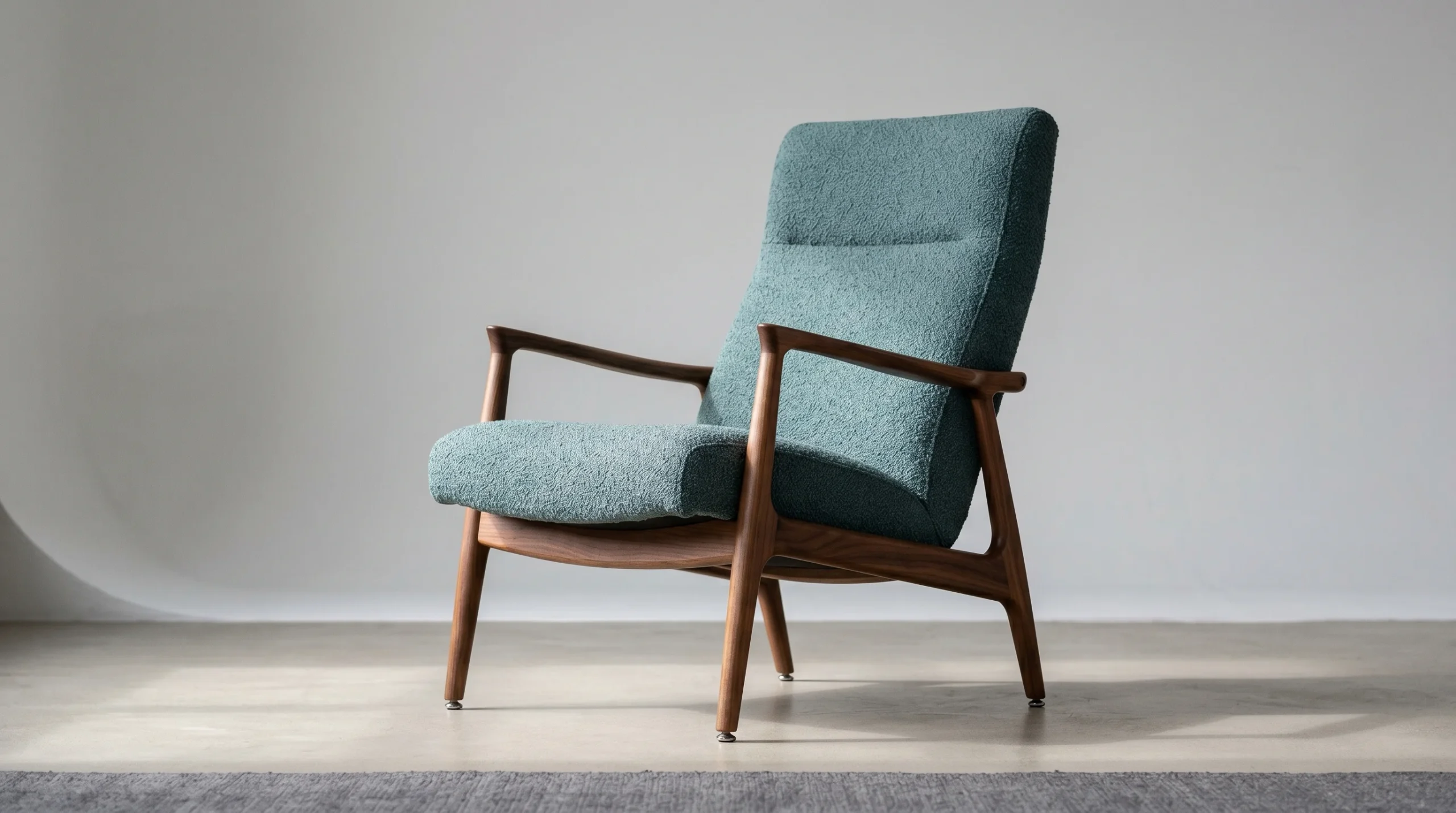
We build furniture models for brands, manufacturers, online retailers, and the agencies that work for them. Some jobs are a single hero sofa for a launch campaign. Others are libraries of several hundred SKUs feeding an e-commerce catalog. The workflow scales, but the standards don’t change much between the two.
Who actually orders 3D furniture modeling
Worth being honest about the audience for this kind of work, because the answer shapes everything else. The buyers we see most often are:
- Furniture brands launching a new collection and needing imagery before physical samples exist.
- Online retailers standardizing how products appear across a large catalog — same lighting, same angles, same room scenes, hundreds of SKUs.
- Manufacturers supplying CAD/STEP files who need that geometry cleaned up and turned into render-ready assets.
- Marketing teams and ad agencies who want lifestyle imagery without flying a crew to a location with the actual furniture.
- Interior designers and architects embedding specific pieces inside larger visualization projects.
The single homeowner asking for a 3D model of one custom cabinet does exist, but they are not the bulk of this work. Most jobs come from teams who need furniture imagery at a scale and consistency that photography can’t match.
What we actually deliver
The output depends on what the asset is being used for. A few common shapes the project takes:
- Photoreal product renders — clean studio background, multiple angles, used in catalogs, ads, and e-commerce hero shots.
- Room-scene composites — the piece placed in a styled interior so buyers can see scale and context.
- Render-ready 3D assets — geometry plus materials, delivered in a format the client’s pipeline can ingest (3ds Max scenes, FBX, OBJ, USD, glTF for web/AR use).
- Configurator-ready models — lower-poly variants with proper UVs and material slots, ready to plug into a Three.js configurator or product viewer.
- Animation — turntables, exploded views, mechanism animations for recliners, sleeper sofas, modular systems.
For larger libraries we agree on a delivery template up front — naming convention, polygon budget, material naming, scene template — and every model after the first one slots into it. Less glamour, more uptime. That structure is half the reason library projects don’t melt down at SKU 47.
The workflow, briefly
Most furniture jobs run through roughly the same sequence:
- Reference intake. Photos, dimensions, swatches, fabric samples shot under known lighting, sometimes a STEP file from the manufacturer’s engineering team.
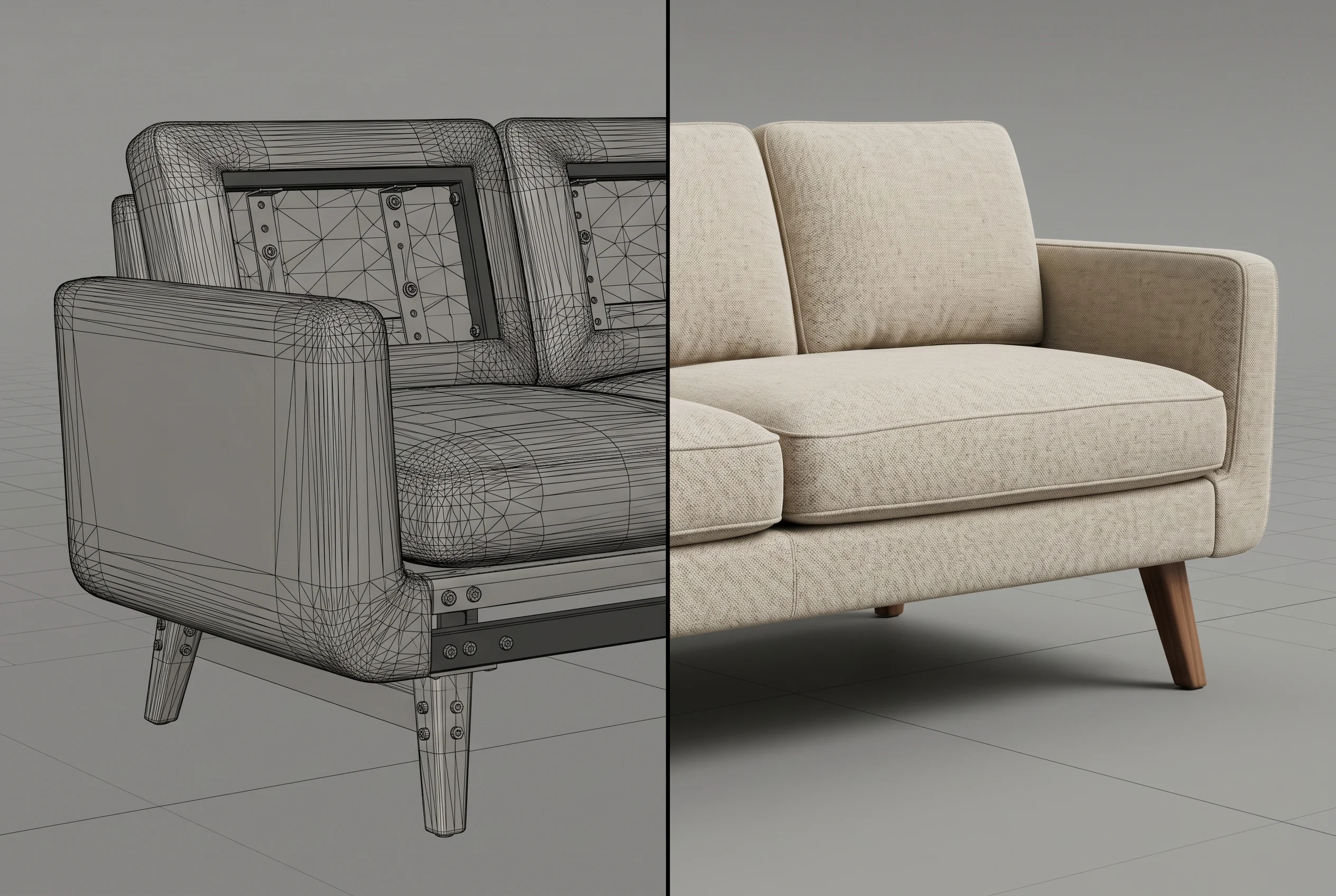
- CAD cleanup or fresh modeling. Supplied STEP files are almost never render-ready — they carry construction details no camera will see and lack the silhouette refinement a hero image needs. We either rebuild or selectively retopologize.
- Material development. The fabric on a sofa is what sells the piece. Weaves, stitching, piping, leather grain, wood pore — these are built scan-accurate where reference allows.
- Lighting and rendering. 3ds Max with Corona is our primary stack for stills. Clay passes early so everyone agrees on the camera before we spend cycles on materials.
- Review and revision. Two structured review rounds covers most projects. Serious projects always have some change orders — we plan for them.
Half the value of a clay render is that everyone shuts up about texture choices until the camera angle is locked. It saves a lot of misdirected feedback.
STEP files, CAD imports, and the cleanup that nobody warns you about
If you’ve worked with manufacturers before, you know the file they send is rarely what you’d want to render. STEP exports come from engineering CAD — every screw, every internal bracket, every machining radius. None of that helps a marketing image. Worse, the geometry usually has horrible topology for subdivision and the seams will catch glancing light in ways no real product does.
This is where studios with engineering-adjacent experience earn their keep. We strip what the camera won’t see, rebuild silhouettes where the CAD geometry is too coarse or too dense, and UV the result so materials apply predictably. None of this is glamorous. It’s just the work that separates a believable furniture render from one that looks like a CAD screengrab with materials on top.
Library-scale furniture projects
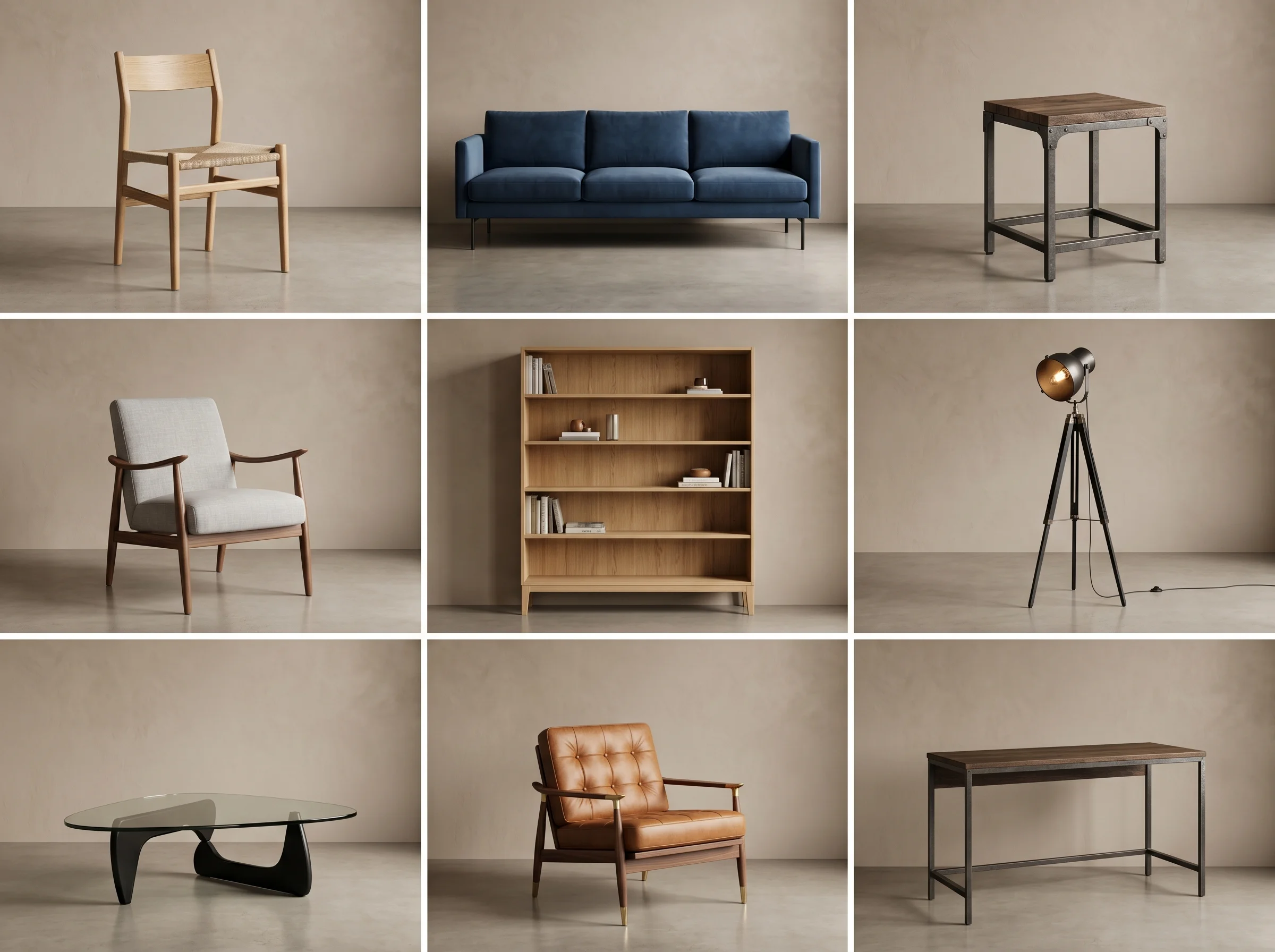
The biggest furniture programs we’ve delivered have been online retailer libraries — hundreds of SKUs, all rendered in a unified lighting/scene system so the catalog reads as one consistent product line. A few things that matter at that scale and don’t matter on a single hero shot:
- A locked scene template. Same lights, same camera lens, same background, every time. Variation lives in the product, not the render setup.
- Polygon and material budgets. If models will eventually feed a configurator or web viewer, you can’t decide that on SKU 200 and retrofit the first 199.
- Naming and folder structure. Boring, essential. The client’s CMS team has to ingest the deliverables without renaming three thousand files.
- QA passes. Hero shots get human eyes; library shots need an automated diff against the template plus spot checks. Different muscle.
We’ve seen library projects lose momentum because the initial pilot looked great but no one defined what “the same, two hundred more times” actually meant. Defining that upfront is most of the job.
Furniture renders versus furniture photography
The honest comparison: photography wins when the product is finished, on hand, and you only need one beautiful shot. CGI wins when you need imagery before production, multiple finishes of the same piece, the same product in twelve different room contexts, or a catalog of consistent imagery across hundreds of SKUs that no studio could realistically shoot in one place.
For a developer pitching a hotel lobby concept, a furniture render of a yet-to-be-manufactured custom piece is often the only way the conversation moves forward. For an e-commerce site, the math on CGI versus reshoots every season usually favors building the library once. We’re not against photography — we just see more clients move toward CGI once they hit the point where reshooting a catalog is the bottleneck.
What this connects to
Furniture rarely lives by itself. Most of our furniture work feeds adjacent deliverables — a piece designed for a hotel project also ends up in the 3D product visualization pipeline for the manufacturer’s own marketing, the model gets reused in architectural walkthroughs showing the finished interior, and a configurator version often follows for the brand’s website. Worth scoping that reuse up front rather than rebuilding the asset three times.
Tools, formats, and the practical bits
For the technically minded: primary stack is 3ds Max with Corona for stills, Blender and ZBrush where the project benefits from them, Three.js for any web-based configurator or AR-ready output. We accept STEP, IGES, SLDPRT, OBJ, FBX, USD as inputs. Deliveries go out in whatever format the client’s pipeline expects — usually a render-ready 3ds Max scene plus image deliverables, but FBX/USD/glTF for downstream apps and game engines.
We do not handle the engineering side — production tolerances, joinery specs, structural calculations. That stays with the manufacturer. Our scope is the visual asset and the rendered output.
Picking a studio for furniture work
A few things worth checking before you commission furniture modeling:
- Do they show furniture in their portfolio — not just architectural interiors with stock furniture in them?
- Have they handled CAD/STEP imports from manufacturers? It’s a different skill than modeling from photos.
- Can they hold a consistent look across a library, not just produce one striking hero image?
- What does their fabric and material work look like on close-ups? Fabric is where furniture renders usually fall apart.
- Do they understand the downstream uses — print, web, configurator, AR — and budget the assets accordingly?
Over 2 decades of doing this work has taught us that the studios who answer those questions cleanly tend to deliver predictably, and the ones who can’t usually surface their problems on the second-to-last week of the project. Bad timing for surprises.