
Architectural visualization software gets ranked in fifteen-tool listicles written by people who render nothing. Here’s the version from a studio that ships this work: nobody runs fifteen renderers — a studio runs one pipeline and defends it, because every asset library, material workflow, and muscle-memory shortcut is an investment in that chain. (One note on terms: the broader “3d visualization software” search lumps GIS, data tools, and interior-DIY apps together — this guide is the archviz half.) This guide walks the stack we and studios like us actually run in 2026, what it truly costs per seat, where the free tier has become genuinely production-grade, and the question the listicles never ask: whether you should be buying software at all.
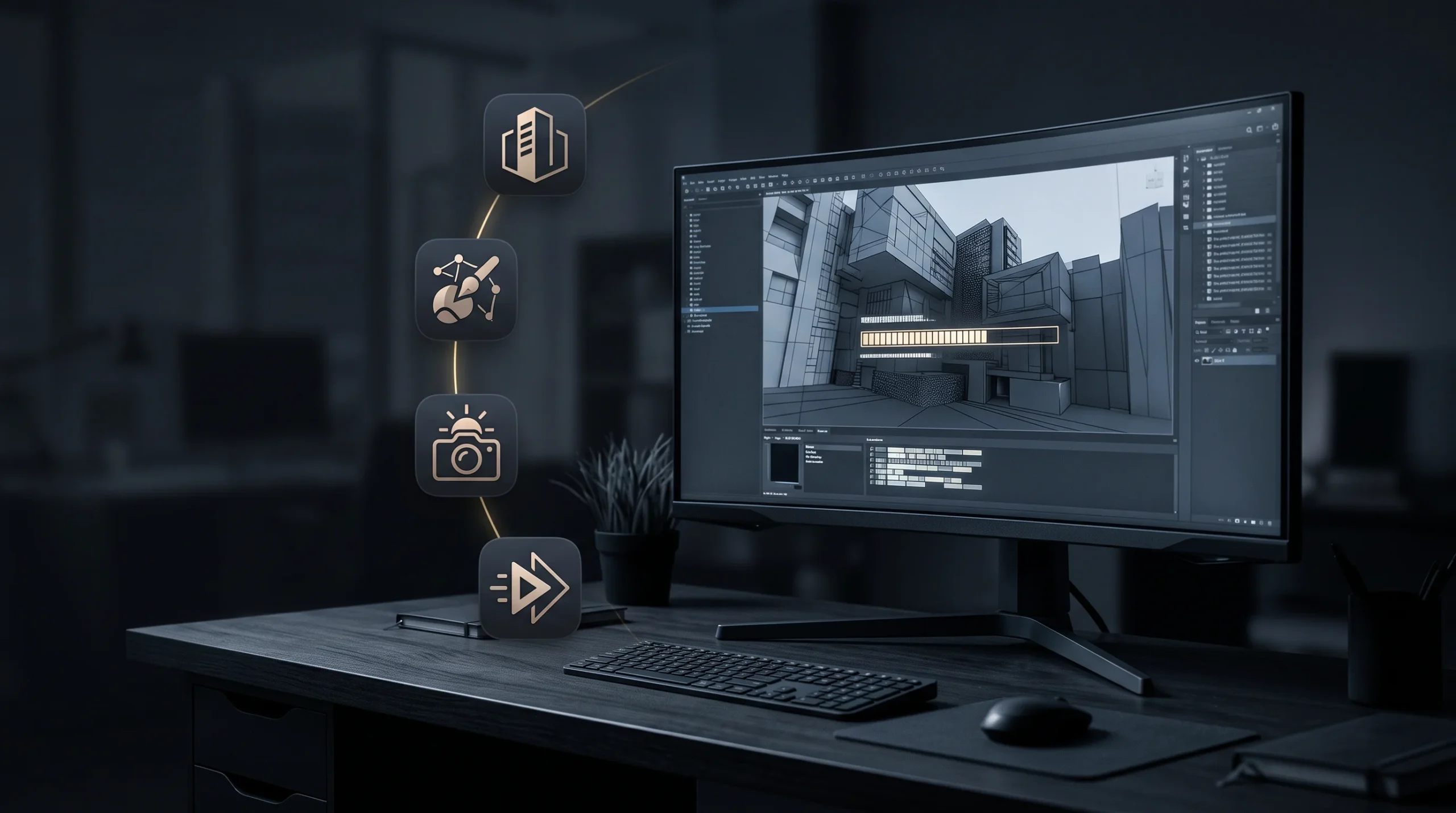
The architectural visualization software stack a studio actually runs
An archviz pipeline has four core production links, not fifteen interchangeable options — with plugins, asset libraries, storage and render infrastructure built around them. BIM/CAD in: Revit is what arrives most often in the architectural work we take on — Revit 2027 (April 2026) added an AI assistant in tech preview and moved accelerated graphics out of preview — alongside eternal DWG (Revit in our 2D and 3D work covers that side). The DCC: 3ds Max is still the centre of gravity in the archviz work we see; the 2026 release made OpenPBR the default material, and 3ds Max 2027 followed in March 2026 (how we use 3ds Max goes deeper). The renderer: Corona and V-Ray are the two we encounter most — Corona 14 (November 2025) added Gaussian-splat rendering and AI material generation, and Corona 15 landed on 27 May 2026; V-Ray 7’s Update 4 brought real-time ray tracing into the 3ds Max viewport at final-frame quality, though it needs V-Ray Collection or a still-active legacy Vantage subscription — Chaos stopped selling standalone Vantage on 27 May 2026, so for anyone buying today Vantage means Collection. That is the kind of condition that never makes a feature list, and it is a real part of what the stack costs. On the eternal Corona vs V-Ray question: Corona is the archviz specialist — simpler to drive, tuned for exactly this work — while V-Ray is the broader, more configurable engine that also lives in film and product pipelines. Same company, different temperaments; studios choose by team, not by output quality, because in practiced hands the images converge. Real-time for client review: D5 Render, Twinmotion, or Enscape, depending on the shop — the layer that turned “wait for tonight’s render” into “let’s move the camera together on the call.”
What the fifteen-tool listicles won’t tell you
Listicles present renderers as interchangeable line items. In production they’re ecosystems: years of curated materials and assets, scene libraries, plugin chains (scatter tools, parametric rail and forest generators), and farm setups all speak one renderer’s language. Even the industry’s OpenPBR standardization — the default material in 3ds Max since the 2026 release, and the basis of Blender 5.0’s Principled BSDF even though Blender doesn’t expose it as a separately named material — is a migration project inside working studios, not a checkbox. That lock-in isn’t a flaw; it’s where the speed comes from. But it means “switch to the #3 tool on the list” costs a studio months, and it means tool choice matters far less than the SERP implies — the pipeline’s operator is the variable that moves the image.
The real cost of a working seat
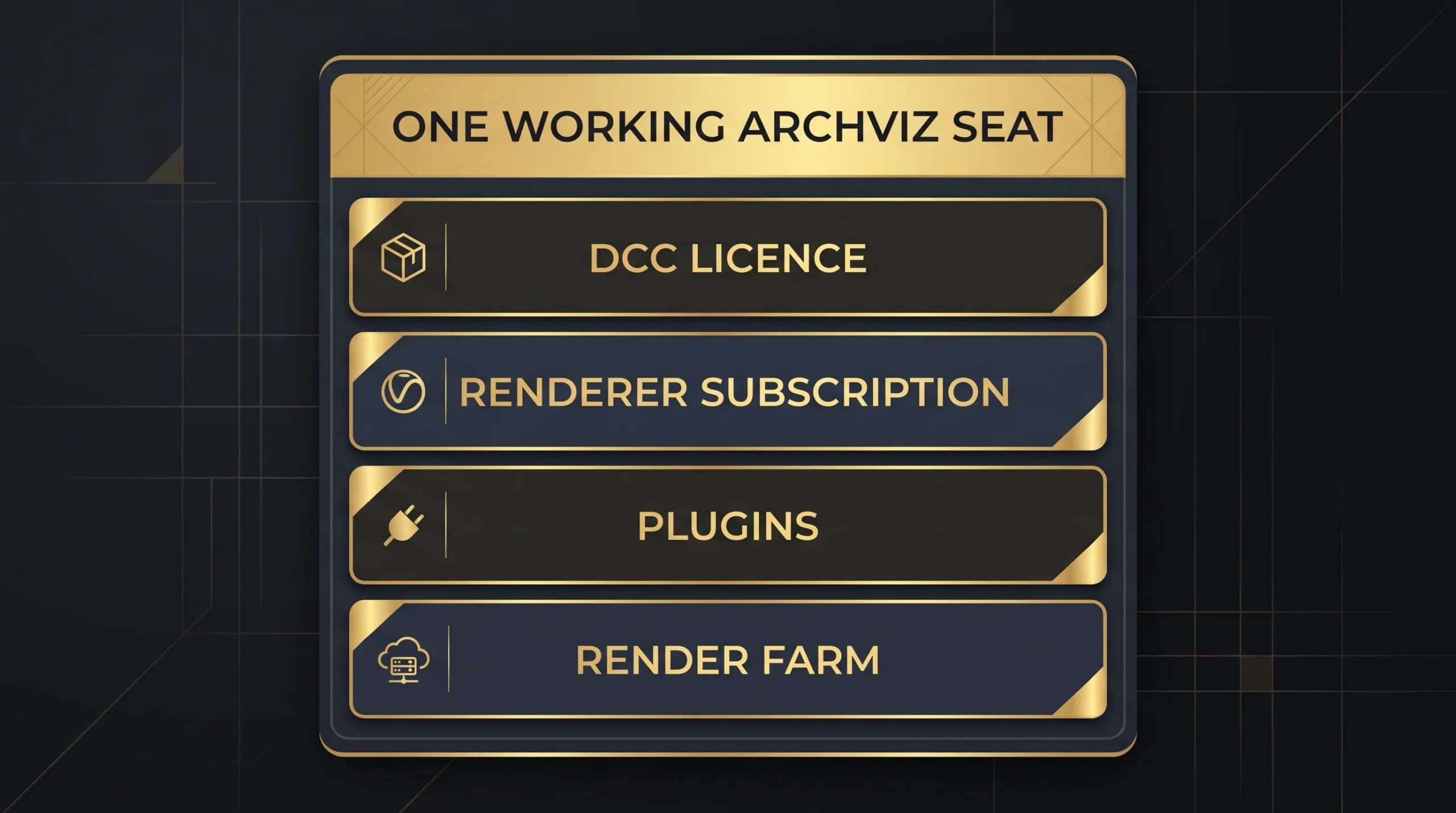
Sticker prices per seat. On current US list pricing, 3ds Max is $2,010 a year paid annually, or $255 a month if you don’t commit. Chaos now sells Corona, V-Ray and Enscape on a three-tier Solo / Premium / Collection ladder rather than the old two-tier structure, and on its own current pages Corona runs $414 to $994.80 a year, V-Ray $540 to $1,210.80, and Enscape $574.80 to $730.80. The Collection tiers are the ones that bite: roughly 2.4x the entry price on Corona and 2.2x on V-Ray, though only about 1.3x on Enscape — but check which tier actually carries what you need, because the obvious guess is wrong. Team and floating licensing arrives at Premium on both Corona and V-Ray; only Solo is a named, single-user licence, and the asset library steps up at Premium too. What Collection adds on those two is Chaos Vantage, the Anima character library and the largest asset tier. The Enscape Collection is a different bundle again — no Vantage or Anima, but cinematic animation and scene assembly, Envision, and the Impact sustainability tools. Now the part the listicles skip: add the plugin layer and render-farm time, and a serious working seat lands in the several-thousand-a-year range — our synthesis, and a conservative one — before the artist who makes it worth anything sits down. The license is the cheap part of a seat. The expensive parts are the operator and the years of pipeline built around it.
The free tier is no longer the toy tier
Two genuine shifts worth knowing. Blender 5.0 (November 2025) shipped a rebuilt colour-management pipeline with native wide-gamut and HDR support — and its Principled BSDF is already built on the OpenPBR Surface model, though not as a separately named OpenPBR material the way 3ds Max ships one — and its archviz results in skilled hands are simply production-grade now — the gap is workflow and ecosystem, not image quality. And Twinmotion is free to use for individuals and businesses that made under $1 million USD in the past twelve months, per Epic’s own licensing page — above that it is $445 per seat per year on Epic’s US list, and a seat is also required at any revenue if you need Twinmotion Cloud. Worth holding that $445 next to Epic’s $1,850 seat, which applies to royalty-free commercial work above the same $1 million threshold — linear archviz, internal tools and private client work. Ship an application that runs on engine code and goes out to third-party users and you are on the royalty model instead, with no seats to buy. Below the threshold both products are free, so this is a gap that only bites once a company is over it: then a four-fold difference in seat cost genuinely affects which tool a practice can justify. Both are list prices before tax — Epic shows locally adjusted totals, so what you see at checkout may be higher. For architects producing their own early-stage visuals, Blender and Twinmotion together are legitimately enough — which we say with zero resentment, because early-stage self-service visuals tend to raise, not lower, demand for the finish-grade work.
Software or studio?
The honest fork, since both paths cross our desk weekly: if visualization is continuous in your practice — images every week, a person who loves the craft — build the seat; the tools above are mature and the free tier softens the entry. If visualization spikes around launches, planning submissions, and sales campaigns, the math inverts: a seat you use six weeks a year still costs twelve months of subscriptions plus the learning curve nobody budgets, and the deliverable still carries the operator’s ceiling. That second pattern is a common one among developers and practices — it’s how we support architectural practices: they keep concept control, we carry the pipeline. There is no best rendering software for architecture in the abstract — only the best pipeline for a team and a workload. Run whichever math describes your year, not the listicle’s.