
Most pricing pages for 3D product animation are useless. They promise transparency in the opening line and then describe what animation is for the next 800 words. So let’s do the opposite. This article lays out what actually drives 3D product animation cost on a real project — the variables we negotiate with clients before sending a quote, and the rough shape of the budget conversation.
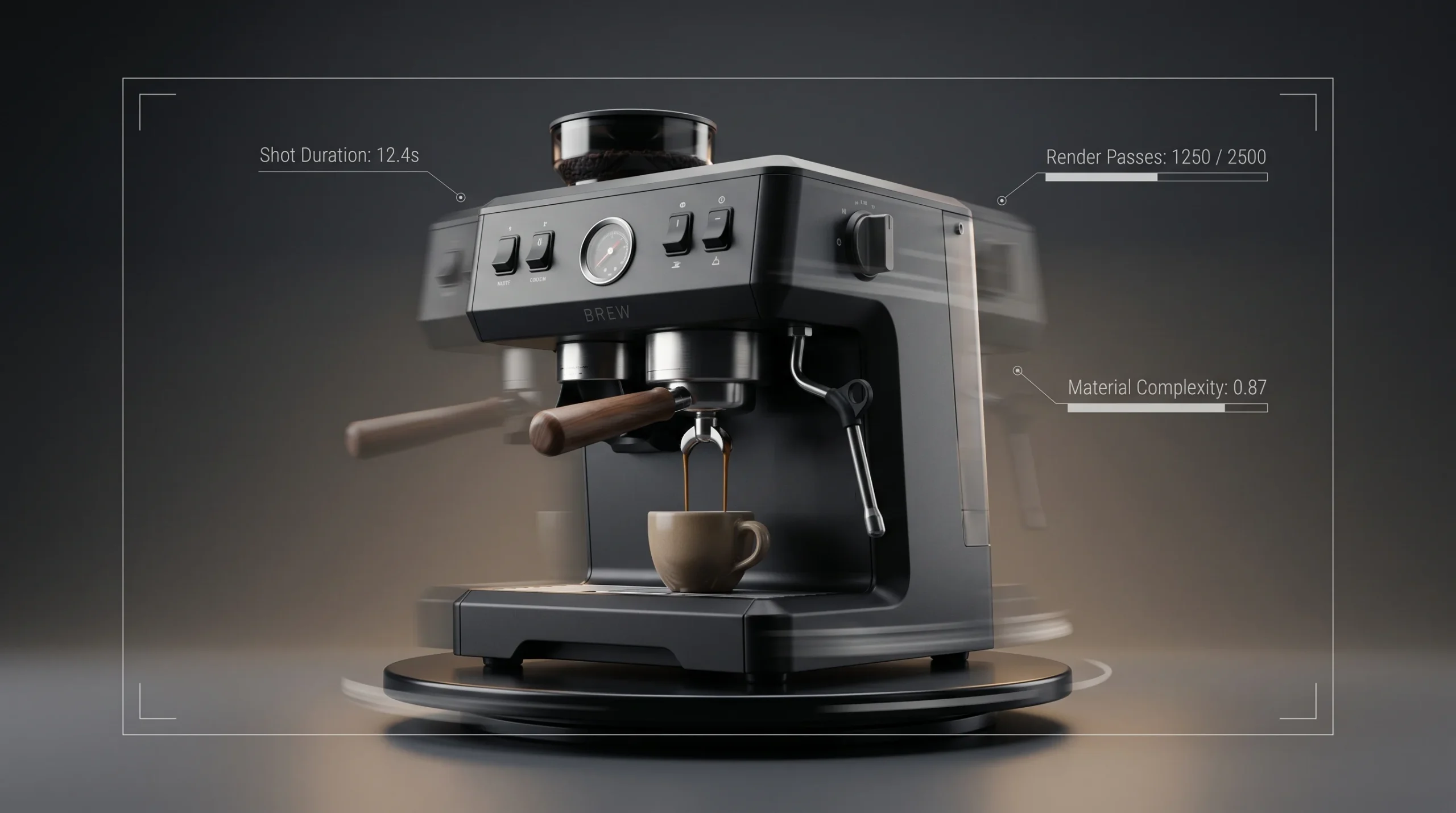
We can’t post a fixed rate card. Nobody serious can. A 15-second hero shot of a coffee maker and a two-minute explainer of a hydraulic excavator attachment are not the same job, and pretending otherwise is how clients end up disappointed. What we can do is show you the levers.
The five things that move 3D product animation cost the most
If a studio quotes you without asking about these, they’re either guessing or padding.
- Length of the final video. Duration matters, but not linearly. The first 10 seconds carry most of the setup cost — modeling, materials, lighting, camera rigging. Adding another 20 seconds of footage to an existing scene is much cheaper than producing a separate 20-second piece from scratch.
- Geometric and material complexity. A smooth consumer product with three surfaces is fast. A piece of industrial equipment with hundreds of fasteners, hoses, and labels is not. CAD cleanup alone can eat days when the supplied STEP files are messy.
- Visual style and render quality. Stylized motion graphics with flat shading sit at one end. Full photoreal CGI with proper global illumination sits at the other. The render budget between those two extremes can differ by a factor of five or more.
- Number of shots and animation density. A static turntable on a white background is the cheap end. A sequence with mechanical breakdowns, exploded views, internal cutaways, and active camera work is a different animal — every shot is its own little production.
- Sound design, voiceover, and music. Library music with no narration is essentially free relative to the visuals. Custom-composed scores and professional voice talent add a real line item, especially if you want multiple language versions.
Two other variables show up less often but matter when they do. Turnaround urgency — if you need it in two weeks instead of six, the schedule premium is real. And revision scope: most studios include a set number of revision rounds, and ad-hoc creative changes after lock will be billed.
How the budget conversation usually goes
Here’s the order we actually work through pricing with a new client. None of this is mysterious, but it’s worth saying out loud because most websites don’t.
- What’s the product, and what files do you have? CAD, OBJ, photos, a physical sample, or nothing — each starting point implies a different first phase.
- What’s the video for, and where will it run? A 6-second loop for a product detail page is a different brief from a 90-second piece for a trade-show booth.
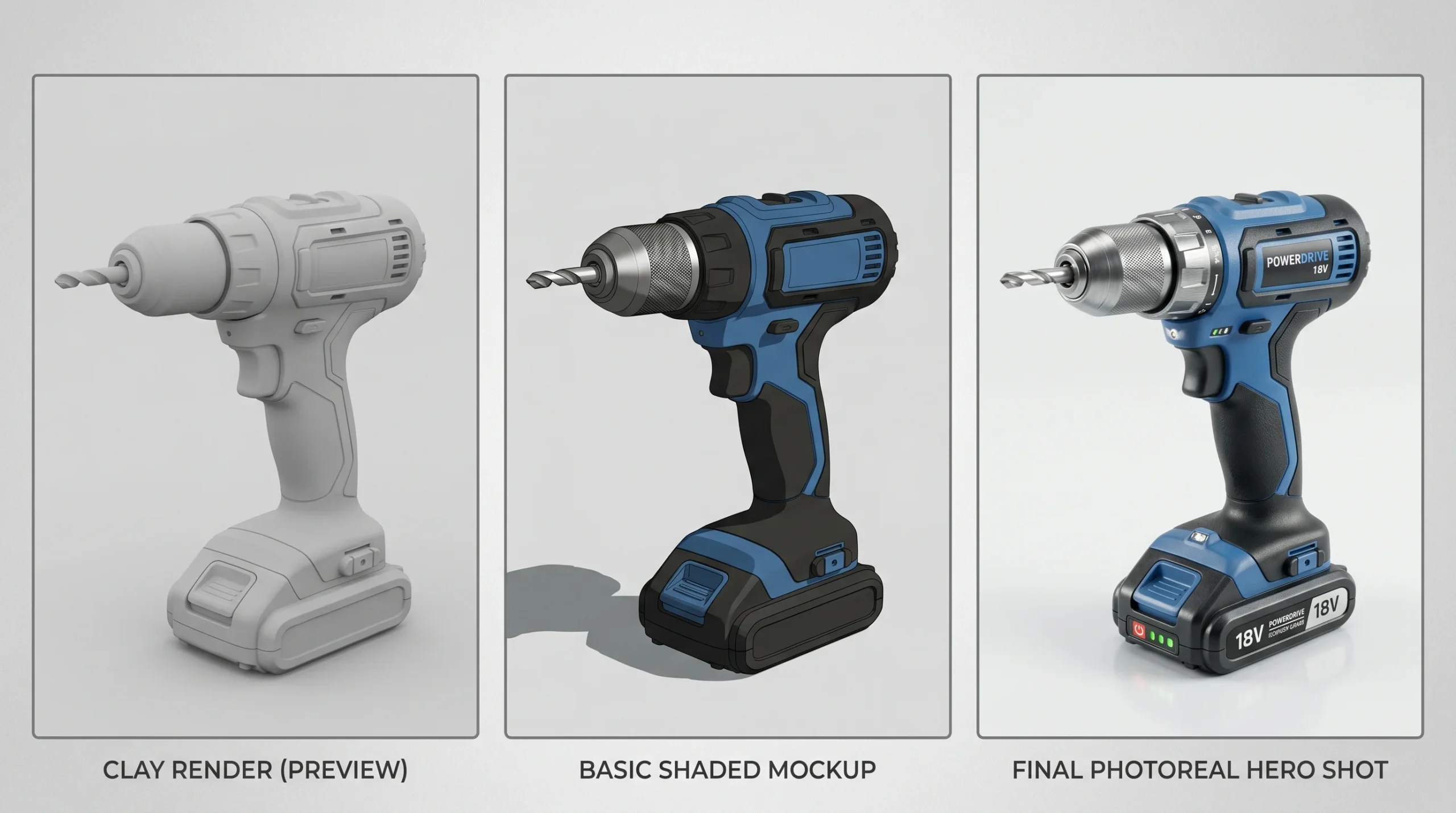
- What look are you after? Sometimes a clay render or a stylized treatment is a much smarter spend than full photoreal — but only if the use case allows it.
- Storyboard or shot list? If you already have one, quoting tightens fast. If not, scoping the storyboard is its own small phase.
- Deliverables. Final resolution, format, aspect ratios, edits for social cutdowns, source files. Each adds a small but real amount.
Once those are clear, a quote is straightforward. Until they’re clear, anyone who throws a number at you is making it up.
Where money gets wasted on 3D product animation
This part isn’t on most studio websites because it’s slightly against our own interest. But honest pricing means saying it.
Serious projects always have some change orders — that’s fine. What burns budget is changing direction after animation has been locked. Repositioning a camera in pre-viz is cheap. Repositioning it after lighting and rendering is expensive. The same applies to color, branding, and copy. Lock the storyboard, then lock the look, then animate. Out of order, costs spiral.
The other money pit is overshooting the use case. We’ve seen clients pay for cinematic photoreal animation that will play 4 seconds at the top of a website where viewers won’t even see it full-screen. A simpler, faster treatment would have served the same business goal for a fraction of the cost. Half the value of a clay render is that everyone shuts up about texture choices until the camera angle is locked.
Why volume changes the conversation
If you have one product, one animation, and a marketing deadline — that’s a one-off project, priced as such. If you have a catalog of fifty SKUs and you want consistent treatment across all of them, the math is different. Reusing modeling, materials, lighting setups, and camera rigs across a series brings the per-unit cost down significantly. Over 1,500+ projects we’ve built libraries this way for clients with large product ranges, and that’s where the unit economics start working in everyone’s favor.
For one-off work the studio still takes the brief — single-product animations are fine, and they’re often where new client relationships start. Just don’t expect the per-second cost to match what you’d see on a 50-product series. It won’t.
What we deliver — and what’s out of scope
A typical product animation engagement covers modeling, material and lighting setup, animation, rendering, basic post (color, edit, simple titles), and final delivery in the formats you need. Where applicable, we’ll handle CAD cleanup from supplied STEP files, build explainer sequences with breakdowns and cutaways, and produce both still frames and motion deliverables from the same scene. If you’re weighing animation against still imagery first, our product animation services overview explains how the two often work together.
Out of scope: engineering-grade CAD authoring, structural or mechanical certification, and pricing tiers we don’t have. We quote each project on its merits. There’s no “Basic / Standard / Premium” package on this site because we’d be inventing it.
So what does a project actually cost?
The honest answer is: send us the brief. A short stylized animation of a simple product sits on one end of the range. A multi-shot photoreal explainer of complex industrial equipment sits at the other. The conversation about where your project falls between those points takes about 15 minutes once we see the product and the use case.
If you’re trying to set an internal budget before talking to anyone, the most useful thing you can do is define three things: the maximum duration of the final piece, the realistic level of visual fidelity the use case demands, and the number of distinct shots you actually need. Those three numbers alone will get you 80% of the way to a defensible budget.