
Picking among 3D product visualization companies is harder than it looks. Most portfolios look great on a phone. The work behind them — file management, CAD cleanup, version control, the boring parts — is invisible until something goes wrong on your project. This guide is written from the studio side of the table. We’ve been delivering product CGI for over 2 decades, and most of the headaches clients describe to us come from the same handful of mistakes at the hiring stage.

If you’re a product manager, marketing lead, or founder shopping for a vendor, the goal here is simple: help you ask the right questions before you sign anything.
What “3D product visualization” actually covers
The phrase gets stretched. When you brief a vendor, be specific about which deliverable you actually need, because pricing and timelines differ wildly between them:
- Studio stills — hero shots for packaging, ecommerce, print ads. Usually PNG or PSD with layers.
- Lifestyle scenes — the product placed in a kitchen, workshop, office, or outdoor setting.
- Exploded views and technical diagrams — for manuals, B2B catalogs, patent submissions.
- Turntable and explainer animations — short loops, product walkthroughs, ad cutdowns.
- Configurators and interactive viewers — WebGL apps where the customer changes color, finish, or configuration in a browser.
- Asset libraries — hundreds of SKUs rendered consistently for a catalog. This is its own discipline.
A vendor who delivers brilliant hero stills isn’t automatically the right pick for a 400-SKU library or a configurator. Ask which categories make up the bulk of their work — not which categories they have a sample of.
The portfolio: what to look for, what to ignore
Every 3D product visualization company shows you a portfolio. Most clients evaluate the wrong things in it. The pretty pictures are the easy part. Here is what actually matters:
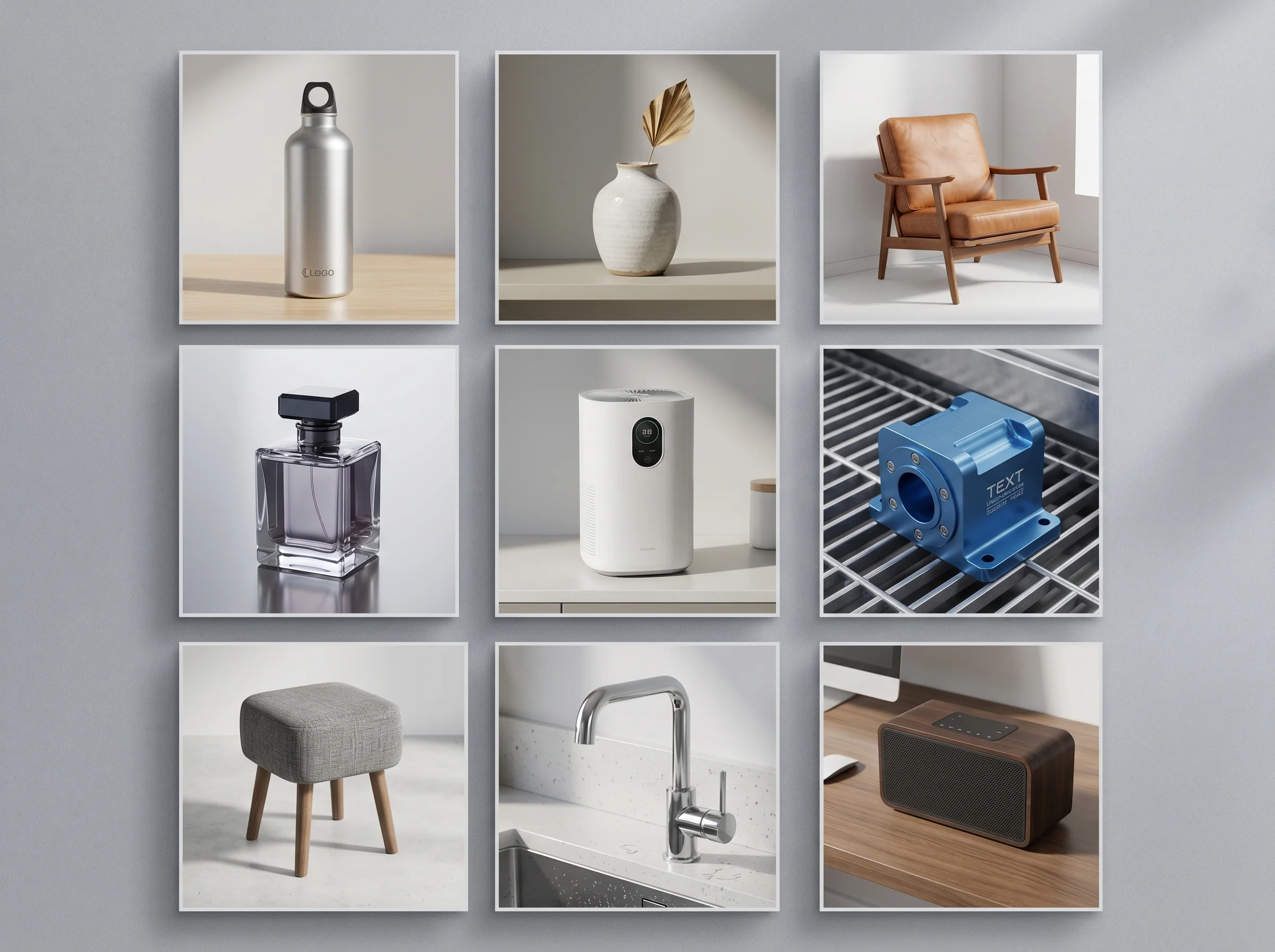
- Material range. Brushed metal, glossy plastic, fabric, glass, leather, anodized aluminum — does the portfolio show convincing examples of materials similar to YOUR product? A studio that nails wood and ceramic may struggle with chrome.
- Lighting consistency. Look at three or four images from the same project. Is the lighting believable across angles, or does each shot feel like a different studio shot it?
- Scale clues. A 2-meter machine and a wristwatch require completely different camera and lens decisions. If the studio only shows small objects, ask to see industrial work.
- Catalog or system work. Anyone can polish one hero shot for weeks. Producing 80 SKUs that match in lighting, framing, and shadow direction is a different skill.
Most of the portfolio rejections we hear about from clients later turn out to be misread fit, not bad quality. The work was good. It just wasn’t proof of the right thing.
CAD inputs and file handling
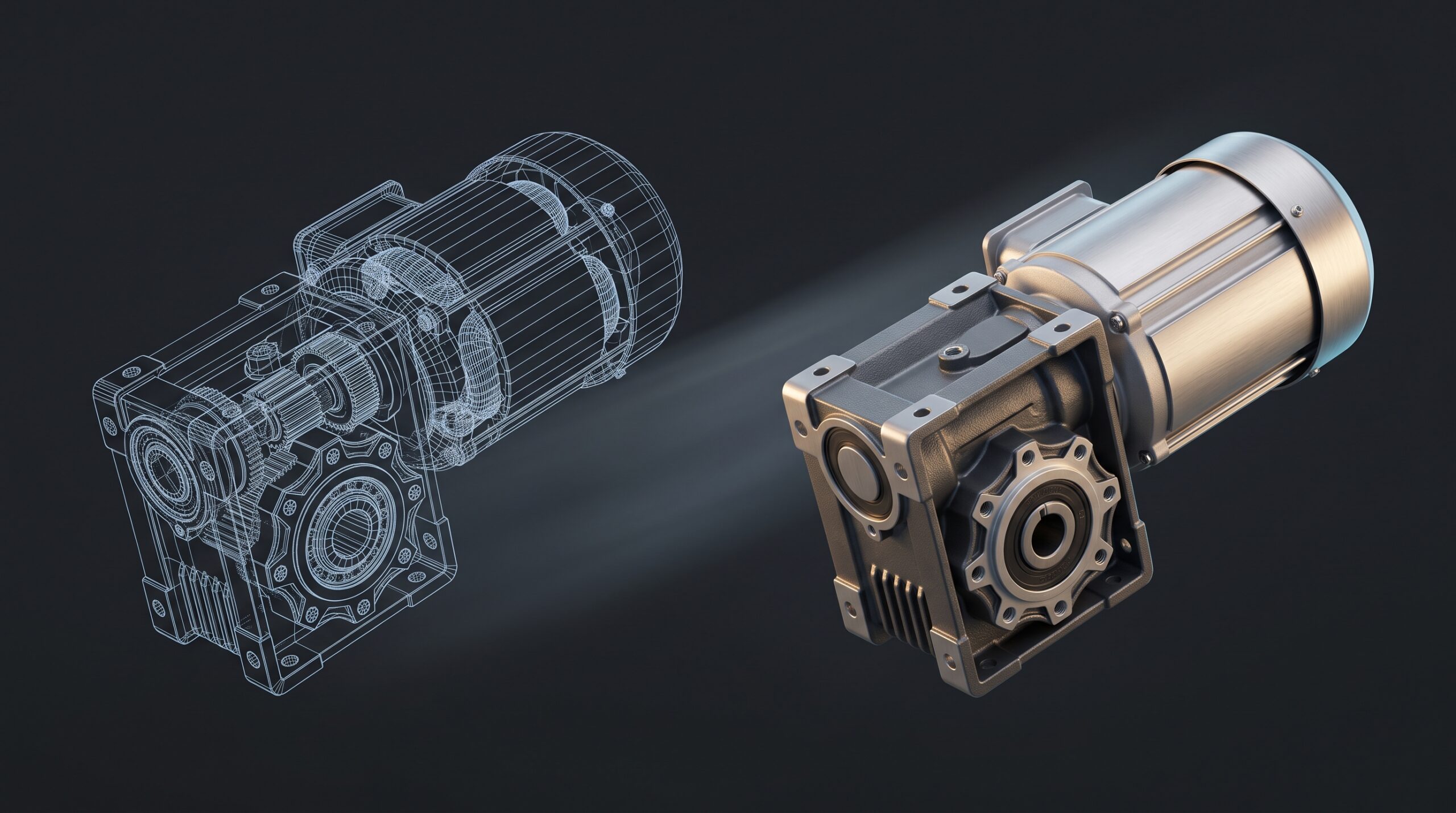
This is where many engagements quietly fail. Your CAD files — STEP, IGES, SolidWorks, Rhino, sometimes raw Inventor — are almost never render-ready. They contain hundreds of redundant parts, internal mechanisms no camera will ever see, exploded threads, and surface tessellation set for engineering, not for hero close-ups.
Ask any vendor:
- Do you import STEP files directly, or do you ask for a pre-cleaned mesh?
- Who handles CAD cleanup — your team or ours?
- What happens when our engineering team updates the model mid-project?
The honest answer to the last question matters more than the first two. Serious projects always have some change orders. A studio that has been through this before will have a versioning approach baked in. A studio that hasn’t will silently absorb 20 hours of rework and then deliver late.
Deliverables and file formats
Don’t accept “we’ll send you the renders” as a deliverables list. Spell it out in the SOW. For stills, the practical defaults are:
- PNG with alpha for compositing into ads and pack shots.
- Layered PSD when your team needs to swap backgrounds, change shadow density, or pull the product onto a different surface.
- High-resolution JPG for direct catalog and web use.
- Multi-pass EXR if your in-house team wants full compositing control — most clients don’t need this; some do.
For animation: ProRes or DNxHR masters, plus H.264 web-ready cutdowns. For interactive work: glTF/GLB optimized models, plus the deployable web app or embed code.
Process: who you actually talk to
The studio’s “About” page is not the people working on your project. Ask who the day-to-day contact will be, whether there’s a single producer or whether you’ll be talking to three different artists. Half the value of a clay render is that everyone shuts up about texture choices until the camera angle is locked — but that discipline only happens if the studio runs the project with a clear review structure.
What a healthy review process looks like:
- Reference and brief locked before modeling starts.
- Greybox or clay renders signed off before materials are touched.
- Lighting and camera signed off before final render is queued.
- Two or three feedback rounds defined in writing — not infinite revisions.
If a vendor can describe this without prompting, that’s a good sign. If they describe it only after you ask, that’s fine. If they say “we’ll just iterate until you’re happy,” walk away. That’s how budgets evaporate.
Red flags when shortlisting
Some patterns repeat across the bad-fit conversations we’ve had with prospects who came to us after a failed engagement elsewhere:
- A portfolio that all looks the same. Same lighting, same camera height, same beige backdrop. Means the studio has one trick.
- Watermarked stock-style backgrounds. Suggests reliance on generic HDRIs over scene-built lighting.
- No mention of CAD pipeline anywhere. If the site only shows finished beauty shots and never mentions STEP, IGES, or SolidWorks, the studio may not handle engineering-grade inputs.
- Promises of unrealistically fast turnaround on first contact. Quality product CGI takes time. Quotes given before the studio has seen your model are guesses.
- No reference to revisions in the proposal. Either it’s coming as a surprise invoice later, or scope creep is going to eat the schedule.
Pricing models — and why “per render” is misleading
A per-render price sounds clean. It rarely reflects the actual work. Three shots of one product that share lighting and camera are very different from three shots of three different products. Most experienced 3D product visualization companies price by scope: model complexity, number of unique materials, number of unique scenes, animation length, and revision allowance.
When you compare two quotes, normalize them by asking what’s included for CAD cleanup, how many revisions are in scope, and whether source files are deliverable. The cheaper quote often turns out to be more expensive once those line items are added.
How Art Land Design fits
We’re a visualization, drafting, and interactive studio with over 2 decades of practice and 1,500+ projects behind us. Product visualization is one of our core service lines, and we cover the range — stills, animation, asset libraries, and interactive WebGL viewers — without subcontracting between specialists. If you’d rather see how that breadth applies to your category, our work on 3D product visualization walks through the typical pipeline, and our product rendering services page covers the deliverables side in more detail.
For clients who need configurators or browser-based viewers rather than static renders, the prototype-stage workflow we use for early-concept visualization tends to translate naturally into interactive work later.