
Most arguments about 3D architectural design advantages get pitched as if they’re abstract — “better visualization, improved communication, enhanced marketing.” Fine, technically. But it dodges the actual question a developer or architect is asking: does this save me money, time, or a fight with my client? Usually yes. Sometimes no. The honest version is more useful than the brochure version.
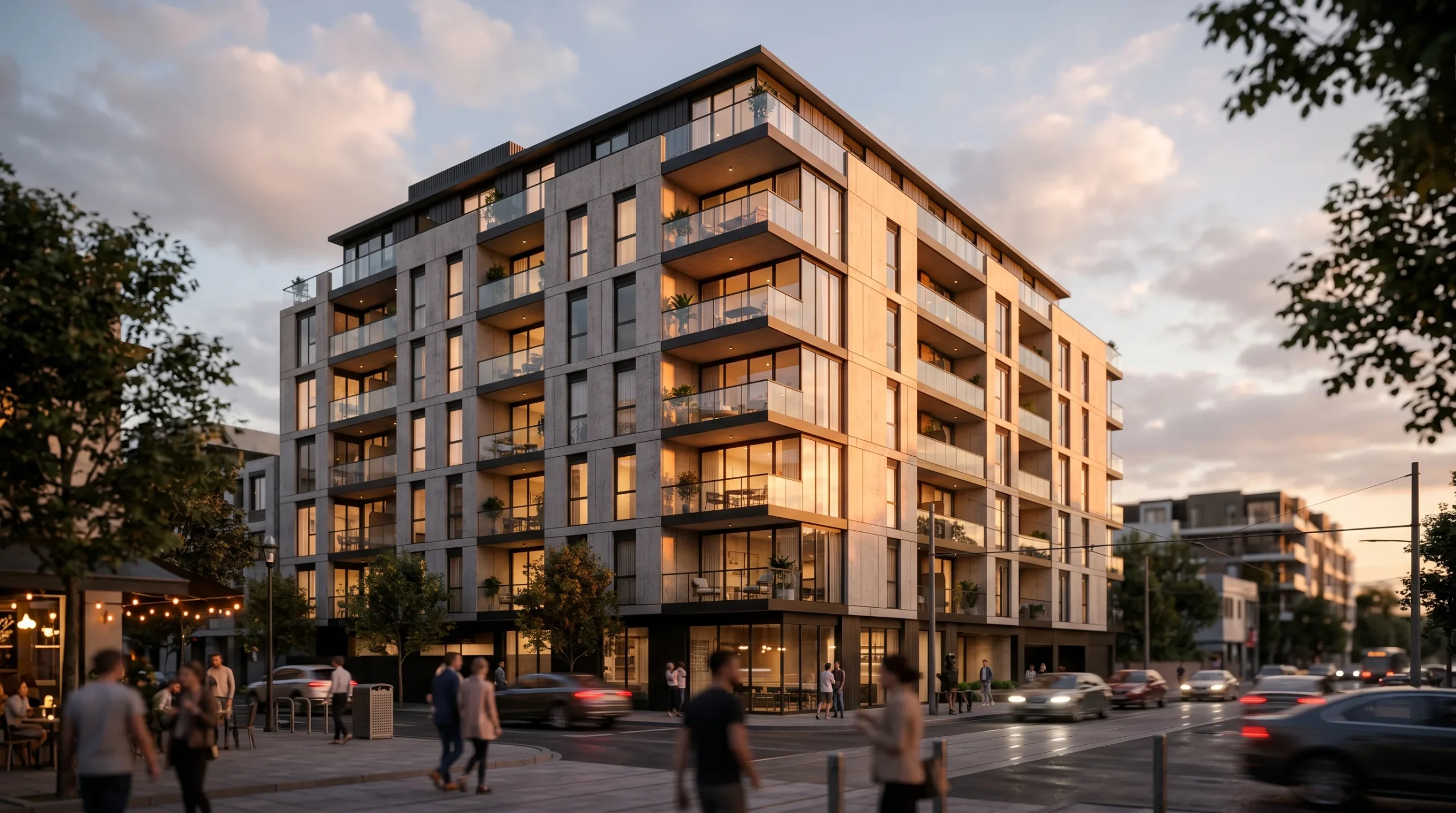
We’ve been delivering renders, drawings, and animations for over 2 decades, across 1,500+ projects. The patterns repeat. Here’s where 3D design actually earns its keep, and where it doesn’t.
What 3D Architectural Design Advantages Mean in Practice
A 3D model is not a prettier drawing. It’s a decision-making tool that happens to look nice. The drawings get signed off faster when the client can see the kitchen, not just read about it. That’s the whole pitch — everything else flows from it.
The smooth-marketing version says “improves communication.” Here’s the lived-in version: most investors won’t spend an hour decoding elevations and sections. They’ll look at a render and decide whether they trust the project. Two different tasks, two different artifacts. Drawings are for builders. Renders are for everyone else.
Fewer Surprises on Site (And Fewer Change Orders)
Serious projects always have some change orders. Nobody avoids them entirely. But there’s a category of change order that comes from people realizing — too late — that the space doesn’t feel the way they imagined. Ceiling heights read differently in 3D than on paper. Sightlines into the kitchen, glare off a south-facing window, the awkward moment when a structural column lands two feet inside the dining area. All of that is visible in a render. Not all of it is visible in a plan.
Catching one of those before drywall goes up pays for the visualization several times over. We don’t promise it’ll happen on every project. But on enough of them that the math works.
Faster Client Sign-Off
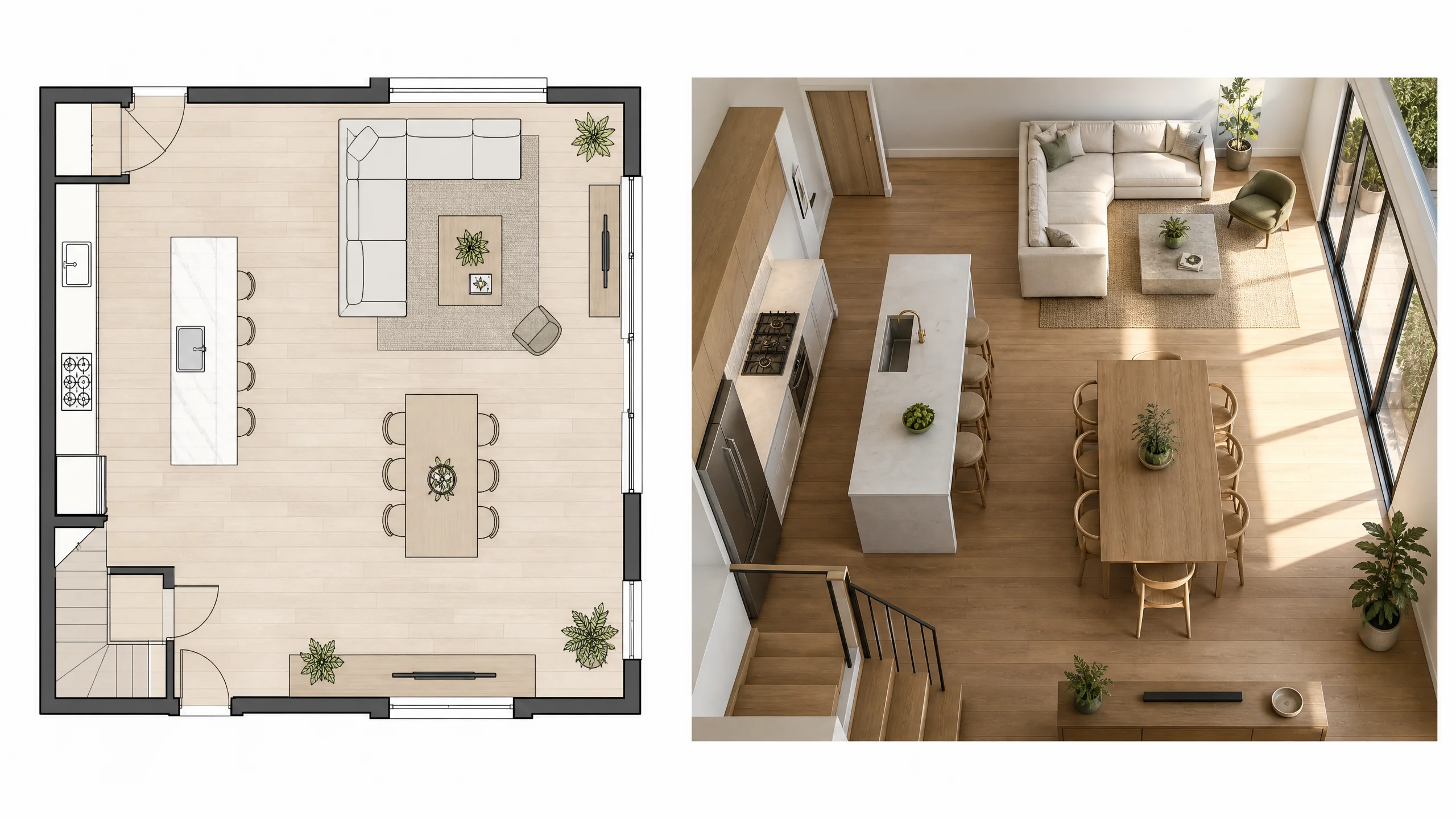
This is the one builders care about most. A client looking at a floor plan asks questions for three weeks. A client looking at 3D interior visualization from the same camera angle the marketing brochure will use? They sign off in a meeting. Sometimes the meeting is twenty minutes.
It’s not magic. It’s that the artifact matches what the client is actually trying to evaluate. They want to know if the space looks right. A plan answers that question indirectly. A render answers it directly.
Marketing Material That Pre-Sells the Project
For a developer pitching off-plan apartments, an architectural animation often answers questions a drawing package cannot. The buyer can see the morning light hit the living room. They can see what the view from the balcony actually looks like. They can imagine themselves there.
That’s not a soft benefit. Pre-sales fund construction. If renders accelerate pre-sales by even a small margin, the visualization budget is one of the cheapest line items in the development plan.
Where 3D Design Earns Less Than You’d Think
Honest framing here. Not every project benefits equally:
- Pure construction documentation jobs. If the deliverable is a permit-ready drawing package and the client never has to sell anyone on the project, photoreal renders are nice-to-have, not load-bearing.
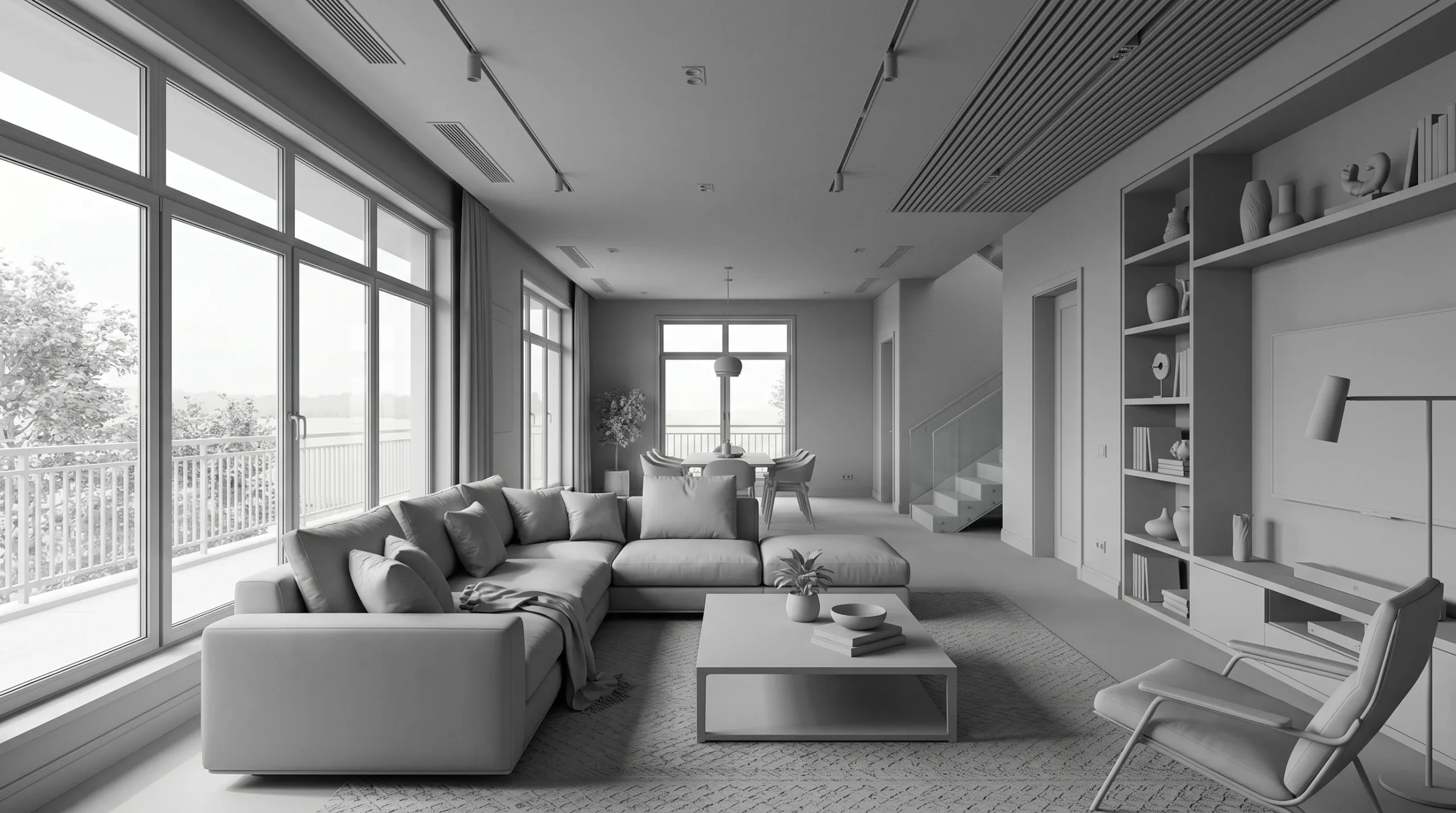
- Very early concept phases. Spending money on final-quality renders before the design is locked is how you end up paying for the same camera angle three times. A clay render or a quick massing study is usually the right tool at that stage. Half the value of a clay render is that everyone shuts up about texture choices until the camera angle is locked.
- Projects where the client is also the designer. Architects evaluating their own work don’t need a render to understand the space. They built it in their head already.
That said — even on those projects, a single hero image often justifies itself the moment someone needs to pitch the work externally.
The Honest Tool List
For people who care what’s under the hood: we work in 3ds Max with Corona Renderer for stills, Revit for drawings and BIM, and a mix of After Effects and Premiere for animation post. The combination is boring on purpose. It’s what most serious archviz studios use, and it’s what survives client revision cycles without falling over.
We also build landscape and exterior concept work alongside the architectural piece when the project needs it — the views from outside the building tend to be the ones marketing people fight over.
What to Actually Ask For
If you’re commissioning 3D architectural design for the first time, a few things to clarify upfront:
- Who is the audience? Investors, buyers, internal review, planning authority — each wants something slightly different.
- How many camera angles? The cost scales with views, not square footage. A 200-unit project with three hero shots is cheaper than a single villa with twelve.
- Stills, animation, or interactive? Stills work for brochures. Animation works for sales suites and websites. Interactive walkthroughs work when the buyer needs to feel ownership before signing.
- When do you need it? Be honest about deadlines. Rushed renders look rushed. There’s no shortcut around the lighting pass.
None of this is exotic. It’s the conversation we have at the start of most projects, and the projects that go best are the ones where the client knows what they’re trying to achieve before the camera is set.