
Most articles about a 3D architectural animation specialist drift into history lessons about computer graphics or wander off into 3D printing. That’s not useful when you’re a developer, builder, or marketing lead trying to figure out who you actually need to hire. So here’s the honest version, written from the studio side of the desk.
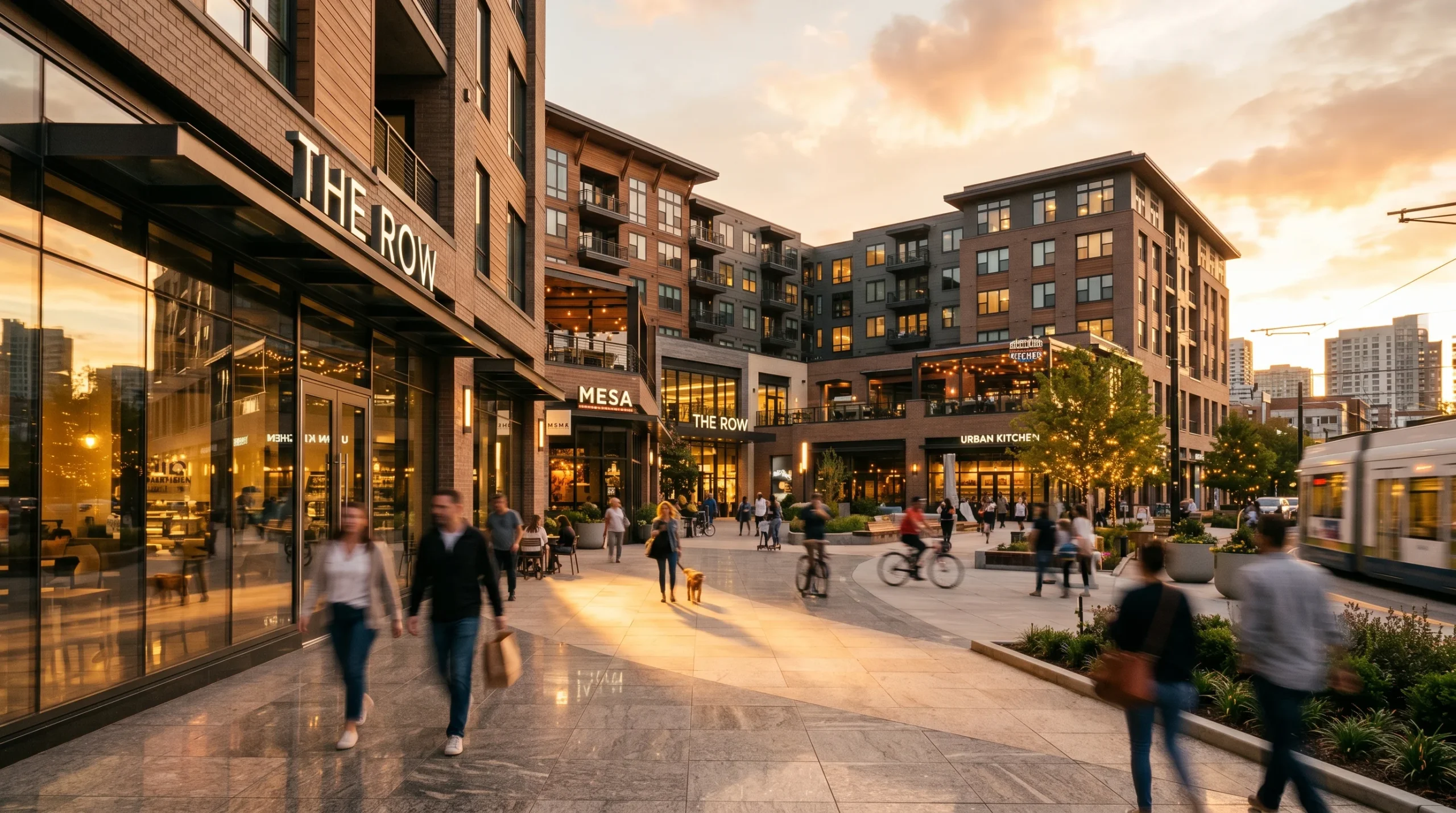
An architectural animation specialist takes a building — usually one that doesn’t exist yet — and produces moving footage of it. Not a slideshow of stills. A camera that flies, walks, dollies, and reveals the project the way a film crew would, if the building were real and finished. The output goes into investor decks, planning submissions, off-plan sales campaigns, and marketing rollouts. The audience is rarely an architect. The audience is the person the architect is trying to convince.
What a 3D architectural animation specialist actually does day-to-day
The job is more than pressing render. A typical project breaks down like this:
- Translate the drawings. The specialist reads the architect’s CAD or Revit package and rebuilds the geometry in 3ds Max. Half the early work is interpreting what the drawings imply versus what they explicitly show.
- Set up the world. Surroundings, terrain, neighbouring buildings, sky and weather. A villa in Marbella reads completely differently from a villa in the Cotswolds, even when the architecture is identical.
- Material and lighting development. This is where the project starts to look like a building rather than a model. Most studios show clay test renders first — half the value of a clay pass is that everyone shuts up about texture choices until the camera angle is locked.
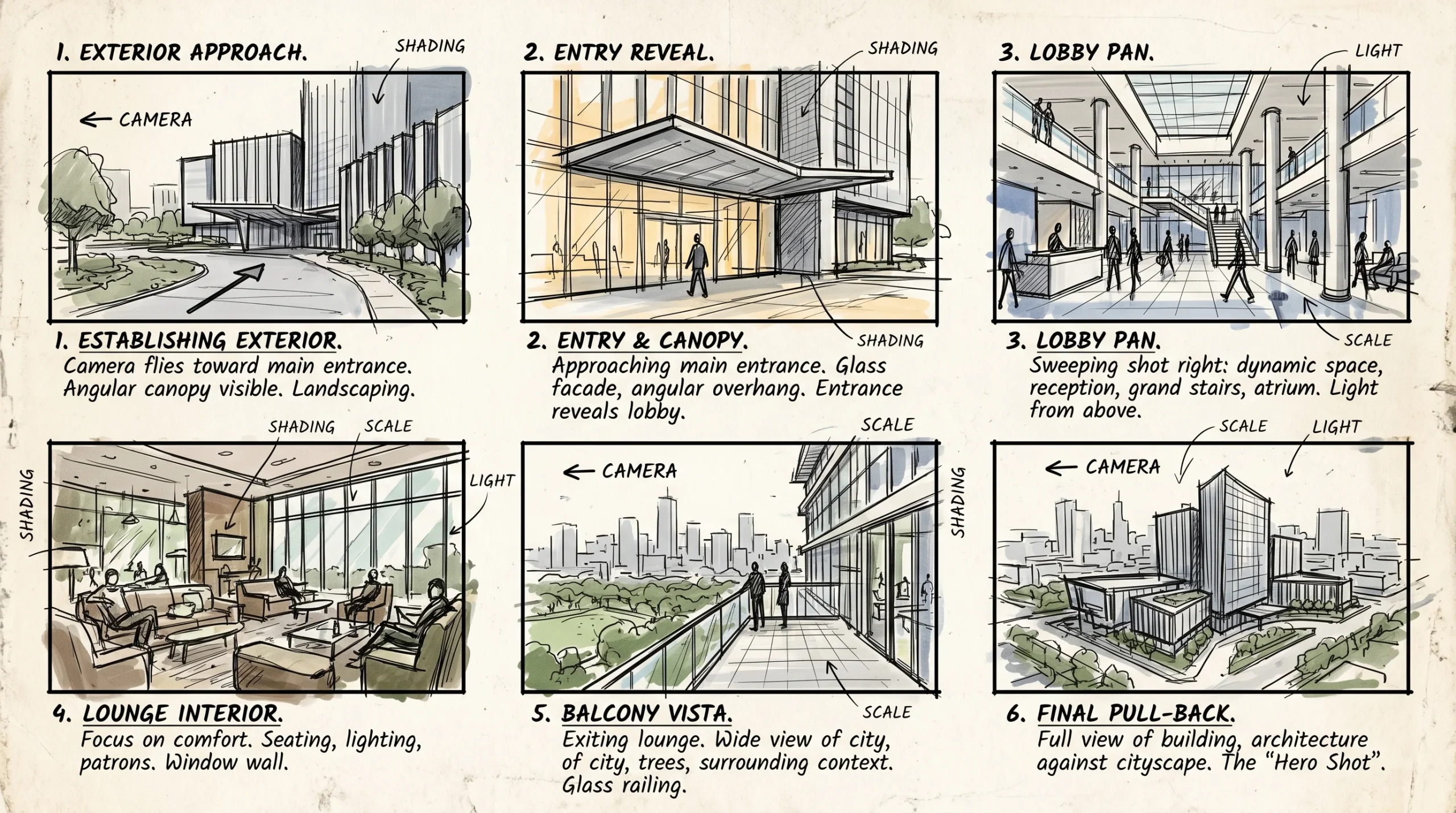
- Camera choreography. Storyboarding the shots: hero reveal, approach, entry, key interior moments, signature exterior. Decisions here matter more than the rendering, and they’re the hardest to undo later.
- Render and post. Frames are queued (typically thousands per minute of finished footage), then graded, edited, scored, and titled in After Effects and Premiere.
Most investors won’t spend an hour decoding elevations and sections. A two-minute walkthrough gets them to the same understanding in a tenth of the time, with none of the misinterpretation.
The architectural animation toolset, and why it matters
Tool choice isn’t a religious topic, but it affects what you can ship and how fast. Our pipeline is built around four anchor tools, with a few specialised plug-ins that earn their keep.
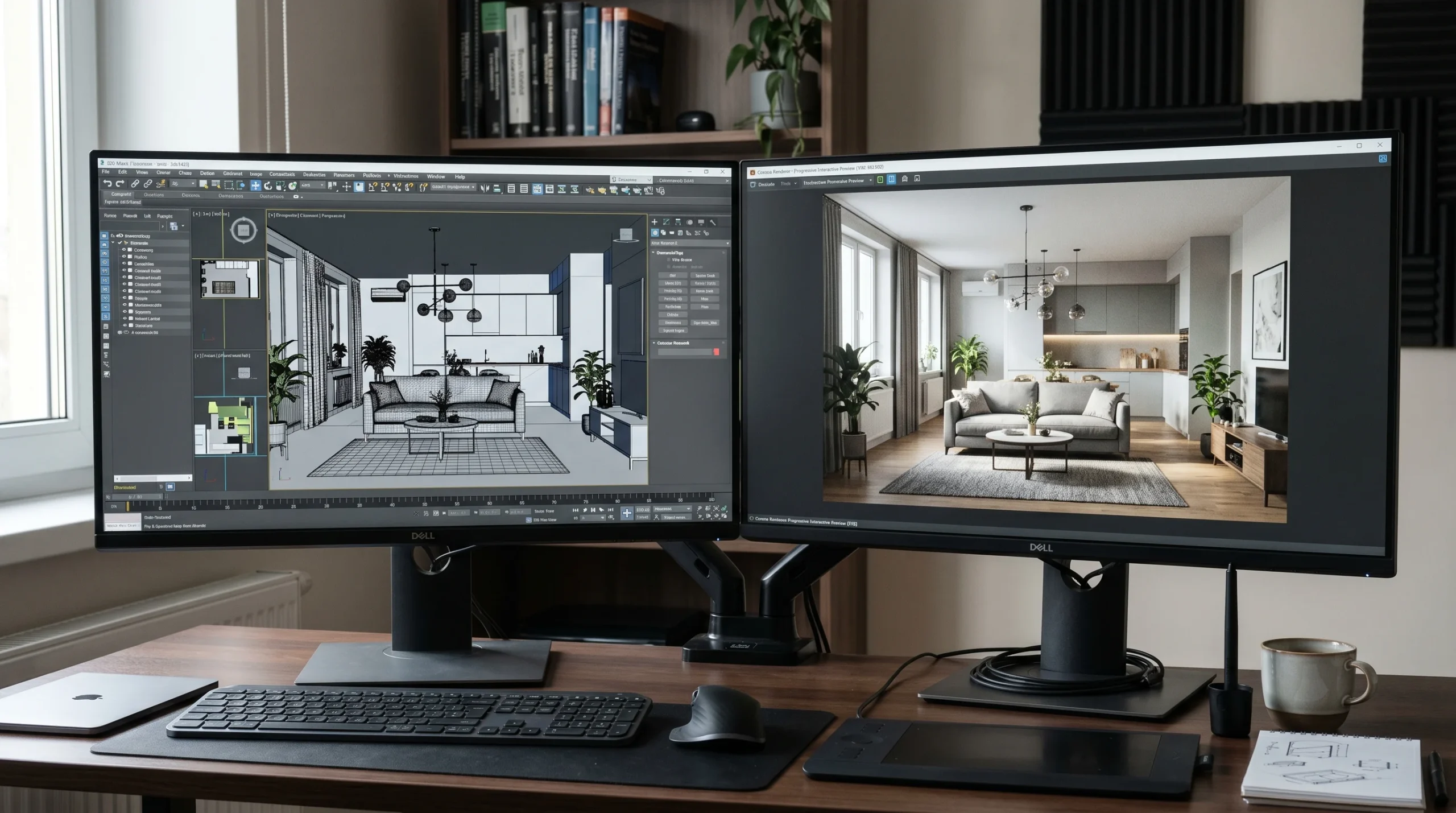
- 3ds Max — the modelling, scene assembly, and animation backbone. It handles complex architectural geometry without complaining, and the camera animation tools are mature enough that you’re not fighting the software when the brief changes.
- Corona Renderer — the photoreal engine, paired with 3ds Max. Predictable defaults, an active progressive preview window, and clean light behaviour out of the box. For animation specifically, the consistency between frames is what matters; flickery global illumination ruins otherwise good footage.
- After Effects — compositing, colour grading, atmospheric overlays, motion graphics. Most of the polish that separates a “rendered walkthrough” from a “marketing film” happens here, not in the render engine.
- Premiere Pro — sequence editing, sound design, deliverable mastering. Less glamorous than the 3D work, but a badly edited animation kills a good render.
Real-time engines come into play when the brief calls for interactive walkthroughs rather than locked cinematic edits — different deliverable, different conversation. If that’s where your project is heading, the closest read is our 3D architectural animation studio overview.
Where architectural animation actually beats still renders
Still renders are usually the right call. They’re cheaper, faster, and easier to revise. But there are situations where stills genuinely can’t do the job, and that’s when you bring in animation:
- Off-plan apartment sales. A walkthrough of a 3-bedroom unit answers spatial questions — sightlines, flow from kitchen to living, what you see when you walk in — that buyers can’t reconstruct from floor plans.
- Investor pitches for mixed-use schemes. When you need to communicate scale, ground-floor activation, and how the public spaces actually feel, a flythrough does the heavy lifting in one go. We’ve seen projects lose momentum simply because nobody outside the design team could read the drawings.
- Planning and community engagement. Showing the proposal in its real context — at the right time of day, with the actual neighbouring buildings — defuses a lot of objections before they’re raised.
- Brand campaigns and pre-launch teasers. Social and paid media need movement. A 15-second cutdown from a longer animation outperforms a static carousel for almost any property launch.
For a concrete example: a developer pitching a coastal residential scheme used a 90-second flythrough at investor meetings that ran in parallel with planning. The same footage was later cut into 30-, 15-, and 6-second versions for paid social. One asset, four use cases. That’s the economics that justifies the budget.
If you’re weighing animation against renders for a builder-facing project, our how our services can help builders page walks through how the two deliverables get used at different stages of approval and sales.
Project shape and timeline
Timelines vary, but the rough arc is consistent. Modelling and material work front-load the schedule. Once camera angles are signed off, the render farm queues up, and post-production runs in the background while frames render. Serious projects always have some change orders — usually a material swap, a window-mullion correction, or a furniture choice that the client wants tweaked after seeing the clay pass.
The single biggest variable is how locked the source design is. Animating a building that’s still being redesigned in parallel will burn through budget. We try to flag that before kickoff rather than after invoice three.
For cost framing — what drives the price up, what keeps it down — we go into more detail on our architectural animation cost page. Short version: shot count, scene complexity, and the level of post-production polish move the number more than render minutes.
What to look for when hiring a 3D architectural animation specialist
If you’re shortlisting studios or freelancers, these are the things worth checking:
- Reels, not still galleries. A studio that only shows renders may not have shipped much animation. Ask to see finished films, with sound.
- Camera work. Watch how the camera moves. Good animation specialists know when to hold a frame and when to cut. Bad ones rotate everything endlessly.
- Edit and grade quality. The render is half the job. If the cut, music, and grade feel amateur, the renders will too.
- Comfort with revisions. Animation projects almost always go through more rounds than the brief implies. A specialist who’s calm about that is worth more than one who’s faster but rigid.
- A locked camera-approval step. Look for studios that sign off camera moves before final rendering begins — usually via a low-resolution preview pass. Skipping this is the single most common reason animation projects blow up: you find out the hero shot doesn’t work after 40 hours of farm time. A good specialist won’t let that happen, and will tell you so on the kickoff call.
Beyond that, the usual hygiene: clear scope, written deliverables, sample frames or test passes before committing to the full render. None of this is exotic. It’s just the difference between a project that ships clean and one that doesn’t.