
Our 3D product rendering services exist to do one job: replace the photo shoot when the photo shoot is too slow, too expensive, or physically impossible. That last case comes up more often than people expect. A configurable sofa with 14 fabrics and three lengths is 42 SKUs. A jewelry line built around made-to-order stone choices is effectively infinite. You cannot shoot what does not exist yet, and you cannot afford to ship every variant to a studio.

So you model it once, light it once, and let the renderer produce every variant on demand. That is the actual value proposition. Everything else is downstream of it.
What we deliver under “3D product rendering”
We treat product rendering as a family of outputs rather than a single deliverable. Most briefs we receive want some mix of the following:
- Photoreal stills for catalogs and e-commerce — square, 4:3, or 16:9 hero shots at print or web resolution, on white or in-scene.
- Lifestyle / contextual renders — the product placed in a believable room, kitchen, workshop, or outdoor setting.
- Marketing imagery for ads, social, and packaging — wider compositions, mood-driven lighting, often with copy space designed in.
- Exploded views and component diagrams — useful for technical sales decks, installation guides, and B2B catalog spreads.
- Product explainer animations — short videos that show how a product opens, assembles, attaches, or operates.
- 360 turntables and interactive viewers — clickable rotations and material swappers that live on the product page.
- WebGL configurators — full interactive apps where the customer builds the product variant they want in the browser.
The file outputs the client receives are usually PNG, JPG, layered PSD with masks, and MP4 for animation. For interactive work we deliver the deployable web build plus the source. If you supply STEP, IGES, OBJ, FBX, or native 3ds Max files, we work from those. If you supply photos and dimensions only, we model from scratch.
Tools we actually use
The honest version, not the marketing version. Older versions of this article on our site mentioned V-Ray. That was a translation artifact from a previous content pass and it was wrong. Our primary rendering pipeline is 3ds Max with Corona Renderer. Blender is used selectively, mostly for organic shapes and shading experiments. SolidWorks comes in when a client supplies engineering CAD that needs cleanup before it can be rendered. For interactive deliverables we use Three.js on top of WebGL. After Effects and Premiere handle the animation finishing.
None of this is exotic. The reason we list it is so you can match it to your existing assets. If your engineering team works in SolidWorks and you already have STEP files, that shortens the modeling stage substantially. If you have nothing but a physical prototype and a tape measure, we still have a path forward — it just takes longer.
Where we fit, by audience
Most of the briefs we take for product rendering come from one of three buyer types, and the deliverable mix shifts noticeably depending on which one is asking.
Product manufacturers
The work usually starts with a single hero product and grows. A first project might be six angles of one machine for a trade-show booth. A year later the same client comes back because they need 80 SKUs rendered for a new catalog, and the variants have to look consistent. This is where 3D pays for itself — the lighting rig is reusable, the camera angles are reusable, the materials are reusable. Render farm time replaces studio time.
E-commerce and DTC brands
Conversion rate is the metric on the table. A product page with a single flat photo converts worse than one with a turntable, alternate angles, lifestyle context, and a zoom. We can produce that whole package from a single 3D model. For brands running paid social, we can also output the still as a short animation — the product rotating slowly, materials shifting, a label fading in — which tends to perform better than a static image on Instagram and TikTok feeds.
Marketing teams and agencies
When an agency calls us, the end client is usually larger than the agency, and the deadline is usually tighter than ideal. We have done a lot of agency-routed work over the years and the pattern is familiar. We are comfortable working as a white-label production resource. Our services for creative agencies page covers how those engagements typically run.
The interactive and WebGL difference
This is where we are genuinely different from most viz studios our size, and we want to spend a section on it because the page would be incomplete without one.
A static render answers the question “what does this product look like?” A configurator answers a different question: “what does my version of this product look like?” Those two questions justify completely different budgets, and the second one almost always converts better.
Concrete examples of what a configurator can do, drawn from the kinds of projects we have delivered:
- A modular sofa builder where the customer picks the length, the chaise side, the fabric, and the leg finish, and sees the result render in real time in the browser before they add to cart.
- An industrial attachment selector for a piece of construction equipment — the customer specifies the host machine, picks the attachment, and gets a 3D view plus the matching part number routed straight to the dealer.
- A kitchen cabinet visualizer where finish, hardware, and door style update live, with a snapshot button that produces a high-resolution render for the customer’s project folder.
- A jewelry preview tool where stone shape, metal, and setting are swappable on a single ring model, replacing what would otherwise be a thousand product photos.
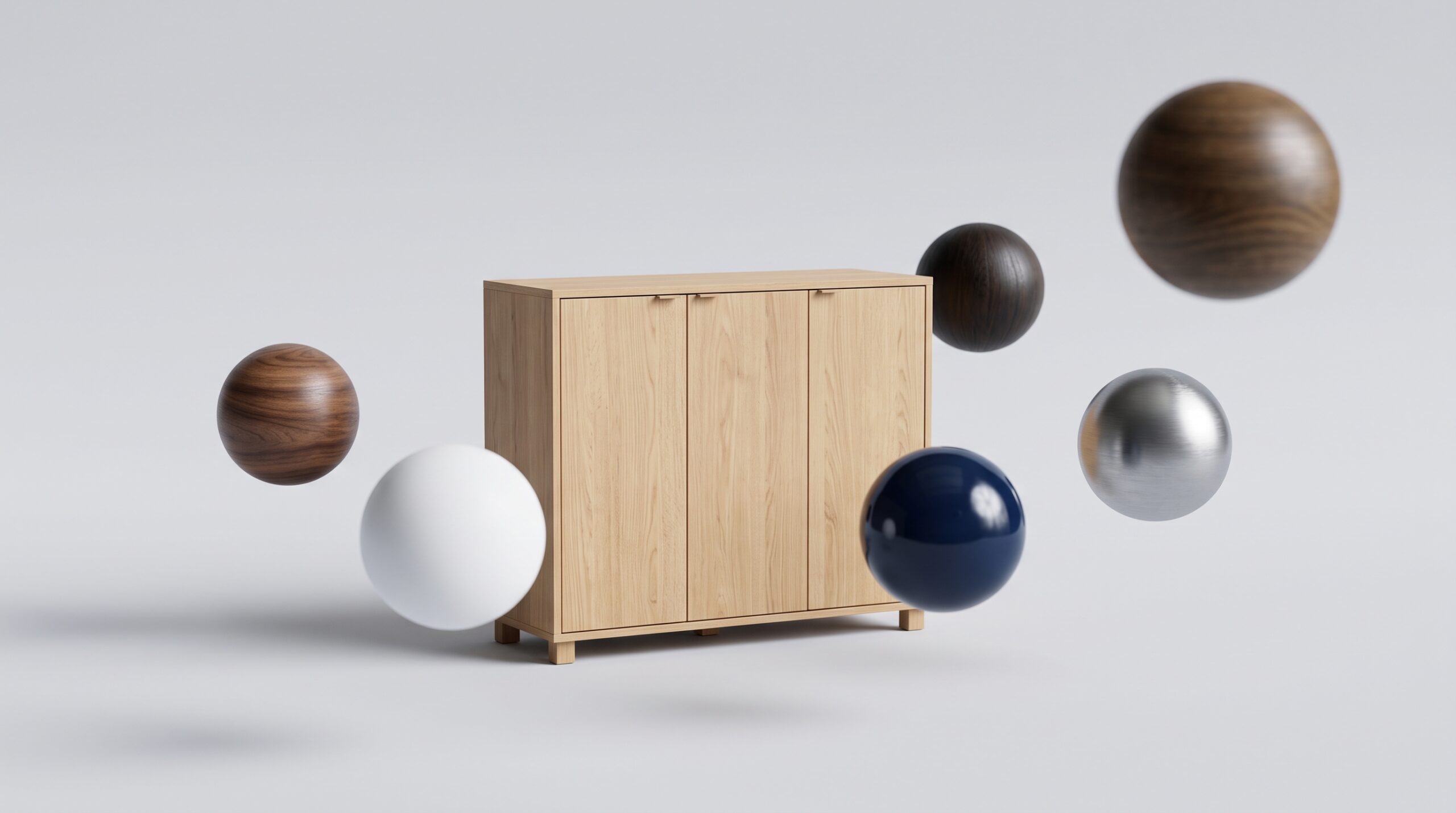
- A material selector embedded in a product page — narrower than a full configurator, but enough to let the customer cycle through the available finishes without leaving the page.
Why this matters commercially: a configurator is not a marketing toy. It directly removes friction from the buying decision. A customer who has built and visualized their exact variant is much closer to a purchase than one who is squinting at a swatch card. For made-to-order categories — furniture, jewelry, custom machinery, anything with stock combinations in the dozens or hundreds — the configurator often becomes the product page.
The underlying tech is Three.js on WebGL, runs in any modern browser, and does not require the customer to install anything. The model used in the configurator is usually a lighter, web-optimized version of the same asset used for the photoreal stills, so the two deliverables share a single source of truth.
Most viz studios stop at static renders or pre-rendered video. Few deliver the interactive layer. If interactive 3D is on your roadmap, the breadth of the studio matters — because the same team that models and renders the product for the catalog can also build the web app that lets your customer configure it.
How a typical project runs
Stages, in the order they usually happen:
- Brief and references. You send dimensions, CAD if available, reference photos, brand guidelines, and a list of the angles, variants, or scenes you need. We come back with a scope estimate and a timeline.
- Modeling. Either from CAD cleanup or from scratch. This is usually the longest stage.
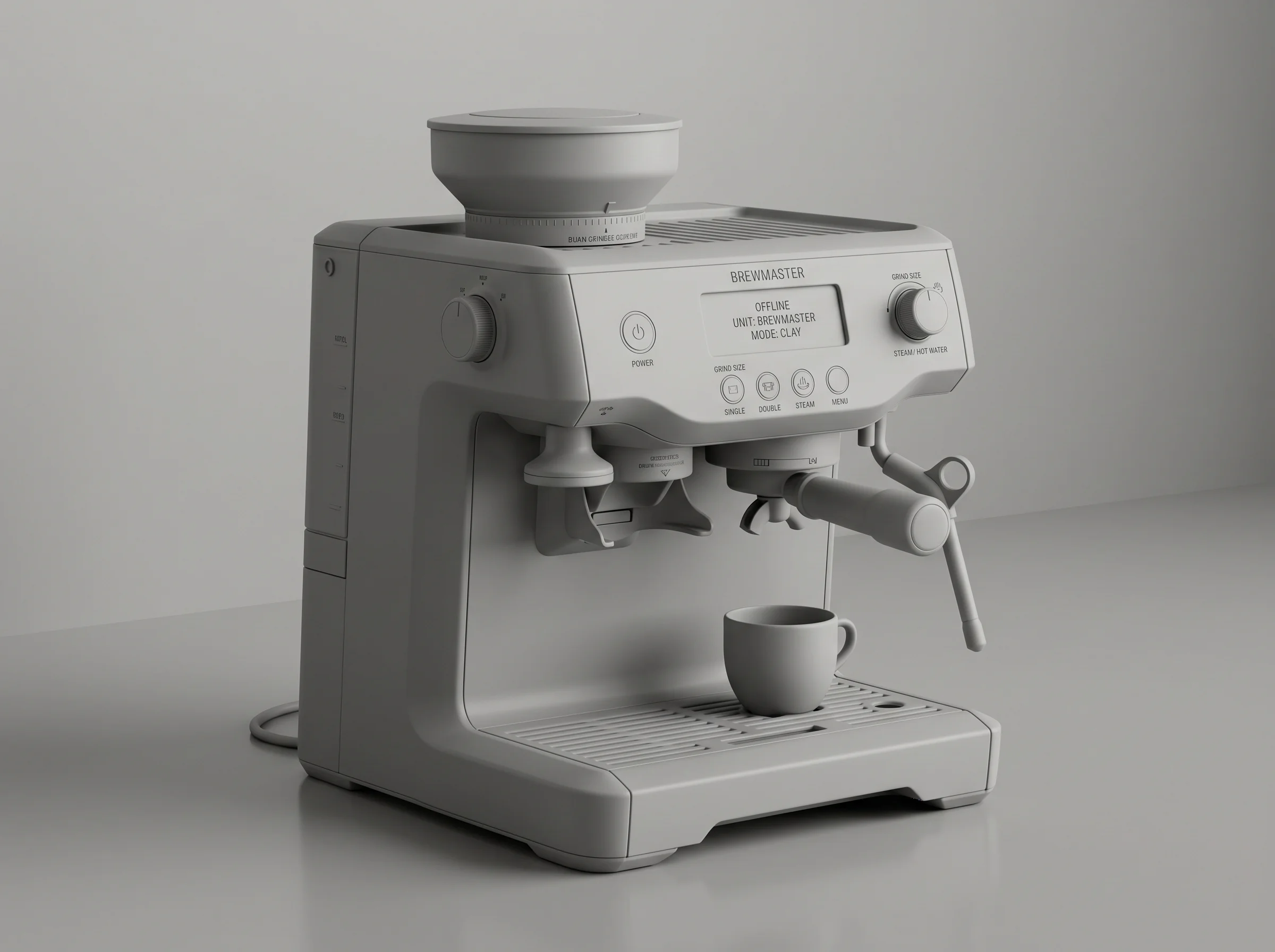
- Materials and lighting. First versions are delivered as clay renders or quick lookdev previews. Half the value of a clay render is that everyone shuts up about texture choices until the camera angle is locked.
- Review round one. You mark up the previews. We adjust.
- Final renders. Higher resolution, longer render times, the full output list.
- Post and delivery. Compositing in Photoshop, animation finishing in After Effects, packaging into the final formats.
Change orders happen. Serious projects always have some. We price the initial scope honestly and quote revisions outside that scope when they come up — we do not hide them in the original number and then complain when they arrive.
How to brief us
A good brief gets you a better quote and a faster project. The information that helps most:
- What the product is and what it does. One paragraph is enough. Engineering drawings are great if you have them, photos and dimensions are fine if you do not.
- Which deliverables you actually need. Hero shots, lifestyle, exploded views, animation, configurator — be specific so the quote is specific. If you are not sure, list what you would do with the imagery and we will recommend.
- How many variants. One SKU, twelve SKUs, a hundred. The shape of the project changes at each tier.
- Output specs. Resolution, aspect ratios, intended platform. A render sized for an Amazon listing is different from one sized for a printed trade catalog.
- Brand and visual references. Mood boards, competitor pages you like, lifestyle photography you want the renders to sit alongside.
- The deadline. Real one, not aspirational. If the campaign launches on a fixed date, tell us up front so we can confirm the scope is achievable.
For a related sense of how we approach broader product visualization work, see our 3D product visualization page. For category-specific examples on the furniture side — one of the most common briefs we receive — see 3D furniture modeling.
What we do not do
Worth being explicit about, because clients sometimes ask. Some of these are routinely bundled with product rendering by other vendors, and we want the expectation to be set correctly before a brief lands.
- Production-engineering CAD. We do not produce tooling files, manufacturing drawings, or precision industrial mechanism designs. If you need a part that will be machined to a spec, the engineering needs to come from your team or your engineering partner. We can render the result.
- Stamped or certified engineering documents of any kind — no professional engineer stamps, no load calculations, no compliance certifications.
- Photography retouching as a standalone service. We work in 3D. If your existing photos are unusable and you are looking for a Photoshop bureau, we are the wrong call.
- Product strategy and category management. We render what you are selling. We do not decide what you should be selling.
None of these are common requests, but they come up enough that listing them saves a round of email.
Why work with us specifically
Honest version. We are not the world’s best product render studio. There are boutique shops that focus only on jewelry or only on automotive interiors and produce single hero images that we cannot match shot for shot. What we offer instead is breadth and volume. Over 2 decades in operation, more than 1,500+ projects across many categories, and a team that can take a brief from CAD cleanup through photoreal stills and animation into a deployed WebGL configurator without subcontracting any of it.
For most commercial product rendering work, that combination is the right trade. You are not buying a single trophy image. You are buying a production pipeline that can deliver a usable catalog, a working ad campaign, and an interactive product page on schedule.
And if what you actually need is the asset rather than the imagery — a model that has to work on a storefront or in AR, not just look right in a render — that is 3D product modeling services.
[…] is the unglamorous half of product visualization work — the same models that carry your product rendering only earn their keep on-platform when the delivery files respect the gates above. Specs in this […]