
When a client asks for examples of 3D product animation, they almost never mean “show me a flashy reel.” They mean: what does the actual deliverable look like for a product like mine, and what kind of brief do I need to write to get there. This post answers that, using the kinds of jobs we run through the studio most weeks — mechanism explainers, exploded views, short marketing spots, and configurator-adjacent loops built from CAD data.
We are an archviz, product, and interactive studio. Product animation sits next to product CGI and WebGL in our pipeline, which means most of the work below shares geometry and materials with still renders we also deliver. That overlap matters when you are budgeting.
What 3D Product Animation Actually Means In Our Pipeline
“3D product animation” is a wide bucket. In ours it means a rendered, scripted, camera-driven sequence of a manufactured object — consumer good, industrial machine, fixture, mechanical assembly — doing something useful: rotating, exploding, assembling, operating, or being placed in context. It is not character animation. It is not architectural walkthrough. It is the product as the subject, with the camera, light, and motion built to communicate function or appeal.
Most jobs start from one of two inputs. Either the client sends CAD (usually STEP, sometimes IGES or native SolidWorks), or they send reference images and we model from scratch. STEP files are common in industrial and mechanical work; consumer-product clients more often bring photography or a physical sample we reverse-engineer to 3D.
Examples Of 3D Product Animation We Actually Produce
Rather than describe categories in the abstract, here is the work we run through the studio, grouped by what the animation is meant to do.
Mechanism And Function Explainers
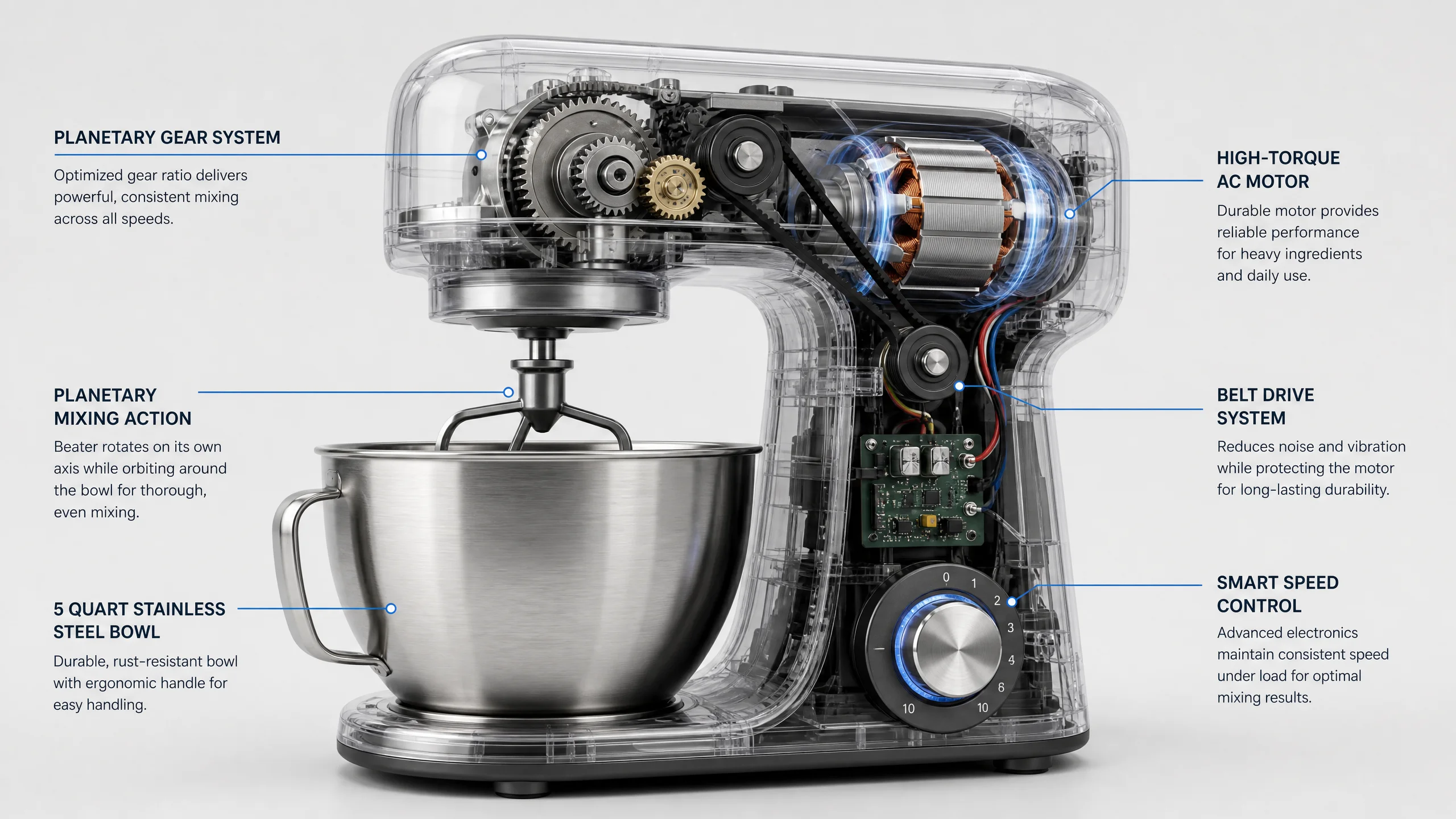
The single most common request. Client has an industrial product — a hydraulic attachment, a valve, a pump, a piece of construction equipment, a kitchen appliance with a non-obvious internal mechanism — and a sales team that is tired of explaining how it works on calls.
The deliverable is usually 30 to 90 seconds. It shows the product whole, then cuts inside (transparent casings, ghosted shells, or hard-cut sections) to reveal the mechanism in motion. Labels and arrows sit on top in After Effects.
- Source geometry from client STEP files, cleaned and re-topologized where needed.
- Material work focused on metals, plastics, and rubber — the things that read wrong if you cheap out on shaders.
- Animation timed to the actual function (a pump cycle, a stroke length, a gear engagement).
- Final composite with callouts, brand-aligned typography, and a short outro card.
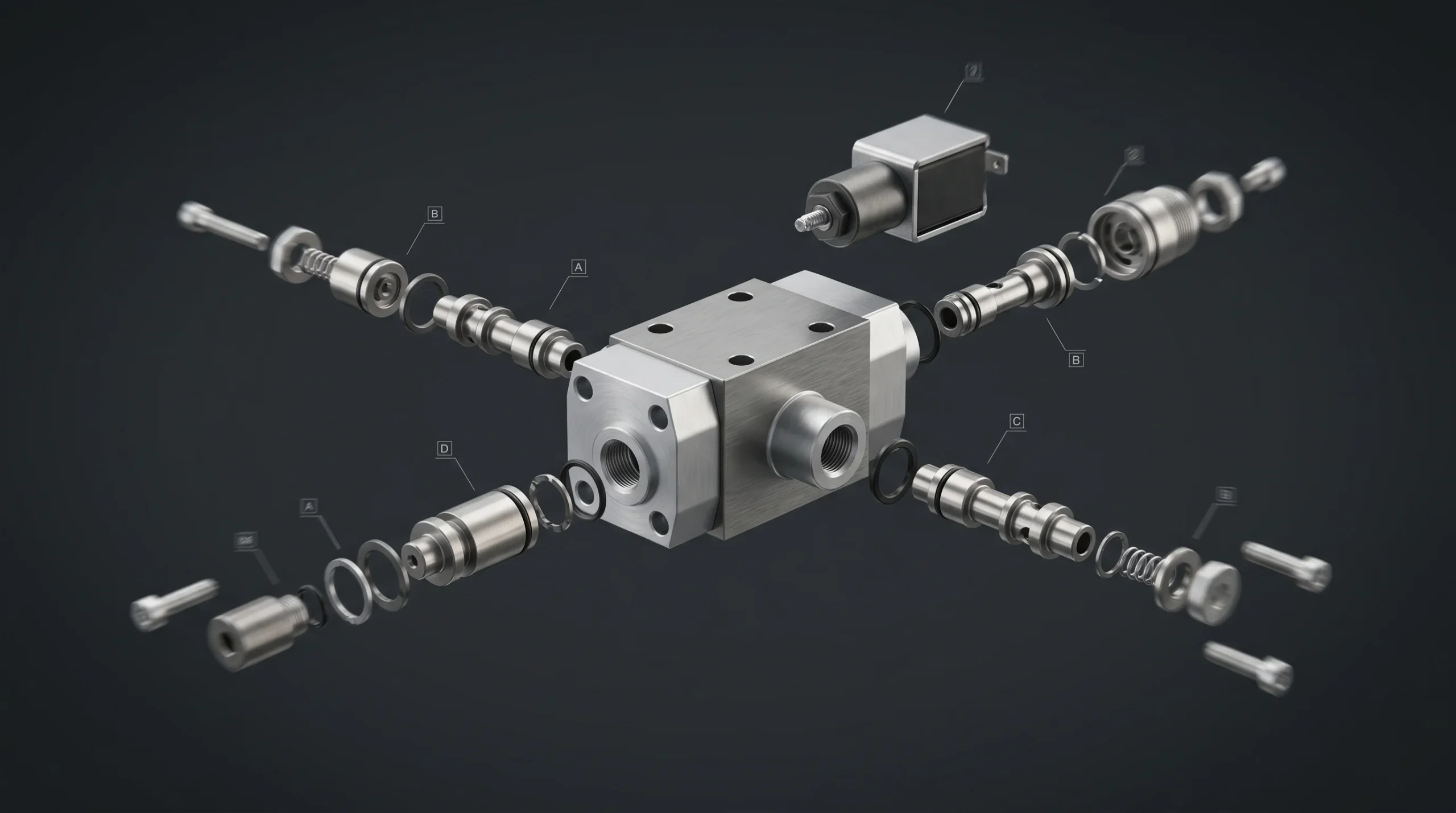
Exploded Views And Assembly Sequences
A close cousin of the mechanism explainer. Instead of showing function, we show how the thing is built. Components fly out along their assembly axis, hold, then reassemble. These are useful for service manuals, sales decks, and trade-show loops.
One honest note: explosions look easy and are not. Getting the timing to feel mechanical rather than arbitrary takes iteration. A bad exploded view reads like parts vomiting out of a box. A good one reads like the engineer pulled it apart on the bench.
Marketing And Product Hero Spots
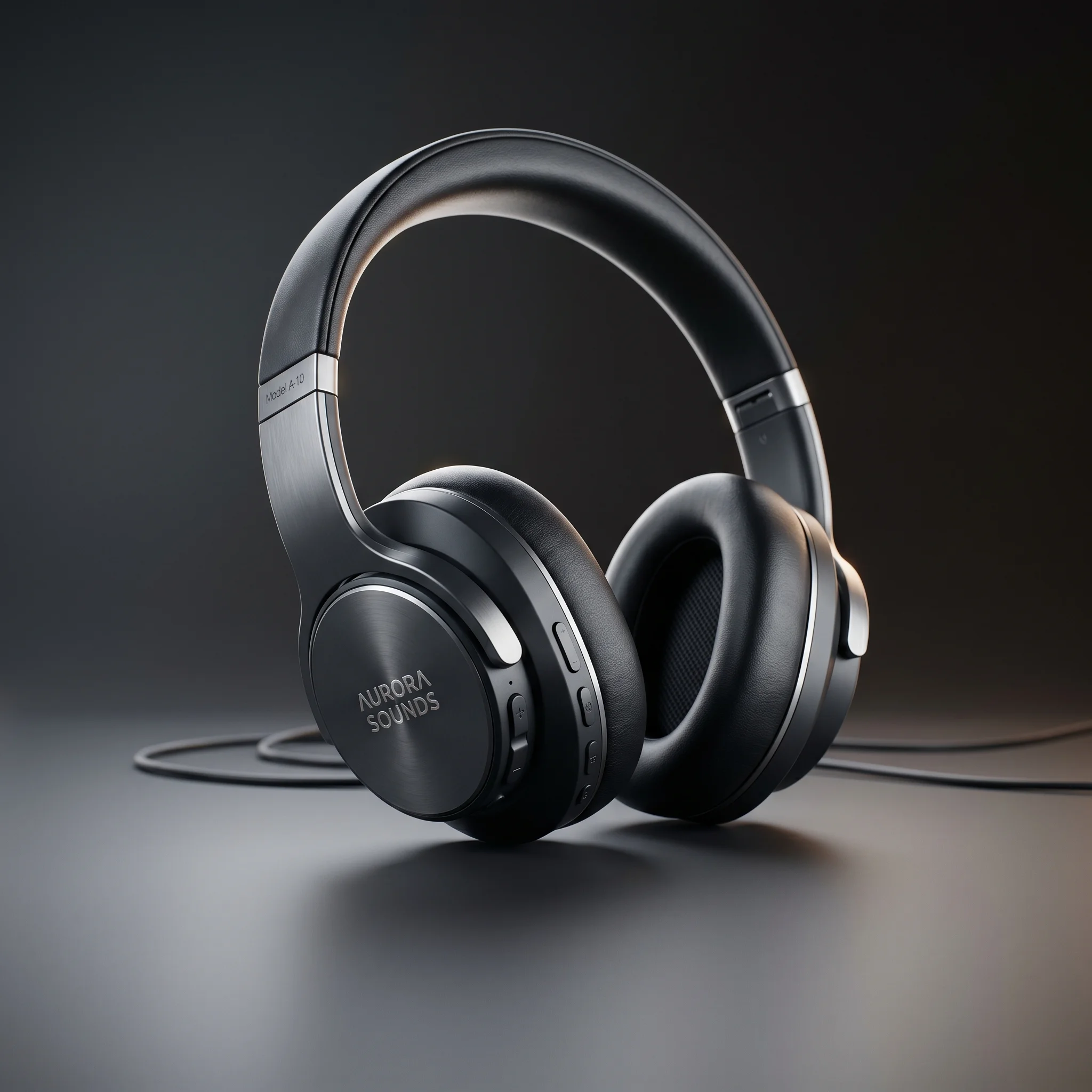
Short, polished, atmospheric. Often 15 to 30 seconds, scored, designed for a website hero or a paid social cut-down. Less “how does it work” and more “look at this thing.” Consumer products dominate here — furniture, lighting, small appliances, tools, electronics.
These usually share assets with a still-image campaign. A client commissions a hero render, a set of detail shots, and a 20-second motion piece off the same scene. That is the budget-efficient way to commission product visuals, and we recommend it whenever there is going to be any marketing photography work.
Configurator-Adjacent Animation
When a client has a WebGL configurator on their site, they often also want short pre-rendered clips for the parts of the experience the configurator does not cover — packaging, onboarding, mode transitions. We build these from the same models the configurator uses, which keeps shading and proportions consistent across the funnel.
This is one of the places our combined CGI + WebGL workflow pays off. Single source of truth for geometry, materials matched between the offline renderer and the real-time engine. If you are scoping a configurator project, ask for the explainer animation at the same time.
What We Do And Do Not Animate
To save everyone time, here is the honest scope.
We do: industrial machinery, mechanical assemblies, consumer products, furniture, fixtures, appliances, equipment attachments, packaging, and the marketing spots and explainer videos built around them. We also do short animated logo intros and brand stings when they are bolted onto a product animation we are already producing — we will deliver the 3-second logo build to bookend a 60-second product explainer. We do not run standalone motion-graphics shops or full broadcast brand identity systems; if the logo work is the whole brief and there is no product CGI attached, you want a motion-design studio, not us.
We do not: food animation as a specialty (it has its own shader and simulation discipline), character work as the main event, broadcast-grade game cinematics, or anything requiring stamped engineering documentation. We will turn down a brief that needs structural calculations or production-ready manufacturing engineering. That is not what a viz studio is for.
How A Product Animation Job Runs Through The Studio
Roughly the same shape for most briefs:
- Brief and reference. What is the product, who is the audience, where will the video play, and how long should it be. Reference clips help more than mood boards here.
- Geometry intake. Either STEP/CAD cleanup or modeling from scratch. CAD imports almost always need topology work for animation — raw STEP geometry is fine for stills but tends to deform badly when animated.
- Storyboard and animatic. Rough camera plan, key beats, approximate timing. We sign off on this before we touch shading or lighting, because re-timing after final rendering is the expensive mistake.
- Look development. Materials, lighting, and one or two key frames rendered at final quality so everyone agrees on the look before we commit a render farm to the full sequence.
- Animation and rendering. Final pass in 3ds Max with Corona for offline work, or Blender / real-time engines where the brief calls for it.
- Composite and delivery. After Effects for callouts, color, and audio integration. Delivery in whatever codec the destination needs.
The biggest cost driver is animation length and complexity, not resolution. A 15-second hero spot at 4K is almost always cheaper than a 60-second mechanism explainer at 1080p, because the explainer needs more modeled internals, more shader work, and more layered comp passes.
Picking The Right 3D Product Animation Example For Your Brief
If you are about to write a brief, the most useful thing you can do is decide which of the buckets above your project lives in. The answer changes the budget, the timeline, and the team:
- If your goal is to explain function to a buyer who keeps asking the same questions on sales calls — you want a mechanism explainer.
- If you need to show how the product is built or serviced — you want exploded views.
- If you want a short, beautiful clip for the top of your homepage — you want a marketing hero spot.
- If you are already building a configurator or 3D web experience — bundle the animation into that scope.
And if you are not sure, send us the product. Most of the time, ten minutes on a call is enough to tell you which version actually fits the goal. Background: 1,500+ delivered projects across architectural, product, and interactive work — patterns are familiar by now.
For broader context on how product animation sits inside our wider 3D animation services, or how it pairs with stills via 3D product visualization, the linked pages cover scope and process in more depth. A more general 3D product animation overview is also available.