3D animation is one of those services that gets sold on hype and delivered on grind. We’ve spent over 2 decades producing it for developers, product manufacturers, agencies, and the occasional film and game project — and the honest answer is that most of the value comes from doing the unglamorous parts well: building a model that actually holds up under a moving camera, choosing a shot list that answers the question the client really has, and finishing with a cut that people watch all the way through.
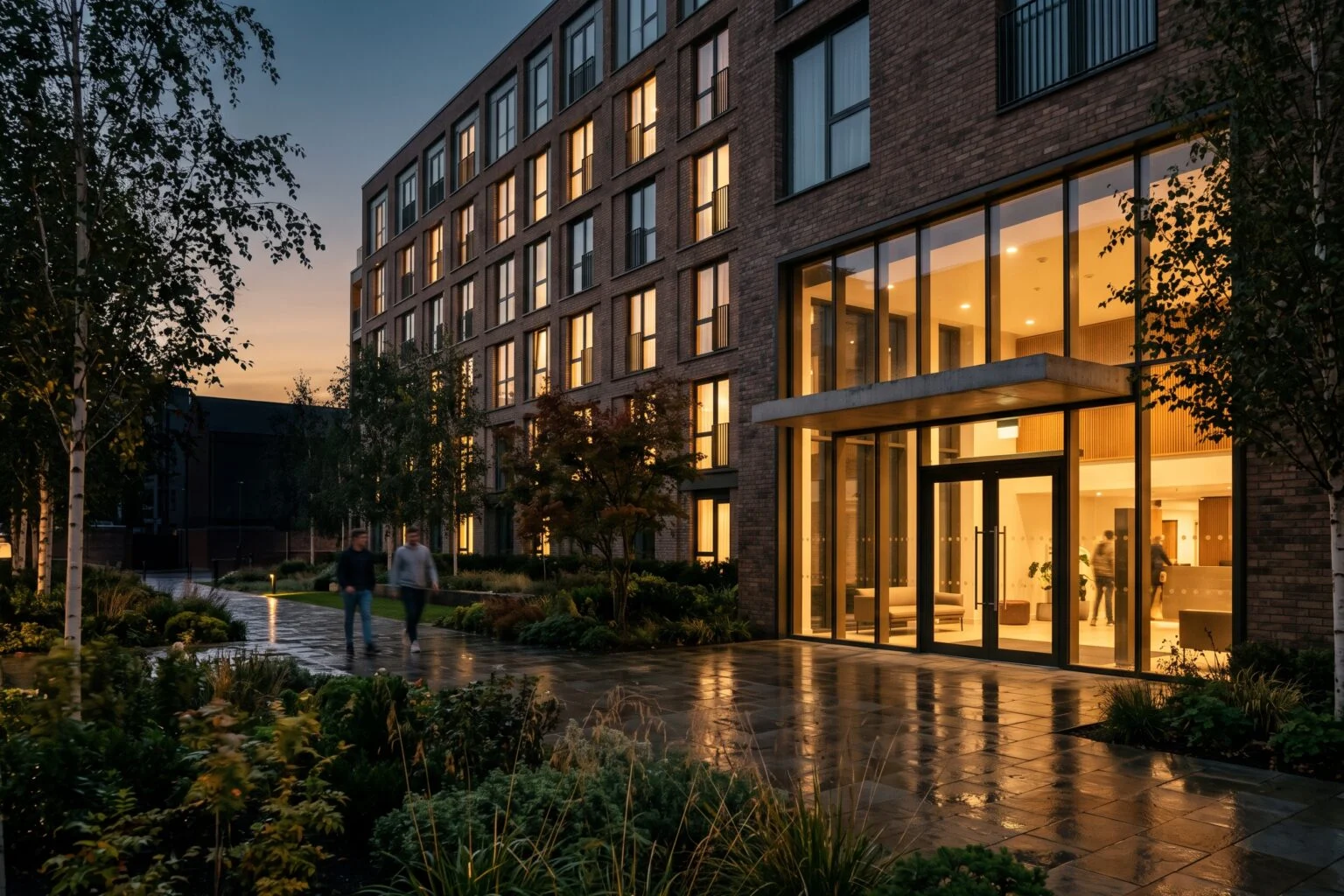
This page is the hub. Below, we lay out what we actually deliver under the umbrella of 3D animation, the tools we use, and where to go for the deeper service pages.
What 3D animation means at this studio
We treat 3D animation as three working categories, because the audiences and pipelines are genuinely different:
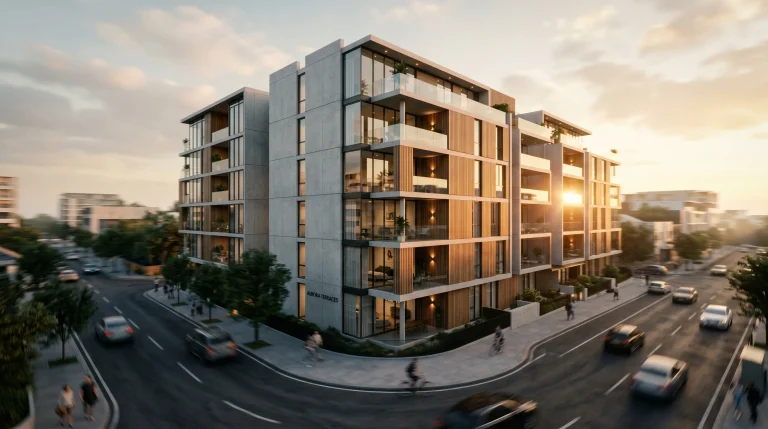
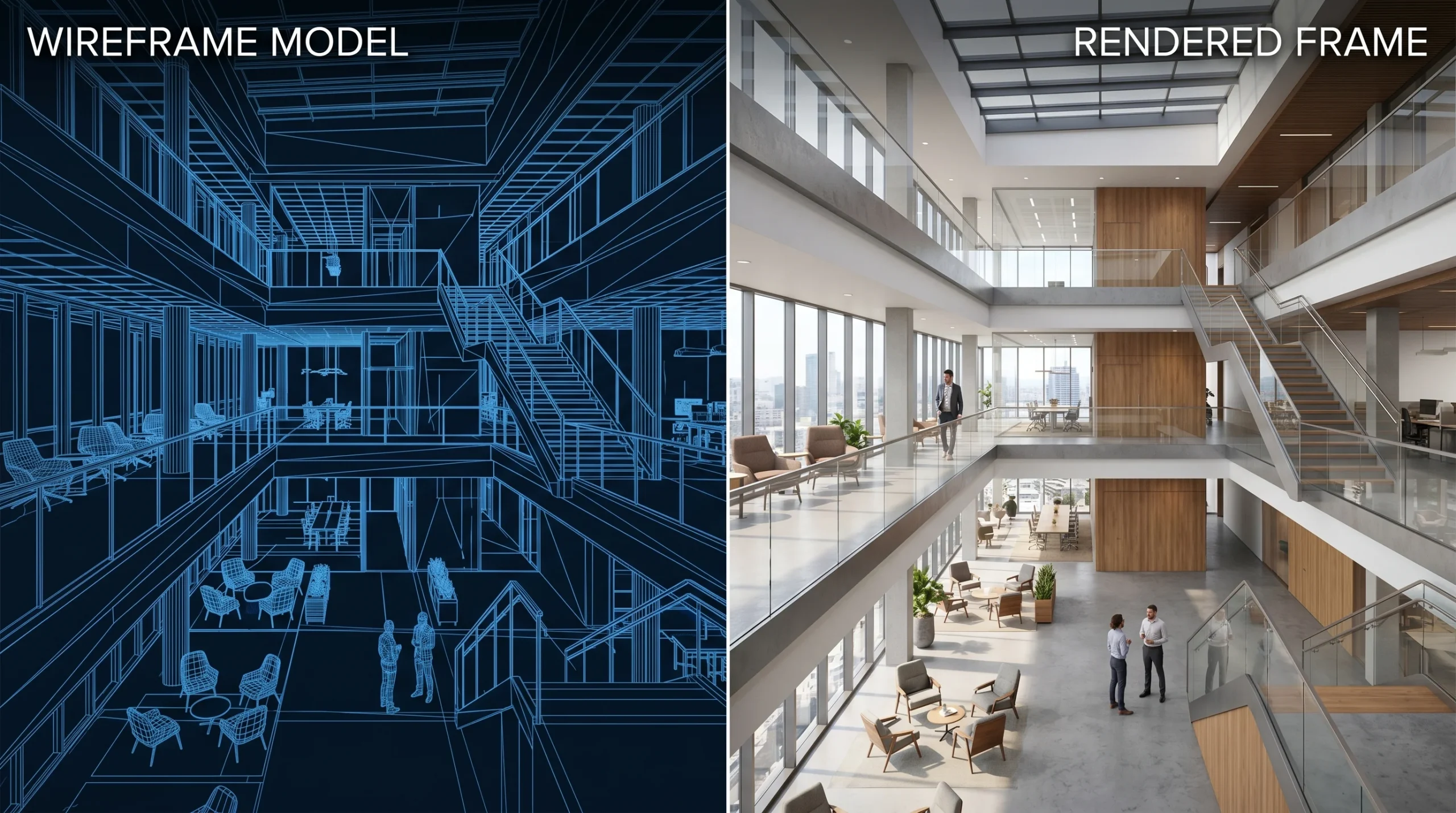
- Architectural animation — exterior flythroughs, interior walkthroughs, marketing reels, and presentation videos for buildings that don’t exist yet. Most of our animation revenue lives here.
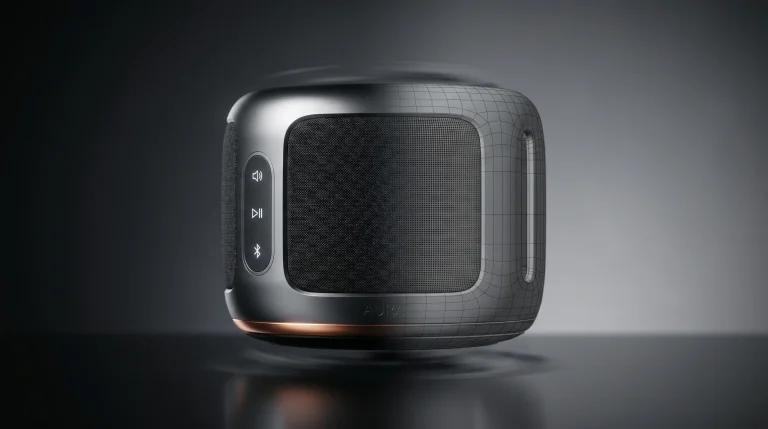
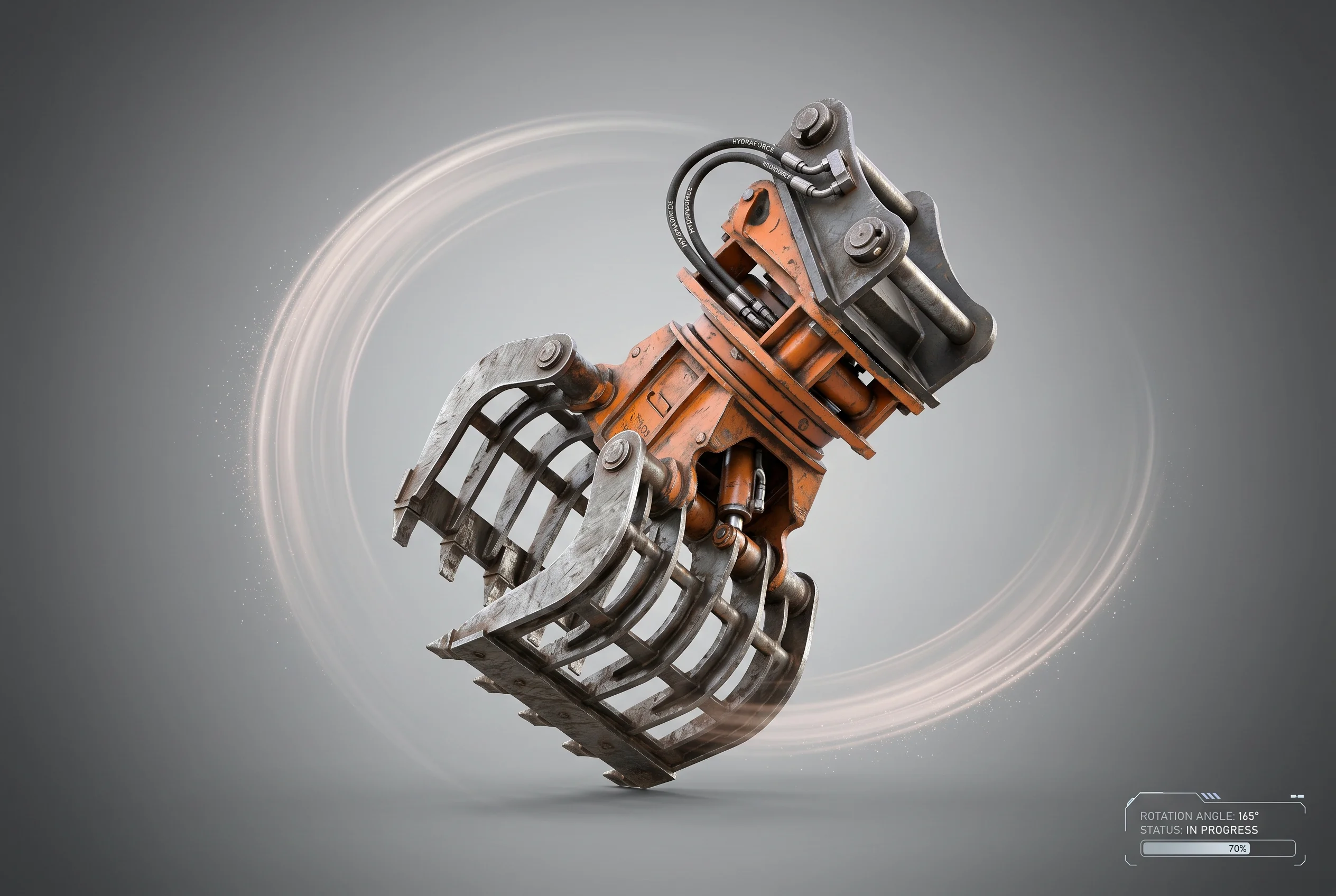
- Product animation — explainers, exploded views, mechanism demos, marketing spots. Common for consumer goods, machinery, construction attachments, and furniture.
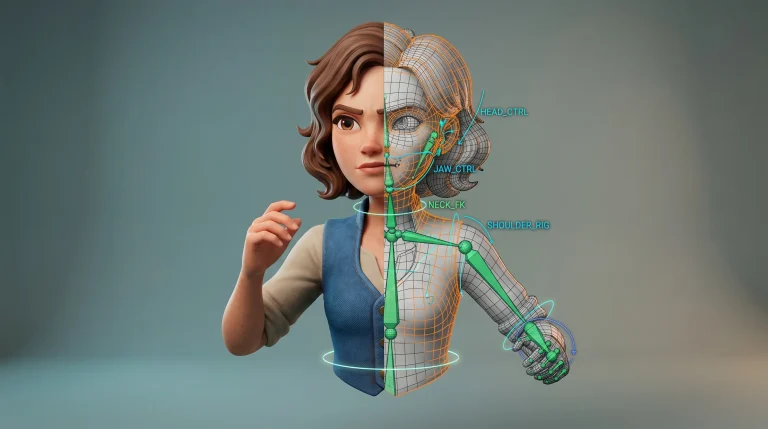
- Character animation — stylized or realistic, 2D concept through 3D rigging and motion. Available, but not the bulk of our work. We’ll take the right brief.
Two things we don’t claim. We’re not a feature-film VFX house. And we don’t pretend that adding a camera move to a render automatically makes it a great animation — half the projects we take over from elsewhere fail because someone treated the camera as an afterthought.
Architectural 3D animation (the bulk of the work)
For a developer pitching off-plan apartments, a walkthrough often answers questions that a drawing package cannot. Investors don’t usually want to decode elevations. Sales agents need something they can put on a phone screen. Planning panels respond better to context than to plans alone. That’s why this category dominates.
What we typically produce:
- Exterior flythroughs of single buildings, masterplans, and mixed-use sites.
- Interior walkthroughs of apartments, model units, hospitality spaces, and offices.
- Short marketing edits — 30 to 90 seconds — built around music, lower thirds, and a clear closing frame.
- Real-time, game-engine-driven walkthroughs when the client wants something interactive rather than a fixed cut.
If you want the long-form breakdown — process, deliverables, pricing logic — the architectural animation service page goes deeper. For builders specifically, we’ve written a separate piece on how this fits into a builder’s workflow, including how animation slots in next to renders and 360° tours during the approvals stage.
Product animation
The product side has its own logic. A 30-second explainer for a piece of industrial equipment lives or dies on the storyboard. If the audience can’t tell what the thing does by second 15, the render quality stops mattering. We spend more time on the brief here than people expect.
Typical deliverables include exploded-view sequences, mechanism walkthroughs, social-media-cut ads, and showroom loops. We can start from STEP files, work through CAD cleanup, build materials, and finish the animation in one pipeline — that part is fairly streamlined after 1,500+ projects.
The longer write-up on this sits on the dedicated product animation work page.
Character animation
Character work is real but not the centre of gravity. We’ve done mascot work for ad campaigns, explainer characters for technical/educational animation series, and stylized creature work for smaller film and game projects. Both 2D concept design and 3D modeling, rigging, and animation are in-house.
If you have a brief that mixes architectural environments with characters — for example, a marketing reel that needs people moving through a lobby — we can keep the whole job under one roof rather than splitting it across two studios.
Tools we actually use
Honest stack, no aspirational name-dropping:
- 3ds Max for modeling, scene assembly, and camera work.
- Corona Renderer for the rendered frames.
- After Effects and Premiere Pro for compositing, motion graphics, and the final cut.
- Blender when it’s the right tool — usually for specific modeling or simulation tasks.
- ZBrush for organic and character work.
- Real-time engines (game-engine pipelines) when a project genuinely needs interactivity or rapid iteration on look-dev.
- ComfyUI and AI-assisted passes when they help — usually for look-dev, environment generation, or post — but the animation itself stays a deterministic pipeline.
How an animation project usually runs
Every studio has a process slide. Ours, stripped of the marketing varnish:
- Brief and shot list. We agree on what the video needs to do, who it’s for, and roughly how long it should be. This is where we push back if the brief is fuzzy.
- Storyboard or animatic. Rough cameras, blocking, timing. Cheap to change here, expensive to change later.
- Modeling and look-dev. Whatever’s missing in the model gets built or cleaned up; materials and lighting get nailed before any frames are rendered.
- Animation and rendering. Cameras, motion, render passes.
- Comp and edit. Colour, grain, music, lower thirds, and the final delivery file.
Serious projects always have some change orders. We plan for them rather than pretending they won’t happen.
Who tends to commission this work
- Property developers and builders who need pre-construction marketing or planning materials.
- Product manufacturers who need explainer videos that work harder than a slide deck.
- Marketing and advertising teams briefing animation against a launch.
- Agencies working with us as a sub-contractor, where the end client is larger than the agency itself.
- Investors and pitch teams who need a visual the audience will actually remember.
Scope boundaries — what we’re not
To save everyone time on the discovery call:
- We don’t do stamped engineering of any kind — no structural, MEP, or permit certification.
- We’re not a high-end feature-film VFX studio. Cinematic-grade hero work is possible; full feature pipelines are not the right fit here.
- If a “product animation” brief is really a precision industrial-engineering exercise, we’ll narrow the scope to visualization-only and tell you upfront.
None of that is meant as a hedge. It’s the same conversation we’d have on a kickoff call, just earlier.