
3D character animation is a secondary service we take on when the brief is clear and the goal is something a viewer will actually watch — a brand mascot, an explainer with a recurring host, a stylized hero for a short ad, a rigged figure for a product walkthrough. We are a 3D visualization studio first. Animated characters are not the bulk of what we do. But over 2 decades and 1,500+ projects, the request comes up often enough that we keep the pipeline running: ZBrush, Blender, 3ds Max, Corona Renderer, After Effects, and the rigging and motion-capture clean-up work that sits between modeling and final render.
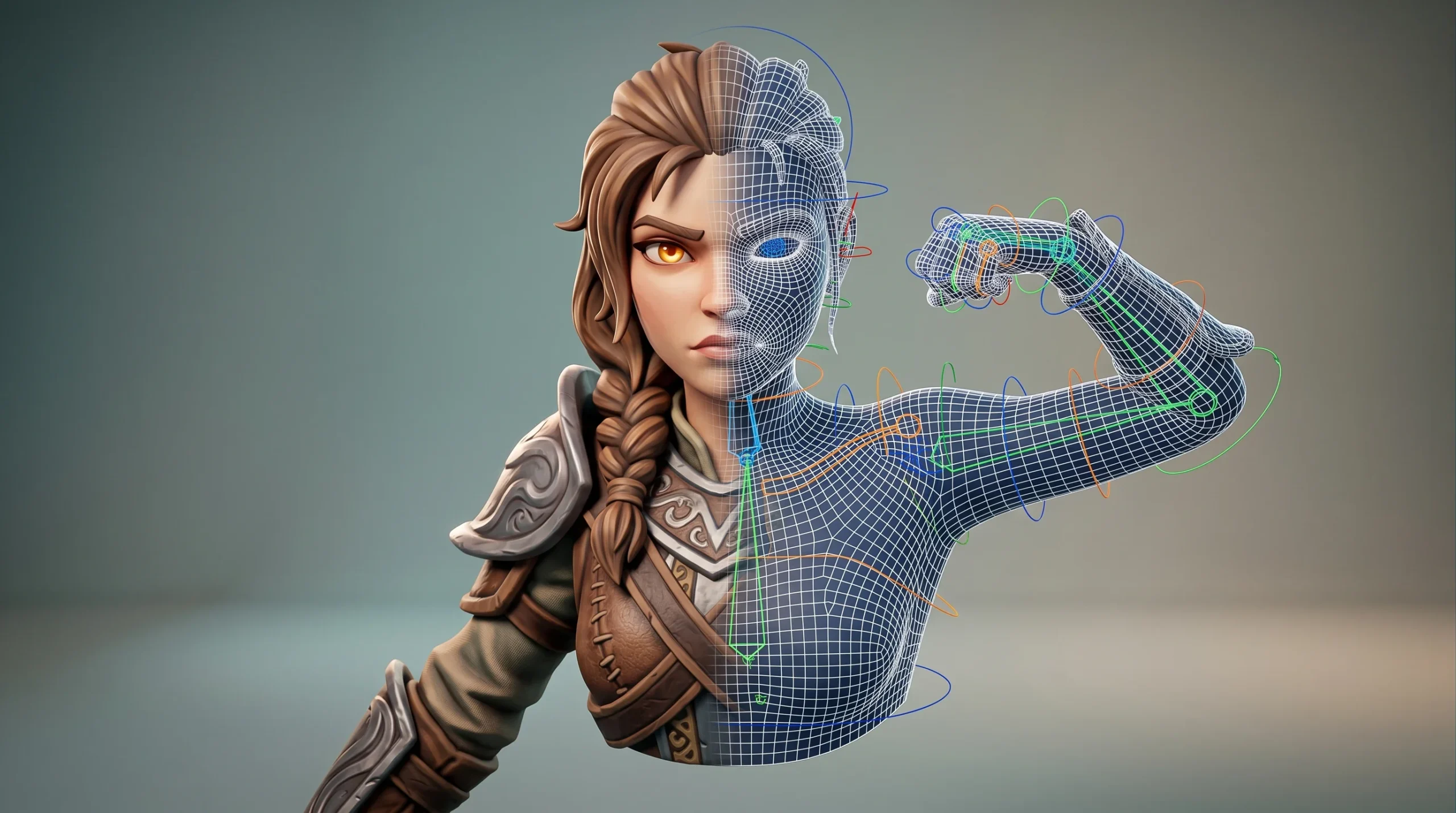
If you arrived here looking for the next Pixar short, we are not the right studio. If you need a believable mascot for a campaign, a rigged figure to demonstrate a product, or a stylized character to anchor an explainer video, we can do that, and we have done it before.
Where 3D character animation actually earns its budget
Most of the requests we see fall into a few practical categories. They are unglamorous, and that is the point — these are the jobs where animated characters do real work for a client rather than chasing a film-festival aesthetic.
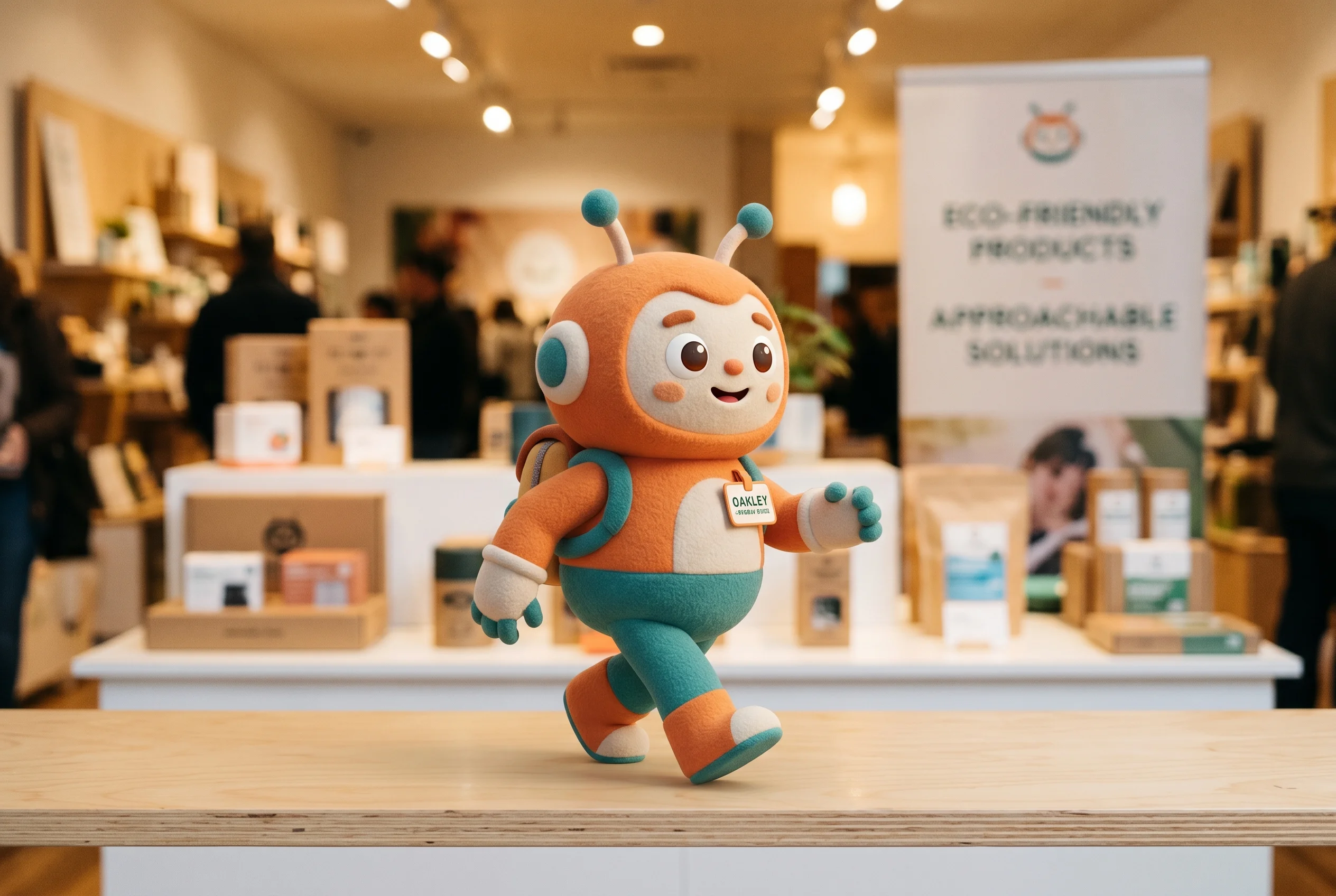
- Brand mascots and short ads. A recurring character that shows up across a campaign, social cutdowns, in-store screens, or a product launch reel.
- Explainer animations. Educational and B2B explainer videos where a character (sometimes stylized, sometimes near-photoreal) walks the viewer through a process, product, or service.
- Product demos with a host figure. A character that physically interacts with the product on screen — picking it up, pointing at a feature, demonstrating a workflow.
- Game-ready and web-ready figures. Low-poly optimization, clean UVs and textures, ready for Unity/Unreal handoff or for a Three.js scene.
- Character rigs for clients to animate themselves. Some studios just want the model and the rig — they will do the animation in-house. We can stop at that handoff.
Notably absent from that list: feature-length narrative animation. We do not pretend otherwise.
Realistic versus stylized — pick before modeling starts
The single most expensive decision on a character project is realistic versus stylized, and the decision needs to happen before anyone opens ZBrush. Realistic models live or die on skin shading, eye work, and facial micro-movement. Stylized models can carry more personality with less geometry but demand a stronger art direction up front. We’ve seen projects lose a week of work because the brief said “stylized” and the client kept comparing reference frames to photoreal cinema. Pin it down on day one.
A short heuristic we use with clients:
- Realistic when the character has to share a frame with live-action footage, photographic environments, or photoreal product renders.
- Stylized when the character has to carry brand personality, be reproducible across formats (web, print, social), or survive being squashed into a small avatar.
- Cartoon / non-humanoid when the goal is recognizability and the object itself — a bottle, a box, a piece of machinery — is the hero.
The methods we actually use
There are four animation methods that cover almost every brief we accept. They are not exotic. They are the ones that get the job done.
Keyframe animation
The default. The animator sets key poses on the timeline; the software interpolates between them; the animator then cleans up the curves so motion feels weighted rather than floaty. Best for short cycles, looping mascot animations, and anything where the timing is going to be tweaked twenty times before sign-off.
Trajectory animation
Used when the character (or a flying object, or a vehicle, or a camera with attitude) follows a defined path through the scene. Cheap, fast, and surprisingly effective for product shots where a stylized character circles the product or a logo-bot sweeps in to deliver a closing line.
Animation in a dynamic environment
The cape that flutters, the hair that drifts underwater, the cloth that bunches when a character sits. This is simulation work — cloth, hair, soft-body — layered on top of the base animation. It is expensive. Most briefs do not need it. When they do, we budget it explicitly rather than smuggling it in.
Motion capture clean-up
We don’t run a mocap stage. What we do take in is mocap data the client has already captured (or commissioned), then clean it, retarget it to our rig, and finish the animation. It saves the client weeks on long-form character motion and is often the right call for any sequence with sustained natural locomotion — walking, dancing, sports.
How a character animation project runs with us
The workflow is boring in a good way. Most surprises on character projects come from skipping steps, not from the steps themselves.
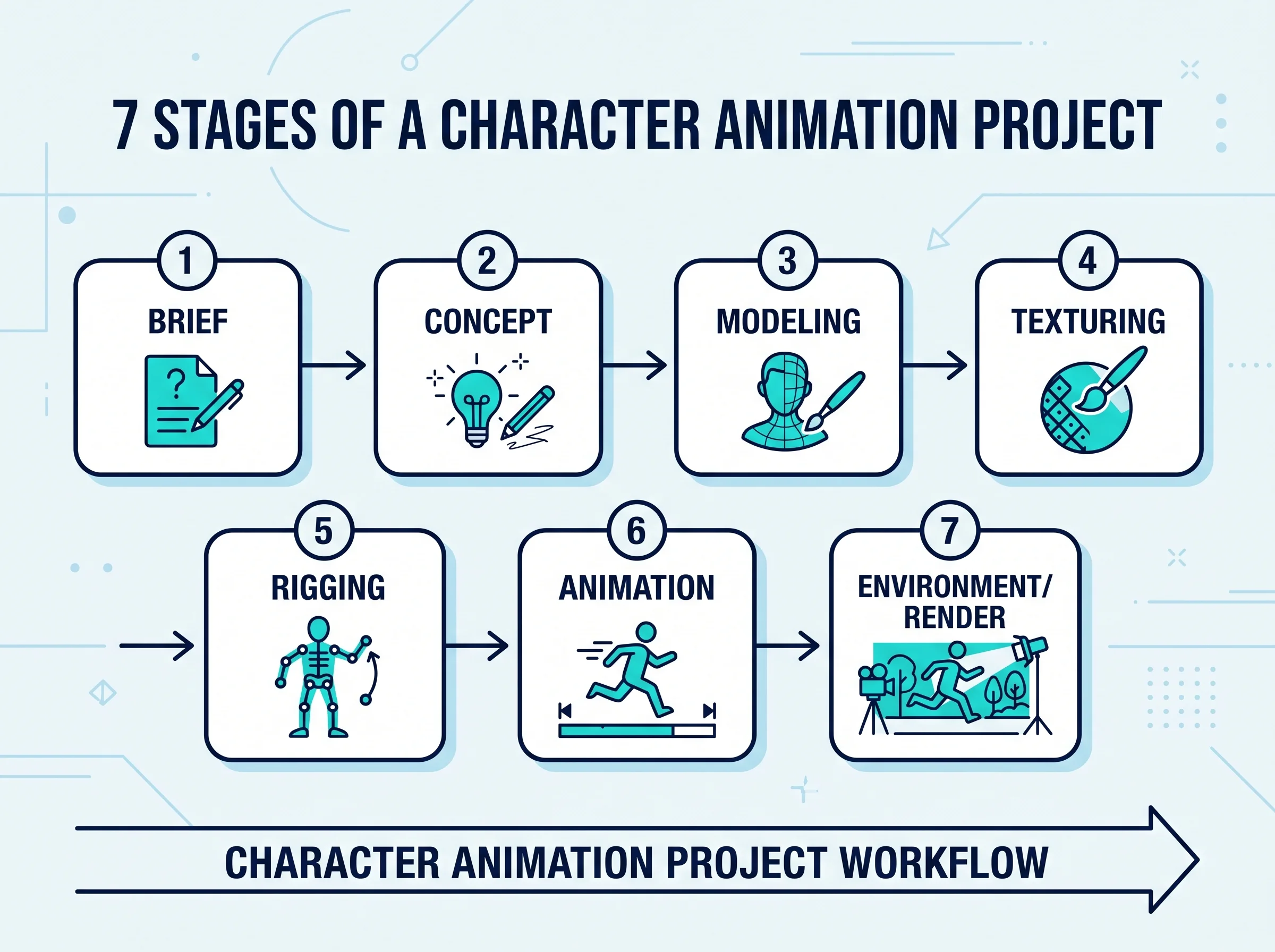
- Brief and references. What is the character for? Where will it be seen? Realistic or stylized? Who else has done something close to the visual target?
- Concept and turnaround sheet. 2D concept art or rough 3D blockouts. Front, side, three-quarter views. Facial expression sheet if the character will emote.
- 3D modeling. ZBrush for organic forms, Blender or 3ds Max for hard-surface and retopology. Topology is built for animation from the start — uniform quads through the deforming zones.
- Texturing and look-dev. Materials, skin or stylized shading, hair grooming if needed. A still test render so the look is locked before motion starts.
- Rigging. Skeleton, controls, skinning, facial rig if the brief includes lip-sync or expression. Half the value of a clean rig is that animation iterations stop being painful.
- Animation. Blocking pass, spline pass, polish pass. Client review at each pass — change orders are cheaper at blocking than at polish.
- Environment, lighting, render, comp. Background, lighting setup, render passes through Corona, final composite in After Effects. Audio and edit if the brief includes them.
A short, single-character ad with stylized look and basic motion is a different budget from an explainer with five characters, lip-sync, and a furnished interior environment. We scope each piece against the brief — there is no flat-rate menu, and any studio that quotes you one without seeing the spec is guessing.
Where character work sits next to our other services
Character animation often shows up alongside the work we do every week. A property developer commissioning a building flythrough sometimes wants a stylized host character to introduce the project. A product manufacturer commissioning a product configurator wants a rigged figure to demonstrate scale and use. If your project is primarily an architectural animation or a product visualization with a character element, the character side fits naturally into the same pipeline. If your project is primarily a character piece with a 3D environment around it, the same is true in reverse.
We are a studio that covers a lot of ground rather than a niche character-animation house. That is honest framing, not a hedge.
When we’ll push back on a brief
A few situations where we will tell you the brief needs work before we’ll quote:
- The reference board is half photoreal cinema and half stylized cartoon. Pick a lane.
- The character has to do something physically specific (a sport, a dance, a fight) and the budget assumes keyframe animation. That kind of work belongs on mocap, with budget for clean-up.
- The brief describes a feature-length narrative. We will refer you elsewhere.
- The character needs to be rendered in real time in a browser. Doable, but the model, rig, and animation get built differently from offline-rendered work, and we’ll scope it accordingly.
Tools, in case you care
3ds Max and Corona Renderer for the studio default. Blender for projects where the asset pipeline favors it. ZBrush for organic sculpting. SolidWorks when the character is mechanical and needs to derive from CAD. After Effects and Premiere for finishing. Three.js when the deliverable is a web-embedded character. None of this is exotic — it’s the working set most professional pipelines settle on.