
Most builders don’t lose approvals because the design is bad. They lose weeks because the people who need to sign off — investors, planning officers, end buyers — can’t read the drawing package fast enough to make a confident decision.
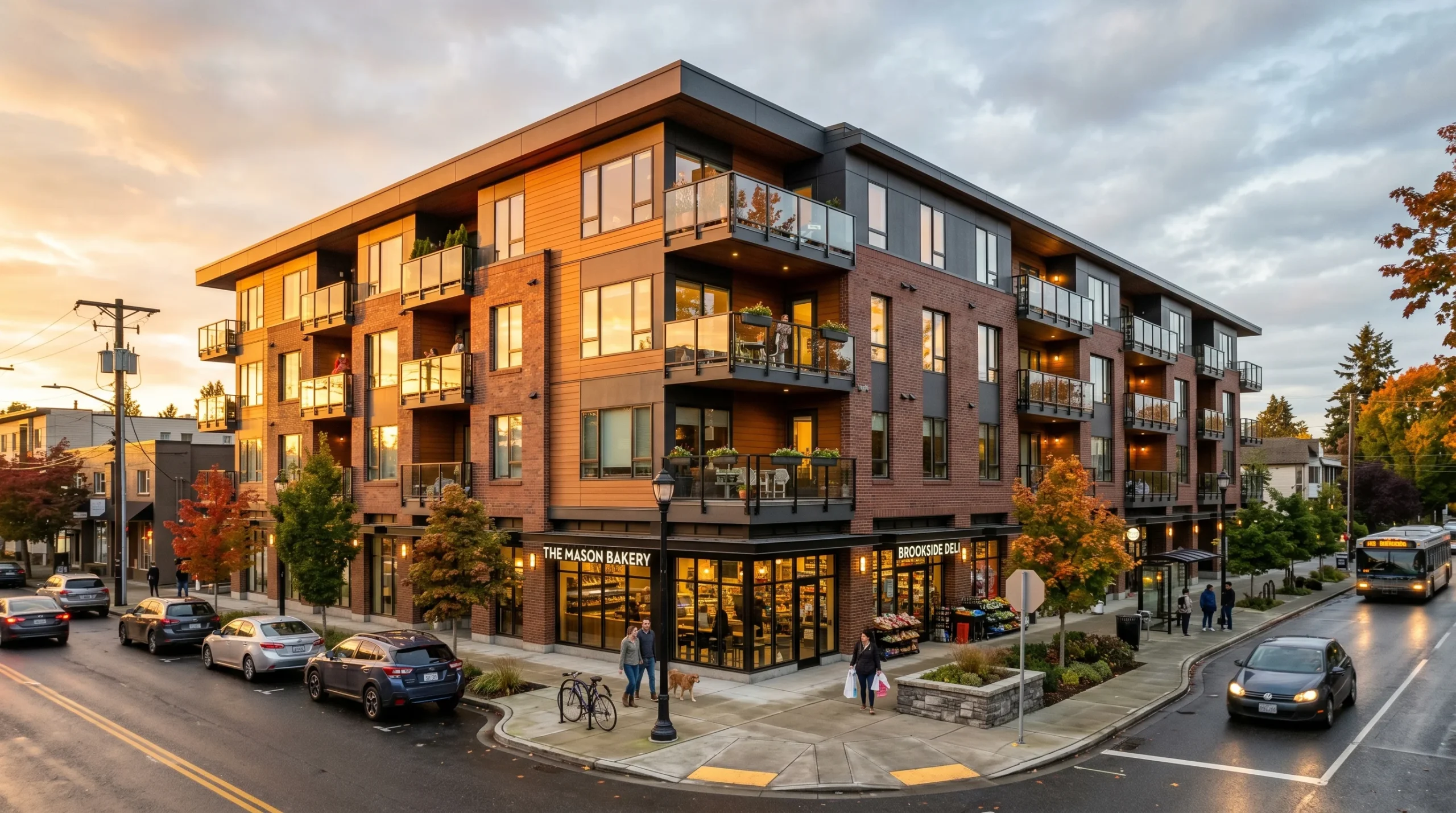
That’s where architectural visualization for builders earns its place. It turns plans, elevations, and sections into images and animations a non-technical audience can actually parse — while the design is still movable, before the project gets locked into changes nobody wanted.
For builders, the math is simple. The earlier the scheme is understood by everyone who needs to understand it, the easier it is to get sign-off, keep investor confidence steady, and avoid the late arguments that almost always land on the same things — façade treatment, massing, finishes, access, site layout.
Used well, 3D visualization helps a builder explain the project clearly and avoid the misunderstandings that usually surface late, when changes are expensive.
It won’t remove change orders. Serious projects always have some. But it does help the team make decisions earlier, present the build more clearly, and market the scheme without re-explaining it from scratch every time a new audience walks into the room.
What architectural visualization includes
The work splits into two parts that solve different problems:
- Exterior visualization — the building in context. On the plot, against the street, with landscaping, access, and lighting. This is usually what planning teams, investors, and off-plan buyers want to see first.
- Interior visualization — spatial quality, material choices, furniture layout, the feel of the finished space before fit-out begins. Often the difference between a concept that stays in the drawing set and one that gets approved for the next stage.
For residential, commercial, hospitality, mixed-use, and industrial projects, the principle is the same. The right visual speeds up review and makes the design legible across the whole project team — not just the people who read drawings for a living.
If you want a deeper look at the range of outputs we produce on the archviz side, our 3D architectural design page covers the formats and use-cases in more detail.
How architectural visualization for builders actually works
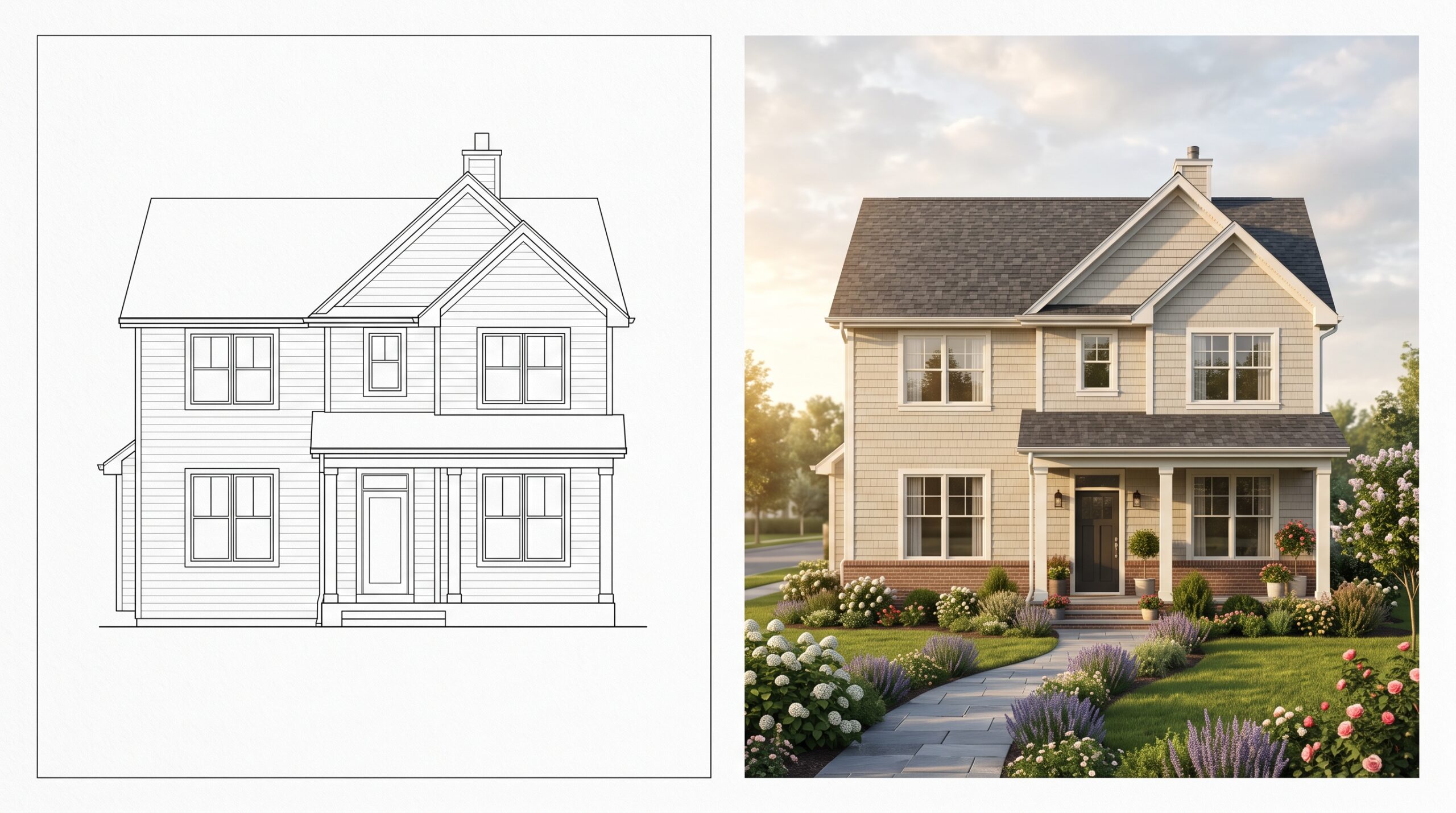
3D rendering starts from your drawings and project data. We model the building, apply materials, place it in the site context, and tune the lighting so the result reflects the intended design — not a flat technical massing model that nobody finds convincing.
The practical levers are simple, but each one changes how the project is read:
- Lighting — time of day, weather, mood
- Texturing — finishes, materials, ground treatment
- Composition — camera angle, framing, what the viewer’s eye lands on
From there, the output adapts to who needs to approve what. A planning committee may only need a handful of exterior stills. A developer marketing apartments off-plan often gets more value from a walkthrough animation, because video answers questions a drawing package cannot. A project under live design review benefits from an interactive WebGL presentation — the team can compare finishes and layouts on the spot, instead of waiting two weeks for the next round of renders.
Half the value of an early clay render is that everyone stops arguing about texture choices until the camera angle is locked. That’s a small thing. It saves real time.
We work from plans, elevations, sections, the site plan, and whatever supporting references clarify design intent — material boards, sketches, photos of similar buildings. Where it helps, we can plug into a BIM-linked workflow or pull from technical data the team already maintains.

Why builders use visualization
Approve the concept sooner. A clear 3D presentation lets a client understand the proposal in minutes, not hours. Most investors won’t spend an hour decoding elevations and sections. They shouldn’t have to.
Show the building in real site context. Orientation, access, neighbouring buildings, road frontage, landscape treatment — these are the things that shape sign-off. A good exterior render answers practical questions that plans leave open:
- How does the building actually sit on the land?
- What do the finishes read like at street level?
- How visible is the entrance from the approach?
- Does the massing dominate the neighbours, or sit with them?
Support investor discussions. Technical drawings are necessary. They rarely carry the room on their own. A photorealistic visualization explains the quality of the scheme, the intended end result, and how the build fits the business case — useful when a developer is pitching a mixed-use scheme, a phased residential project, or anything that still needs confidence from partners on the fence.
Help with pre-sales and marketing. Builders and developers often need visuals long before completion — to generate interest, present a phased rollout, or give a sales team something they can actually show. In practice that means exterior stills for brochures, interior visuals for sales packs, a virtual tour for remote buyers, or an animation for launch.
We’ve seen projects lose momentum simply because nobody outside the design team could understand what was being proposed. Good visuals close that gap.
What you receive
Finished photorealistic images or other agreed deliverables that show how the project will look in its final form.
Depending on the project, that may include:
- Exterior renders for planning, brochures, and pitch decks
- Interior renderings for sales packs and fit-out alignment
- Cinematic architectural animation for launch and investor presentations
- 360° panoramic tours for remote review and off-plan buyers
- Interactive WebGL presentations for live design review or option comparison
These materials work across investor decks, planning submissions, brochures, sales packs, websites, banners, and media advertising. One coherent set of visuals can carry both design approval and commercial communication, so the team isn’t re-explaining the project every time a new audience sees it.
The goal isn’t a polished render. The goal is a render that moves a decision, a response, or a sale forward.
Project types we cover
- Residential: single houses, apartment buildings, cottage settlements, country houses
- Commercial: office buildings, business centers, hotels, showrooms, retail and entertainment centers
- Industrial: warehouses, light industrial, logistics
- Site & landscape: landscape treatment, public realm, infrastructure context
What we need from you to start
To begin, we usually need drawings of the building — plans, elevations, sections — plus the site plan.
Photos of the site, references for similar buildings, material notes, sketches, or any design direction you already have help us match the intent. The more complete the input, the more precise the visualization. That said, if the brief is still developing, we can shape the deliverable to the stage the project is actually at, rather than waiting for everything to be perfect. Most projects don’t have everything pinned down when visuals are needed — that’s normal.